December has a look, and it lives on your screen. Before the tree is up or the first snow falls, your phone and laptop are the first things you see every morning — and the right wallpaper can make the whole month feel softer, calmer, and a little bit magical. A dreamy December aesthetic isn’t about cluttering your screen with tinsel; it’s about atmosphere.
Think muted winter palettes, soft bokeh lights, misty forests, and candlelit corners. The kind of images that make you exhale when you unlock your phone. This guide walks you through building that aesthetic step by step: choosing your palette, finding dreamy images, matching them across devices, and keeping everything readable and calm.
By the end, your screens will feel like December itself — quiet, glowing, and full of small wonder. Let’s start with the feeling you’re after.

Define Your December Aesthetic First
Before you download anything, decide what December means to you. Is it cosy cabin mornings with frost on the window? Sparkling city lights in the evening? Minimal Scandinavian calm with lots of white space? Picking a direction first stops your screens from becoming a jumble of clashing moods.
Shape your aesthetic:
● Choose one mood word — cosy, magical, serene, festive, or nostalgic — and judge every image against it.
● Pick a palette of two or three tones, like dusty blue and warm gold, or soft grey and candlelight amber.
● Save five inspiration images in a folder and delete any that don’t match the mood word.
● Write down where the wallpaper will live — lock screen, home screen, or desktop — because each needs different simplicity.

Choose Dreamy Over Busy
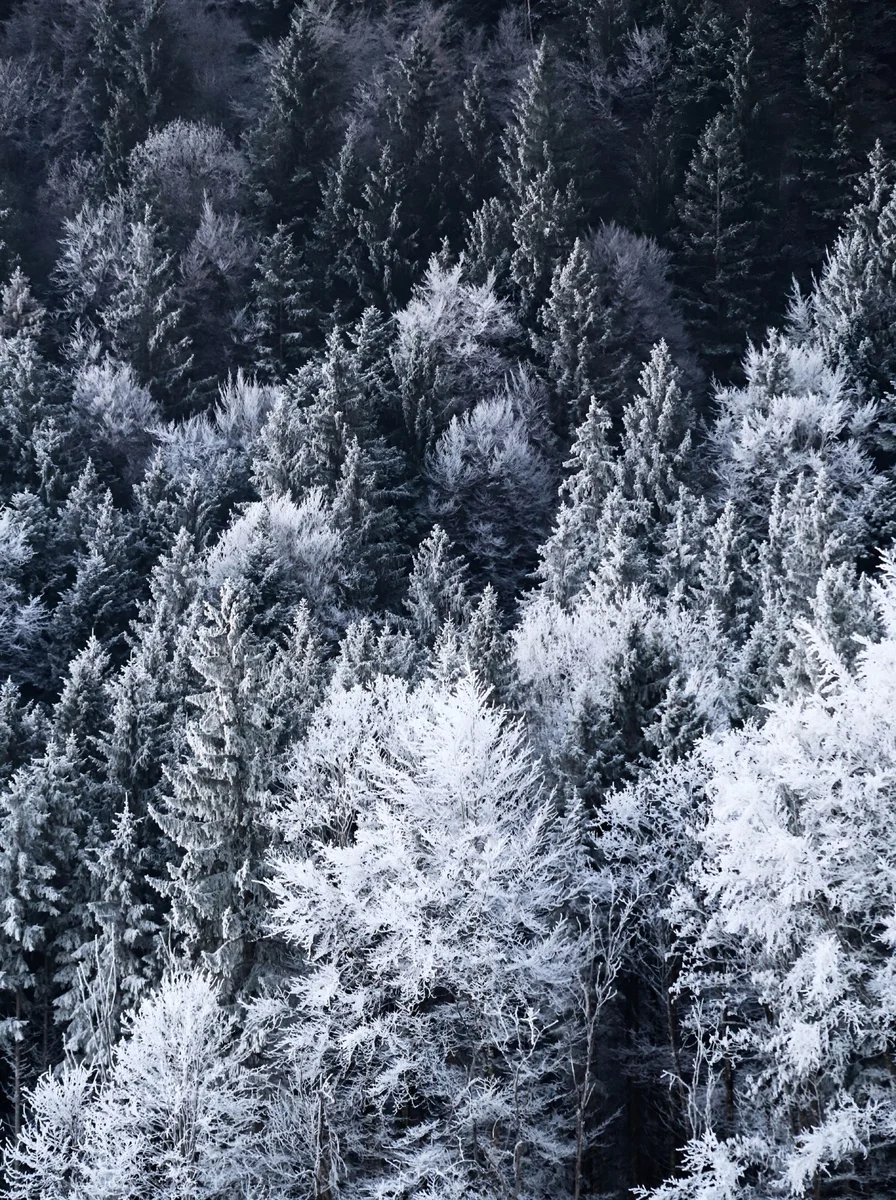
Dreamy wallpapers share one trait: softness. Look for mist, blur, bokeh, snowfall, and gentle gradients rather than sharp detail. A misty forest at dawn or fairy lights melting into bokeh will always feel more December than a crisp, high-contrast photo — softness is what makes an image feel like a feeling instead of a picture.
What to look for:
● Bokeh and blur — out-of-focus lights and snowfall create instant dreaminess.
● Muted, desaturated colour — faded blues, dusty pinks, warm greys.
● Negative space in the upper or middle third, so your clock and widgets stay readable.
● Avoid harsh reds and neon greens; they fight the calm aesthetic and tire your eyes.
Match Your Wallpaper to Your Icons and Widgets
A beautiful wallpaper can still look wrong if your icons clash with it. The dreamy December look works best when your whole screen harmonises — app icons, widgets, and wallpaper in the same tonal family. You don’t need to redesign everything; small tweaks make a big difference.
Quick harmonising tricks:
● Switch your phone to a warm or dark theme so bright white app backgrounds don’t jar against a moody wallpaper.
● Use a minimal clock widget in white or soft grey rather than a colourful one.
● Group apps into two or three folders to reduce visual noise over the image.
● On desktop, hide desktop icons or move them to one tidy corner so the wallpaper breathes.
Layer Light Like a Photographer
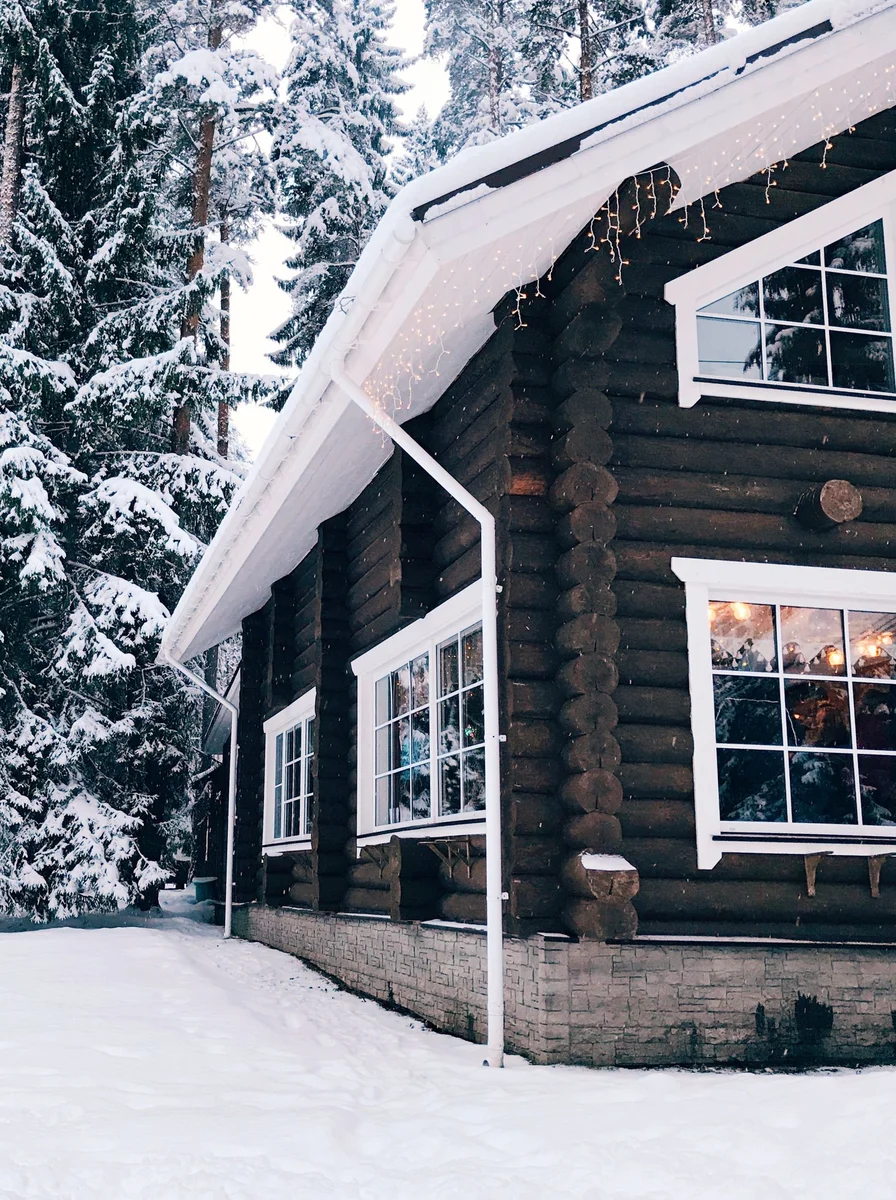
The most magical December wallpapers are really studies in light: a single candle in a dark room, street lamps glowing through falling snow, fairy lights along a mantel. When choosing images, look at the light first and the subject second. Warm, low light flatters everything and makes a phone screen feel like evening.
Light to look for:
● One warm light source against darker surroundings — candles, lamps, or string lights.
● Golden-hour tones even in snow scenes; cold blue snow with one warm window is perfect.
● Avoid flat midday brightness; December aesthetic lives in dawn, dusk, and lamplight.
● For desktops, slightly darker images reduce glare and make text easier to read.

Use Texture for Quiet Depth
Dreamy doesn’t have to mean blurry. Fine textures — frost on glass, knit wool, falling snow, pine needles — add depth without noise. A close-up of frost crystals or softly falling snow gives your screen richness that flat gradients can’t, while staying calm enough for daily use.
Textures that work:
● Frost and ice patterns — naturally dreamy and endlessly detailed.
● Soft snowfall against a dark sky — movement without chaos.
● Knit, wool, and candle wax close-ups for the cosiest corners of your aesthetic.
● Keep contrast gentle; harsh black-and-white texture feels stark rather than dreamy.
Coordinate Your Screens for a Unified December
A dreamy aesthetic multiplies when it flows across devices. Use the same palette on your phone, laptop, and tablet — variations of one mood rather than three different ideas. Your lock screen might show the misty forest, your desktop a wider version of the same scene, your tablet a close-up detail. Together they feel like one continuous December.
Unifying tips:
● Pick one hero image and create crops for each screen size from it.
● Keep brightness consistent — one glowing screen among dim ones feels broken.
● Let the phone be the most detailed and the desktop the calmest.
● When all screens share a mood, even checking email feels a little softer.
Refresh Weekly to Keep the Magic Alive
Even the dreamiest wallpaper fades into background noise after a few weeks. Part of the December aesthetic is the ritual of refreshing it — a new image each Sunday evening keeps the month feeling special all the way through. Build a small rotation of five to seven wallpapers and cycle through them.
Keep it fresh:
● Save favourites in a dedicated December album so swapping takes seconds.
● Shift the mood through the month: early December dreamy and calm, mid-December festive, late December cosy and reflective.
● Match your lock screen and home screen as a pair, or use two images from the same shoot.
● On New Year’s Eve, swap to something bright and hopeful — a clean way to close the aesthetic.