

The wrong desk chair quietly ruins your workday. You start the morning sitting tall, and by mid-afternoon you’re slumped, your lower back aches, and your shoulders have crept up to your ears. An ergonomic desk chair fixes this by supporting your body’s natural curves instead of fighting them.
This guide walks you through exactly what to look for: lumbar support, seat depth, armrests, breathable materials, and recline. By the end, you’ll know how to pick a chair that keeps you comfortable from your first email to your last call.
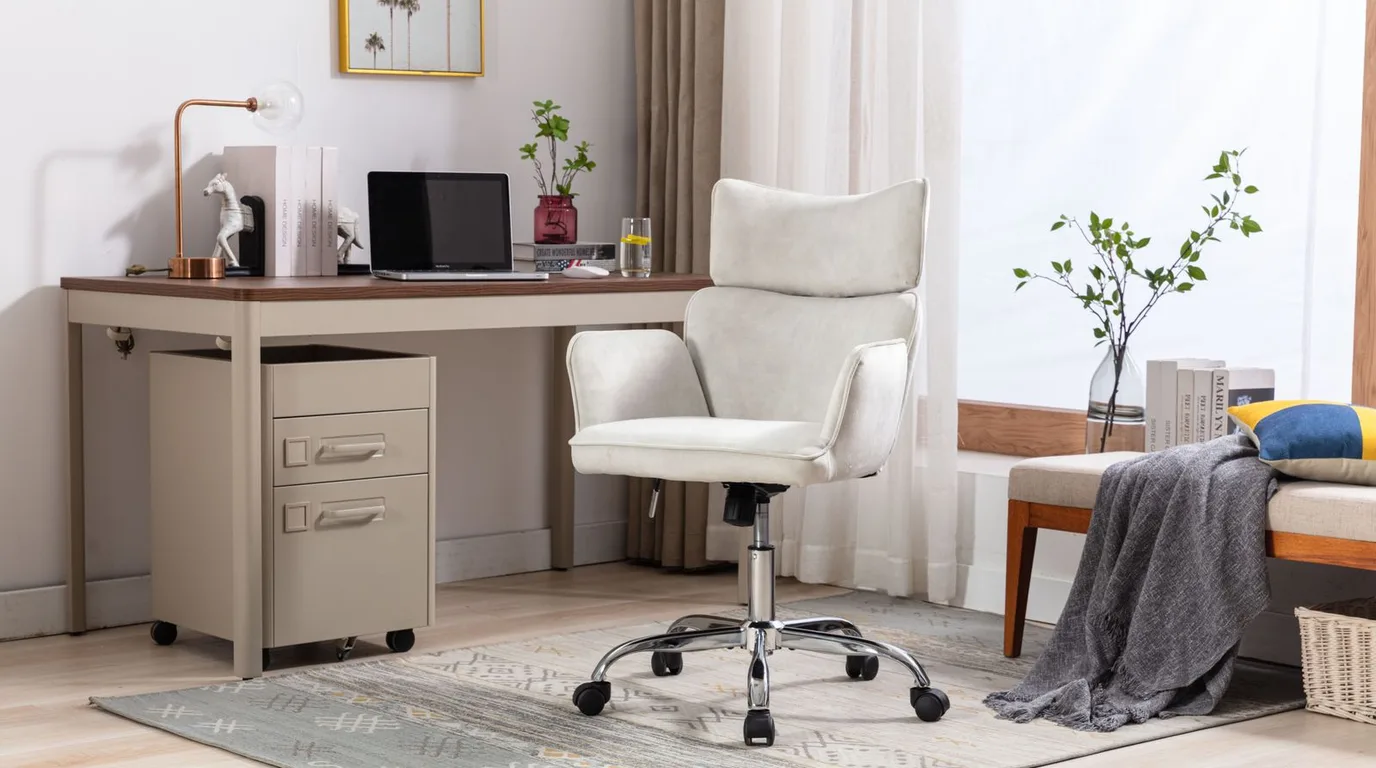
Start With Lumbar Support
Your lower back curves inward naturally, and a flat chair back leaves that curve hanging with no support — which is why it aches by 3pm. Good lumbar support fills that gap and keeps your spine in its healthy S-shape. Look for a chair with an adjustable lumbar pad you can slide up or down to hit the small of your back exactly.
Test lumbar support like this:
● Sit all the way back so your bottom touches the backrest — the lumbar pad should press gently into your lower back, not shove you forward.
● Adjustable depth matters more than a fixed curve, because every spine is different.
● If a chair has no lumbar adjustment, a small rolled towel works as a cheap test of whether support helps you.
● Avoid chairs with a hard plastic hump — it should feel like a firm hand, not a fist.
Check the Seat Depth and Height
Seat depth decides whether your thighs are supported or your circulation is cut off. The rule is simple: with your back against the backrest, you should fit two to three fingers between the front edge of the seat and the back of your knees. Too deep and you’ll perch on the edge; too shallow and your thighs hang unsupported.
Get the fit right:
● A sliding seat pan is the best feature here — it lets you adjust depth to your leg length.
● Seat height should let your feet rest flat on the floor with thighs roughly parallel to the ground.
● If you’re under 5’4″, look for a chair with a lower minimum height or use a footrest.
● Pneumatic height levers should move smoothly with one hand — stiff ones get left at the wrong setting forever.
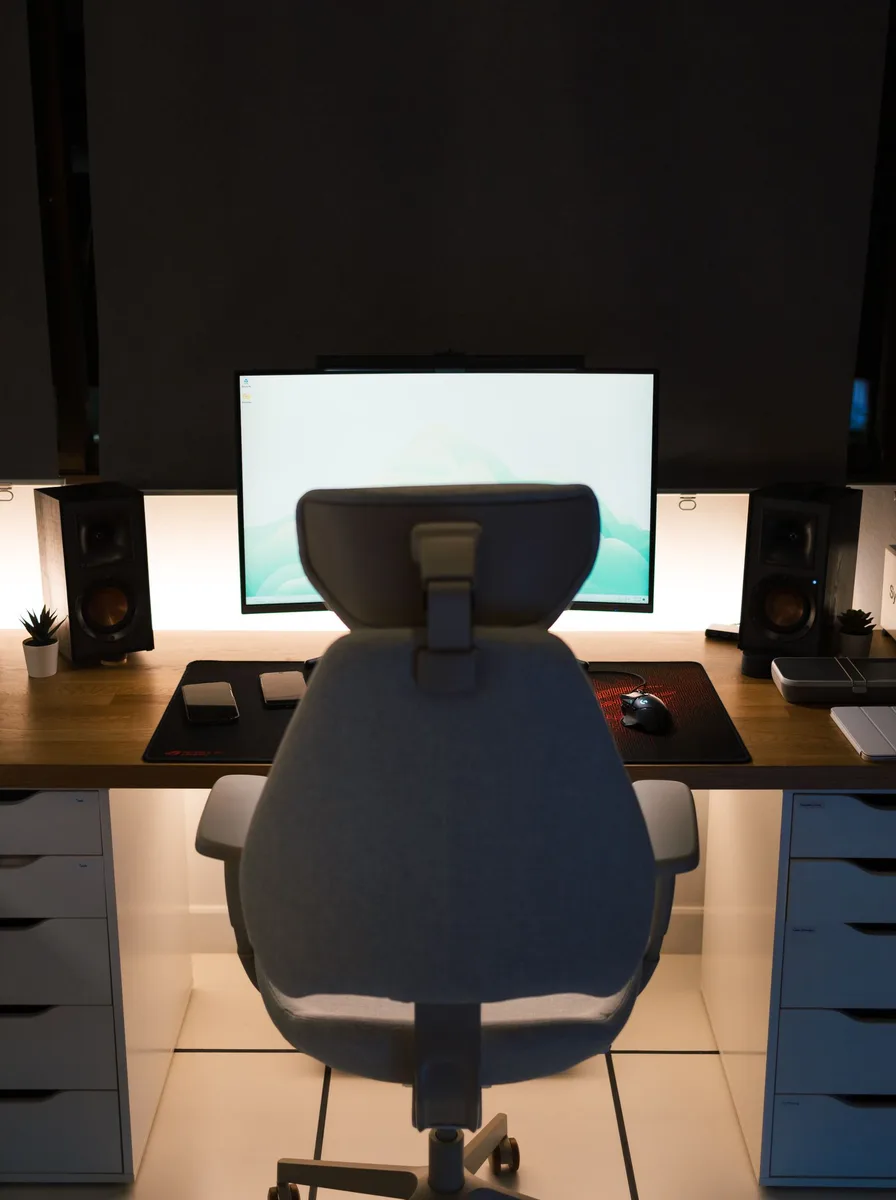
Look for Adjustable Armrests
Armrests are the most underrated part of an ergonomic chair. Set too high, they hunch your shoulders; set too low, they’re decoration. The sweet spot is armrests that hold your elbows at roughly 90 degrees with your shoulders relaxed and hanging naturally. Three-dimensional armrests — up-down, forward-back, and side-to-side — let you dial this in precisely.
Armrests done properly:
● Your shoulders should stay down and relaxed, not lifted, when your forearms rest on the pads.
● Width adjustment matters if you’re broad or narrow through the shoulders.
● Soft padded tops beat hard plastic — your elbows will thank you by Friday.
● If your desk is high, armrests that tuck under the desktop save you from shrugging all day.
Pick Breathable Materials
You will spend thousands of hours in this chair, and sweaty materials make long days miserable. Mesh backs are the ergonomic favourite because they flex with your spine and let air circulate — no more peeling yourself off a vinyl seat in summer. For the seat, look for high-density foam or a mesh seat pan that won’t flatten into a pancake within a year.
Choose materials wisely:
● Mesh backs suit warm rooms and long sessions; they keep you cool and conform to your back.
● If you prefer upholstery, choose a woven fabric over bonded leather, which cracks and sticks.
● Press the seat cushion firmly — quality foam springs back slowly instead of staying dented.
● Dark fabrics hide wear better, but light mesh makes a small room feel airier.

Test the Tilt and Recline
Sitting bolt upright all day is not actually the goal — your spine likes gentle movement. A good ergonomic chair has a synchro-tilt mechanism, where the backrest reclines a little further than the seat, keeping your feet grounded as you lean back. A tilt lock lets you fix your favourite angle, and adjustable tension keeps the recline from flinging you backwards.
Use the tilt properly:
● A slight recline of 100 to 110 degrees takes pressure off your spinal discs compared to 90 degrees.
● Lock the tilt when typing, unlock it when reading or on calls — movement is the point.
● Set the tension so the chair supports your weight leaning back without a wrestling match.
● Cheap centre-tilt chairs lift your feet when you recline — synchro-tilt is worth paying for.

Set It Up Right on Day One
Even the best ergonomic chair fails if you never adjust it. When yours arrives, spend fifteen minutes dialling it in before your first workday: feet flat, knees at 90 degrees, lumbar pad in the small of your back, armrests holding your elbows level. Then fine-tune over the first week — your body needs a few days to unlearn the slump.
Your day-one checklist:
● Adjust height first, then seat depth, then lumbar, then armrests — in that order.
● Take a photo of yourself from the side: ears over shoulders over hips is the target.
● Revisit the settings after a week; what felt odd on day one often feels perfect by day seven.
● Stand up and move every 45 to 60 minutes — no chair, however good, replaces movement.

David is the home decor enthusiast behind HomeLushly. He shares practical, budget-friendly ideas for bedrooms, living rooms and seasonal decorating — from colour combinations that actually work to small-space styling tricks that make a room feel bigger. Every guide on HomeLushly is built around real photos and hands-on research, to help you make your home feel warm, personal and beautifully put together.