

A great chair used badly is just an expensive chair. The perfect office chair setup is about the relationship between your chair, desk, screen, and body — get the geometry right and everything from typing to video calls feels easier. Small misalignments compound over thousands of hours, so an hour spent setting up properly pays you back every single workday.
This guide gives you the full setup sequence: chair height, backrest angle, armrests, feet, and how your desk and monitor fit in. Follow it once and your workday will feel noticeably lighter.
Set Your Chair Height First
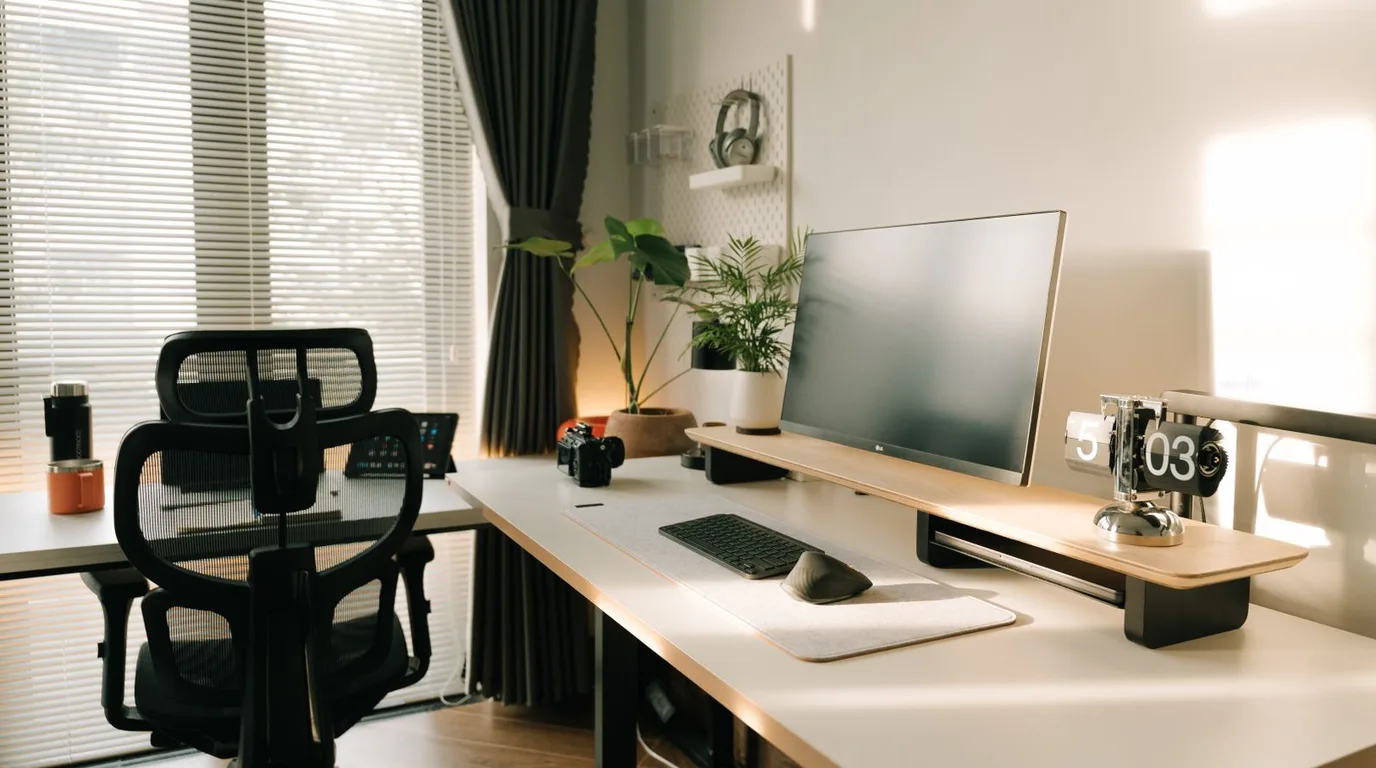
Everything starts with chair height, because it determines where your feet, knees, and arms end up. Raise or lower the seat until your feet rest flat on the floor and your thighs are roughly parallel to the ground, with your knees at about 90 degrees. If your desk is fixed at a height that doesn’t match, adjust the chair to the desk and add a footrest — never dangle your feet. Most desks sit at 73 to 76cm, which suits average heights but leaves taller and shorter sitters compromising.
Height basics:
● Feet flat on the floor is non-negotiable; dangling feet cut circulation and strain your lower back.
● Thighs parallel to the floor keeps your hips open and your pelvis neutral.
● If your feet don’t reach, a simple footrest (or even a sturdy box) fixes it for a few pounds.
● Write down your ideal lever position — you’ll reset it after someone borrows your chair.
Dial In the Backrest Angle
Once your height is set, lean back slightly. A backrest angle of 100 to 110 degrees — just past upright — reduces pressure on your spinal discs compared to sitting at a rigid 90. Your back should stay in contact with the backrest the whole time; if there’s a gap at your lower back, the lumbar support needs raising.
Backrest tuning:
● Sit fully back so your shoulder blades touch the backrest, not perched on the seat edge.
● A slight recline opens your hip angle and takes load off your lower spine.
● Lock the recline for focused typing, unlock it for reading and calls.
● If you catch yourself sliding forward, the seat may be too deep or too slippery.
Position Your Armrests
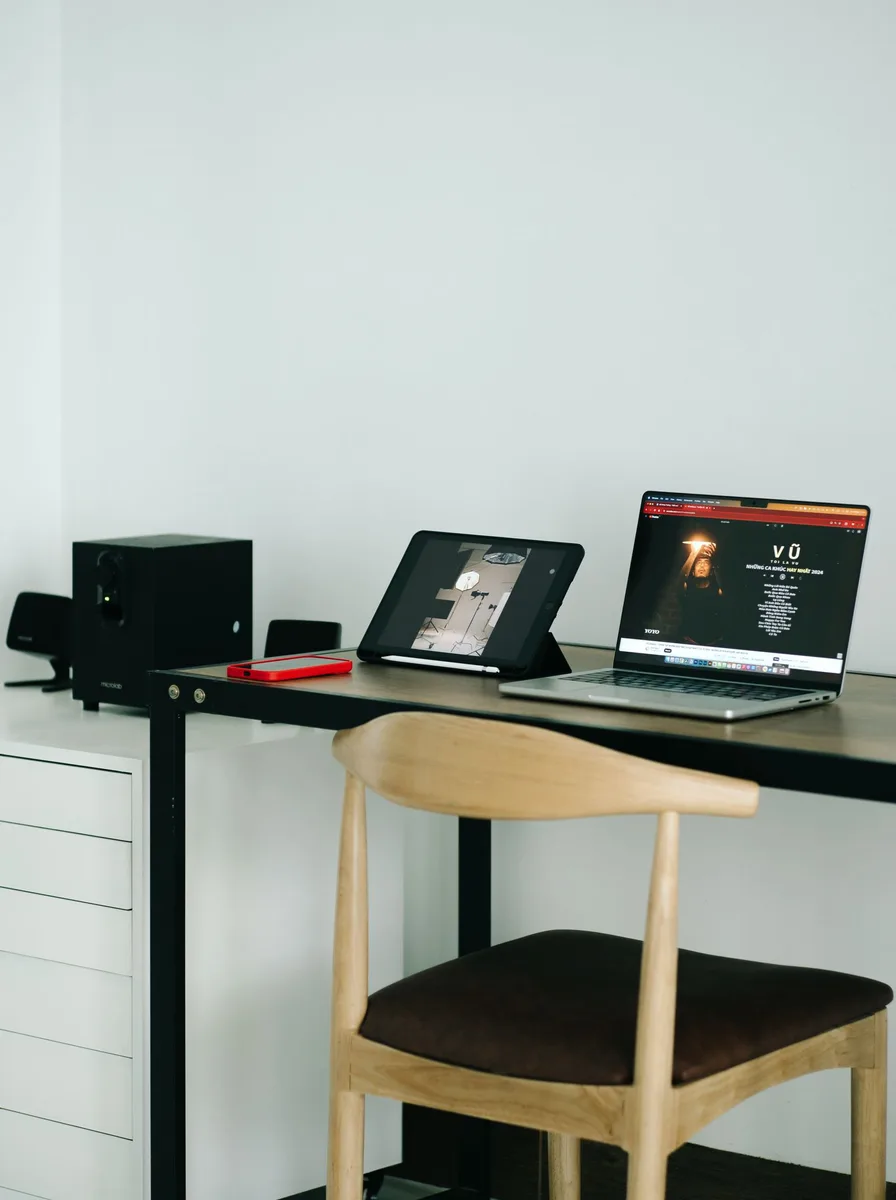
Armrests exist to take the weight of your arms off your shoulders and neck. Set them so your elbows rest at roughly 90 degrees with your shoulders hanging relaxed — not lifted, not drooping. If your armrests bump into your desk edge, lower them or slide them back; constant shrugging is a fast track to neck pain.
Armrest rules:
● Elbows at 90 degrees, forearms roughly parallel to the floor when typing.
● Shoulders should look the same with arms resting as they do with arms at your sides.
● Narrow the armrests if your elbows splay outward; widen them if you feel squeezed.
● No armrests at all beats badly positioned ones — remove them rather than shrug.
Place Your Feet Flat
Your feet are the foundation of the whole setup. Flat on the floor, roughly hip-width apart, with weight evenly distributed — this grounds your posture and stops you twisting. Crossing your legs or tucking a foot under your thigh feels comfortable for ten minutes and punishing for ten hours.
Foot placement tips:
● Keep both feet flat rather than perched on chair legs or curled underneath you.
● A footrest helps shorter sitters keep knees at the right angle without dangling.
● Avoid sitting on one foot — it tilts your pelvis and twists your spine all day.
● Flat shoes or bare feet give better floor feedback than thick heels at a desk.

Align Your Desk and Monitor
Your chair setup only works if the desk cooperates. Your keyboard should sit at a height where your wrists stay straight and your elbows stay near 90 degrees — for most people that’s with the desk surface just below elbow height when seated. Your monitor’s top edge should be at or just below eye level, about an arm’s length away. If your desk is too high and can’t be lowered, raising your chair and adding a footrest is the correct workaround.
Desk alignment checklist:
● Wrists straight and floating, not bent up or resting hard on the desk edge.
● Screen top at eye level so your neck stays neutral — use a stand or a stack of books.
● Keep the mouse close to the keyboard so your shoulder doesn’t reach all day.
● If you use a laptop, a separate keyboard and a raised stand transform the ergonomics.

Build Movement Into Your Day
The perfect setup still isn’t a statue pose. Your body is built to move, and even ideal ergonomics can’t undo eight motionless hours. Set a quiet timer to stand, roll your shoulders, and walk for two minutes every hour — it resets your posture more effectively than any chair feature.
Make movement automatic:
● Stand for phone calls — you’ll naturally shift weight and stretch.
● Do five shoulder rolls and a gentle neck tilt every time you refill your water.
● Alternate between sitting and a perched or standing position if your desk allows.
● End the day with your chair pushed in and your shoulders dropped — tomorrow starts fresh.
