

If your back aches every evening, your chair is the first suspect. Hours of unsupported sitting compress your spinal discs, tighten your hip flexors, and round your shoulders — but the right desk chair reverses all of that by holding your spine in its natural shape. Most people blame their mattress or their age; far more often, it’s the eight hours in the chair.
This guide explains what actually causes chair-related back pain, which chair features fix it, and how to set everything up for relief. You’ll also learn the warning signs that mean it’s time to see a professional.

Understand What Causes Chair Back Pain
Most desk-related back pain comes from the same culprit: your pelvis rolling backwards, which flattens your lower spine’s natural curve. A seat that’s too deep, too soft, or too low encourages this slump, and once the curve is gone, your discs and muscles take the strain. The fix isn’t sitting rigidly straight — it’s a chair that keeps your pelvis neutral without you thinking about it.
Know the mechanics:
● A flattened lumbar curve can increase disc pressure by up to 40% compared to standing.
● Soft, saggy seats feel cosy for an hour and wreck your posture for the other seven.
● Perching on the front edge of your seat is a sign the chair doesn’t fit you.
● Pain that eases when you stand and walk is often posture-related — a good sign a chair change will help.
Look for Real Lumbar Support
Lumbar support is the single most important feature for back pain sufferers. You need a pad — adjustable for height and ideally depth — that fills the inward curve of your lower back and stops your pelvis rolling backwards. Fixed lumbar bumps are hit-or-miss; adjustable ones let you place support exactly where your spine needs it.
Lumbar support that works:
● The pad should contact the small of your back firmly when you sit fully back — no gap.
● Height adjustment matters because torsos vary enormously in length.
● Dynamic lumbar that moves as you recline keeps supporting you in every position.
● As a stopgap, a rolled towel or small cushion strapped to the chair back tests whether lumbar support helps before you buy.

Get the Seat Pan Right
The seat pan — the part you sit on — shapes your whole posture. It should be firm enough to keep your pelvis level, deep enough to support most of your thighs, and shaped with a slight waterfall edge so the front doesn’t press into the backs of your knees. A seat that tilts slightly forward (just a few degrees) can also help chronic slouchers stay upright.
Seat pan checklist:
● Two to three fingers of space between the seat edge and the back of your knees.
● A waterfall front edge prevents pressure on the blood vessels behind your knees.
● Firm, supportive foam beats plush softness for all-day back health.
● A sliding seat pan lets you fine-tune depth to your leg length — invaluable for back pain.
Keep Your Posture Dynamic
Here’s the counterintuitive truth: the best posture is your next posture. Holding any single position — even a perfect one — stiffens your back. Chairs with synchro-tilt and flexible backrests encourage micro-movements that keep your spinal discs nourished and your muscles engaged. Think of your chair as a movement partner, not a brace.
Stay dynamic:
● Recline slightly (100–110 degrees) for reading and calls; sit more upright for typing.
● Unlock the tilt for part of the day so your back muscles stay gently active.
● Shift your weight, cross and uncross your ankles, lean back and stretch — fidgeting is healthy.
● Set an hourly reminder to stand for two minutes; it’s the single best back-pain habit.
Add Supportive Accessories
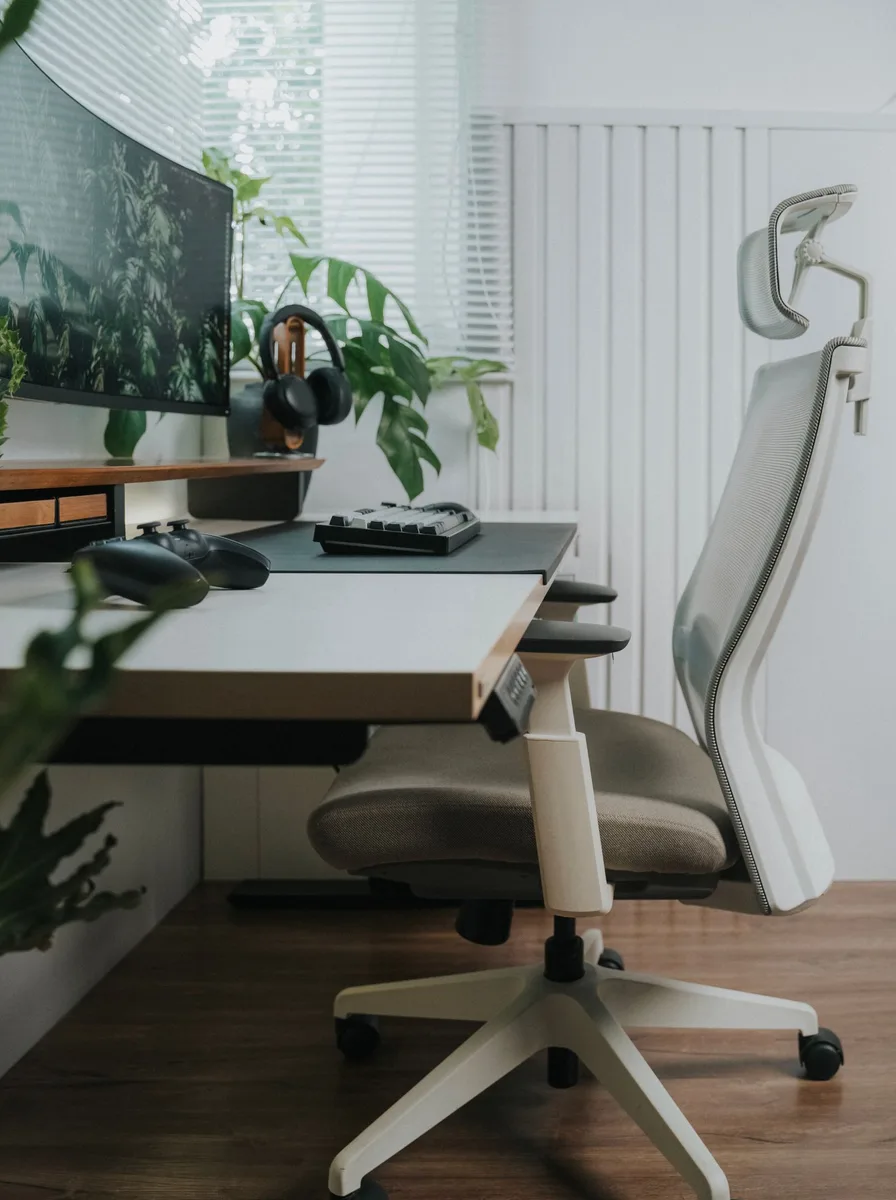
Sometimes the chair is nearly right and just needs a little help. A dedicated lumbar roll, a seat cushion that corrects a too-deep seat, or a footrest that fixes dangling feet can transform a mediocre chair. These are also brilliant for testing — if a £20 lumbar roll eases your pain, you know lumbar support is your key feature when you upgrade.
Smart additions:
● A memory-foam lumbar roll suits most chairs and costs less than a takeaway dinner.
● A wedge cushion tilts your pelvis slightly forward, which helps persistent slouchers.
● A footrest stops shorter sitters dangling, which pulls the whole spine out of alignment.
● Don’t stack accessories endlessly — if you need three add-ons, the chair itself is wrong.
Know When to See a Professional
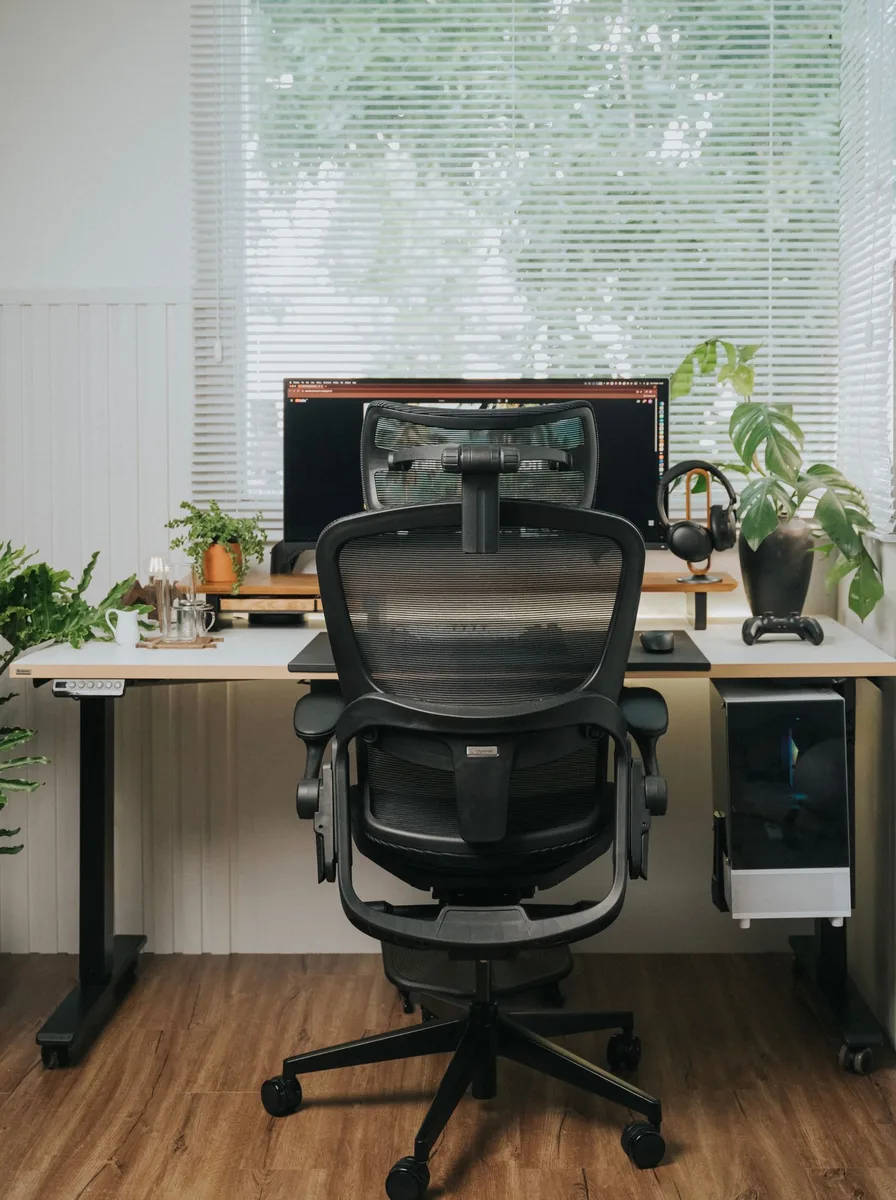
A better chair resolves most posture-related aches within a couple of weeks — but not all back pain is postural. If pain shoots down your leg, causes numbness, doesn’t improve with movement, or wakes you at night, see a doctor or physiotherapist rather than shopping for chairs. There’s no chair that fixes a slipped disc.
Red flags to respect:
● Sharp, shooting pain or numbness down a leg needs professional assessment, not furniture.
● Pain that doesn’t change with position is less likely to be chair-related.
● If a good chair and two weeks of better habits haven’t helped, get assessed.
● A physiotherapist can also confirm your chair setup — bring photos of your workstation.
