

Your chair is the most-used piece of gear in your entire gaming setup.
You will spend more hours in it than in front of any monitor, keyboard, or controller, yet it is the part most gamers upgrade last. A proper gaming chair does far more than look the part: it protects your back through marathon sessions, keeps you cool under pressure, and puts every control exactly where your body wants it.
The difference between a basic office chair and a real gaming chair comes down to features.
Racing-style bolsters, multi-directional armrests, deep recline, cooling materials, and rock-solid build quality each solve a specific problem that long sessions create. None of them is decoration — they are engineering answers to aching backs, sweaty summers, and shoulders that creep up toward your ears by midnight.
This guide rounds up 26 epic gaming chair features every gamer needs, each explained with practical tips you can use when shopping or setting up.
From 4D armrests and memory-foam pillows to RGB lighting, footrests, and the warranty fine print, you will know exactly what to look for — and what to skip — before you spend a penny.
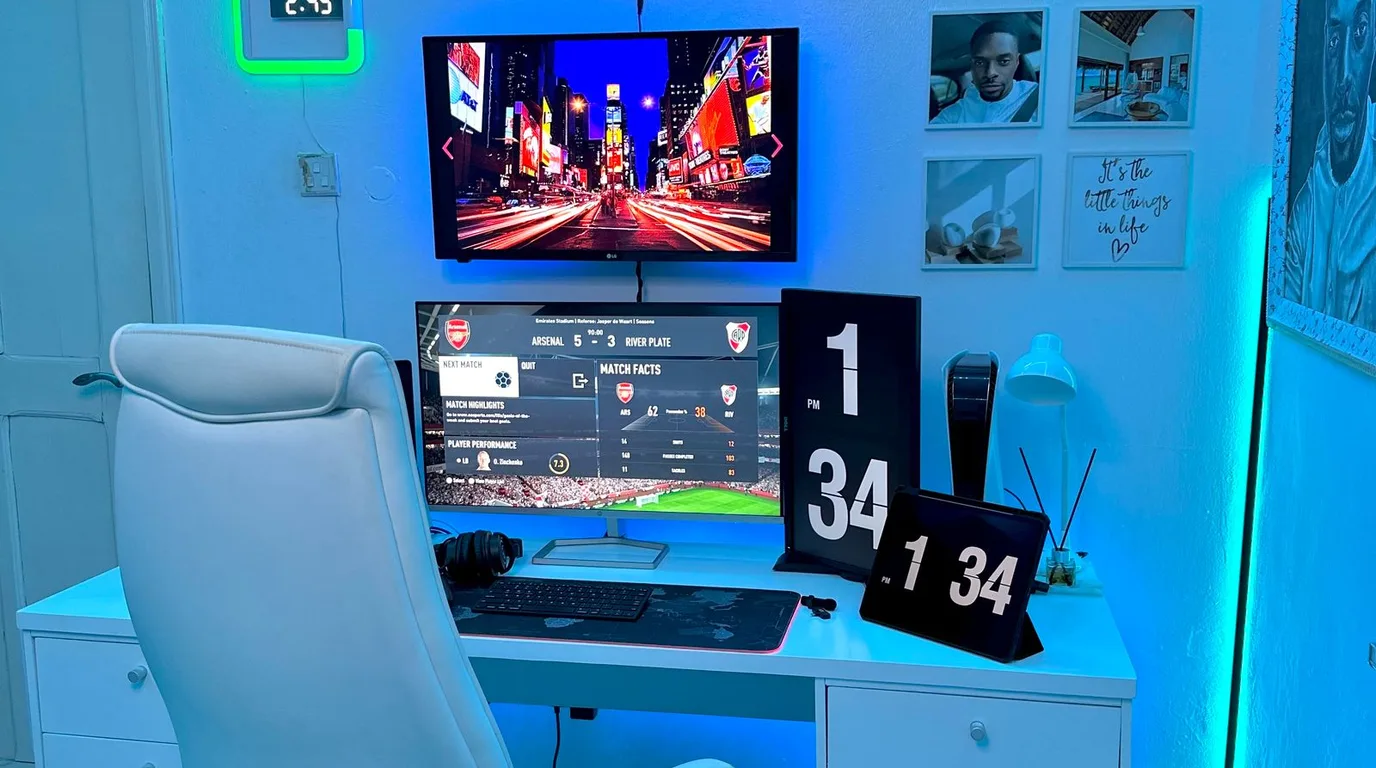
1. Racing-Style Bucket Seat Design
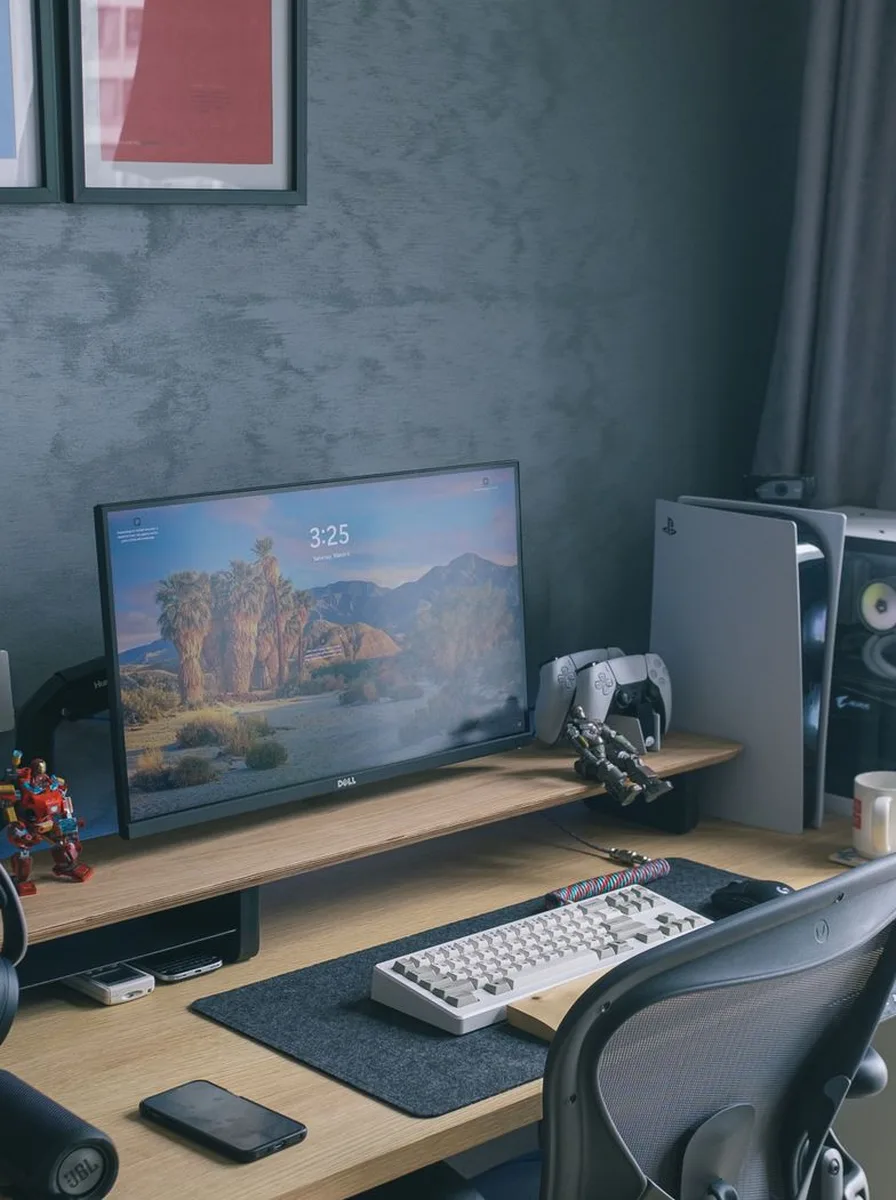
The racing-style bucket seat is the signature look of gaming chairs for a reason: raised side bolsters on the seat and backrest hug your torso and keep you centred during intense moments. The high backrest supports your shoulders and head, and the wraparound shape creates a cockpit feeling that puts you mentally in the game.
Beyond looks, the bucket design genuinely helps posture by encouraging you to sit back rather than perch on the edge. When shopping, check that the bolsters are padded, not rigid — firm edges dig into thighs over time. A well-shaped bucket seat should feel like a firm hug, never a squeeze.
2. 4D Adjustable Armrests

4D armrests move in four directions: up and down, forwards and backwards, side to side, and they pivot inwards or outwards. That adjustability matters because your shoulders, elbows, and wrists all sit differently depending on desk height and whether you grip a controller or a mouse. Locking them at elbow height takes the load off your shoulders.
Set the armrests so your elbows rest at roughly a 90-degree angle with shoulders relaxed, not shrugged. For mouse-and-keyboard play, angle the pads slightly inward to support your forearms. If you play controller games leaning back, lower them so they don’t push your shoulders up toward your ears.
3. Removable Lumbar Pillow
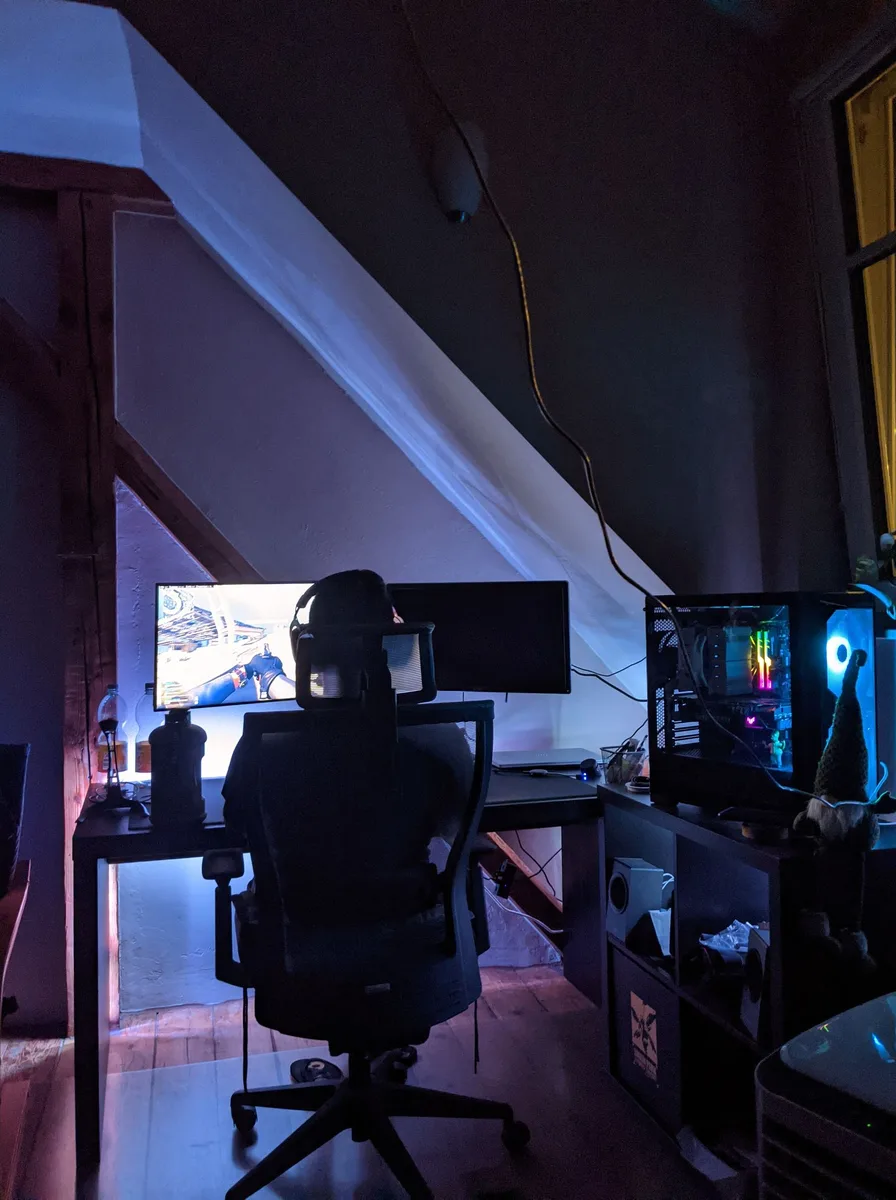
Most gaming chairs ship with a small cushion that straps to the lower backrest, filling the gap between your lumbar curve and the chair. Used well, it stops your lower back collapsing into a C-shape during long sessions. The key word is removable — you can slide it up, down, or take it off entirely to match your body.
Position the pillow in the small of your back, not up near your ribs where it shoves you forward. If it feels too thick, many gamers flip it around or swap it for a thinner memory-foam roll. An adjustable pillow beats a fixed lumbar bulge you can never escape.
4. Memory Foam Neck Pillow
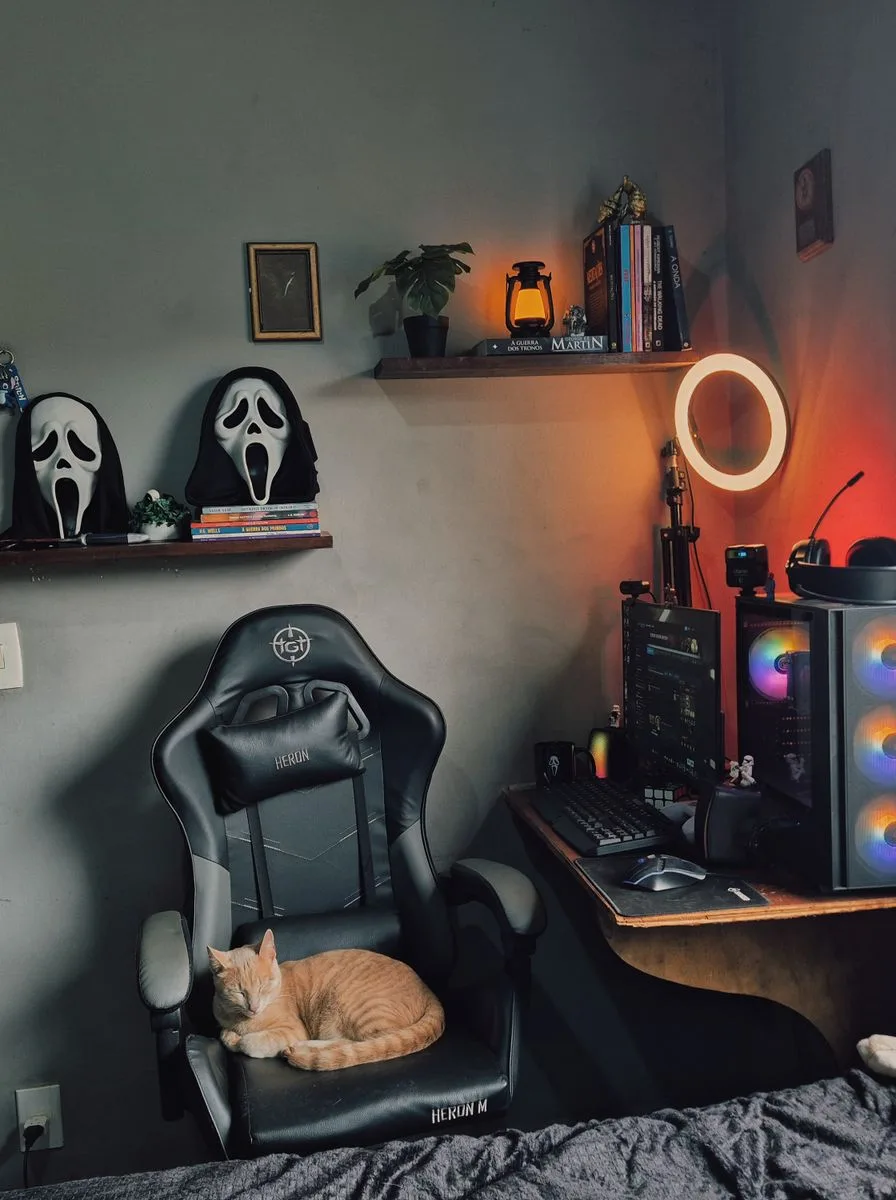
The second strap-on cushion sits at headrest height and cradles your neck and the base of your skull. During reclined cutscenes or console sessions, it stops your head lolling and takes strain off your neck muscles. Memory foam is the best fill here because it moulds to your shape instead of pushing back.
Adjust the straps so the pillow meets the curve of your neck when you lean back — too high and it shoves your head forward. If you are tall, look for chairs with a taller backrest or an adjustable headrest pillow. Remove it for upright desk work if it crowds you.
5. Deep Recline with Multi-Position Lock
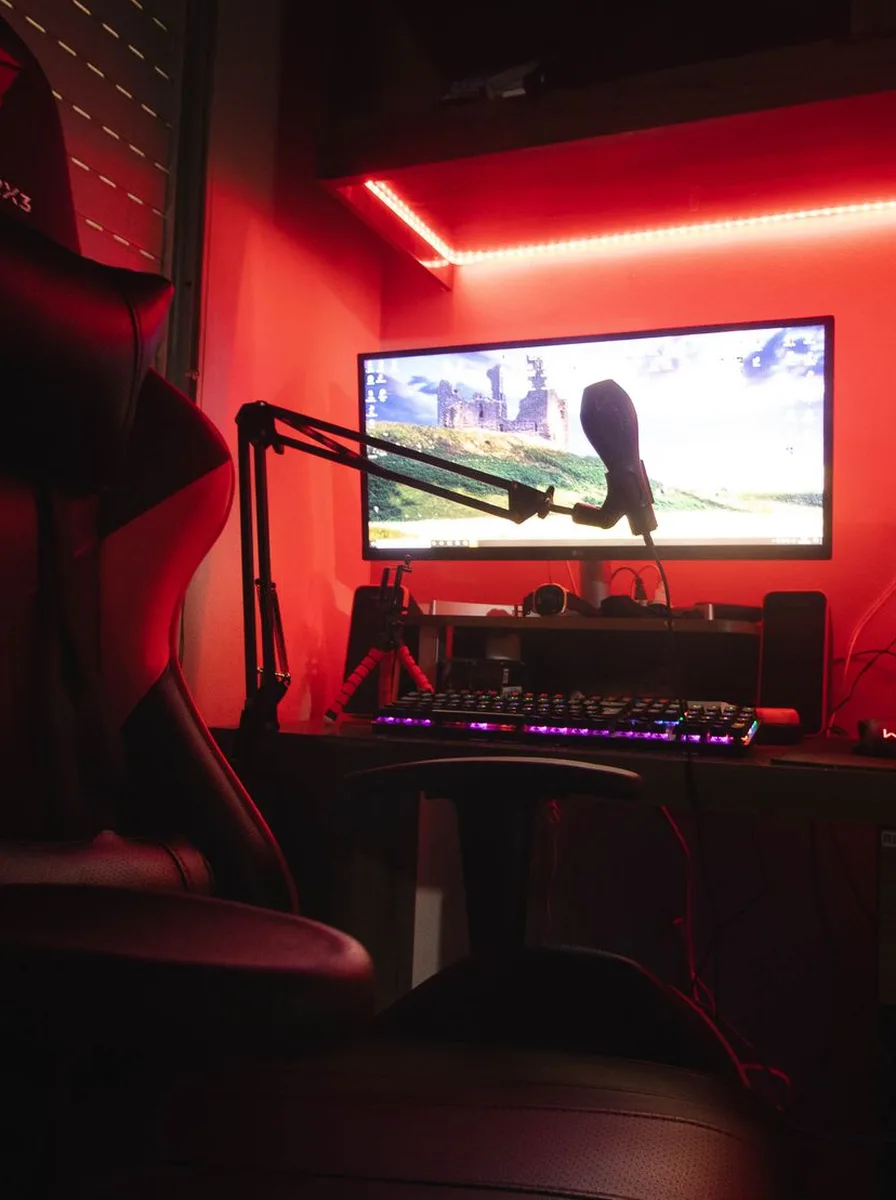
A proper gaming chair reclines far past office-chair territory — often to 150 or even 180 degrees — and locks at multiple angles along the way. That range turns the chair into a lounger for watching streams, taking calls, or napping between ranked matches without ever leaving your setup.
Lock the backrest upright (around 90–100 degrees) for competitive play where focus matters, and save the deep recline for downtime. Always check the lock engages firmly before leaning back hard. A chair that drifts or slips out of recline is both annoying and a sign of a weak mechanism.
6. Rocking Function for Between Matches

Separate from the recline, many gaming chairs offer a rocking or tilt mode where the whole seat rocks gently like a rocking chair. It is perfect for queue times, loading screens, and casual browsing — that small motion keeps your body from stiffening up during hours at the desk.
Use the tilt-tension knob underneath to set the resistance so the rock feels smooth, not floppy. Tighter tension suits heavier users; lighter users should loosen it. Lock the tilt out completely during competitive play — you want a stable platform, not a wobble, when every millisecond counts.
7. Retractable Footrest

Some gaming chairs hide a footrest that slides or folds out from under the seat, letting you stretch your legs in full recline. It transforms the chair into a proper lounger and takes pressure off the backs of your thighs during long movies or hundred-hour RPG campaigns.
Check the footrest’s padding and length — a thin plastic pad gets uncomfortable fast, and short rests leave tall gamers’ calves dangling. Retract it fully when sitting upright for desk work so it doesn’t catch your ankles. Once you’ve napped reclined with your feet up, there’s no going back.
8. RGB Lighting Built Into the Chair

RGB is no longer just for keyboards — several gaming chairs now build LED strips into the backrest edges, the base, or the headrest. Synced with your PC or set to a static colour, the glow turns the chair into part of your room’s lighting design and looks incredible on stream.
Look for chairs with USB-powered lighting and a simple remote or app control rather than proprietary hubs. Keep brightness moderate: the glow should accent your setup, not wash out your monitor. It’s pure fun — but in a hobby built on fun, that counts for a lot.
9. Cooling Gel-Infused Seat Foam
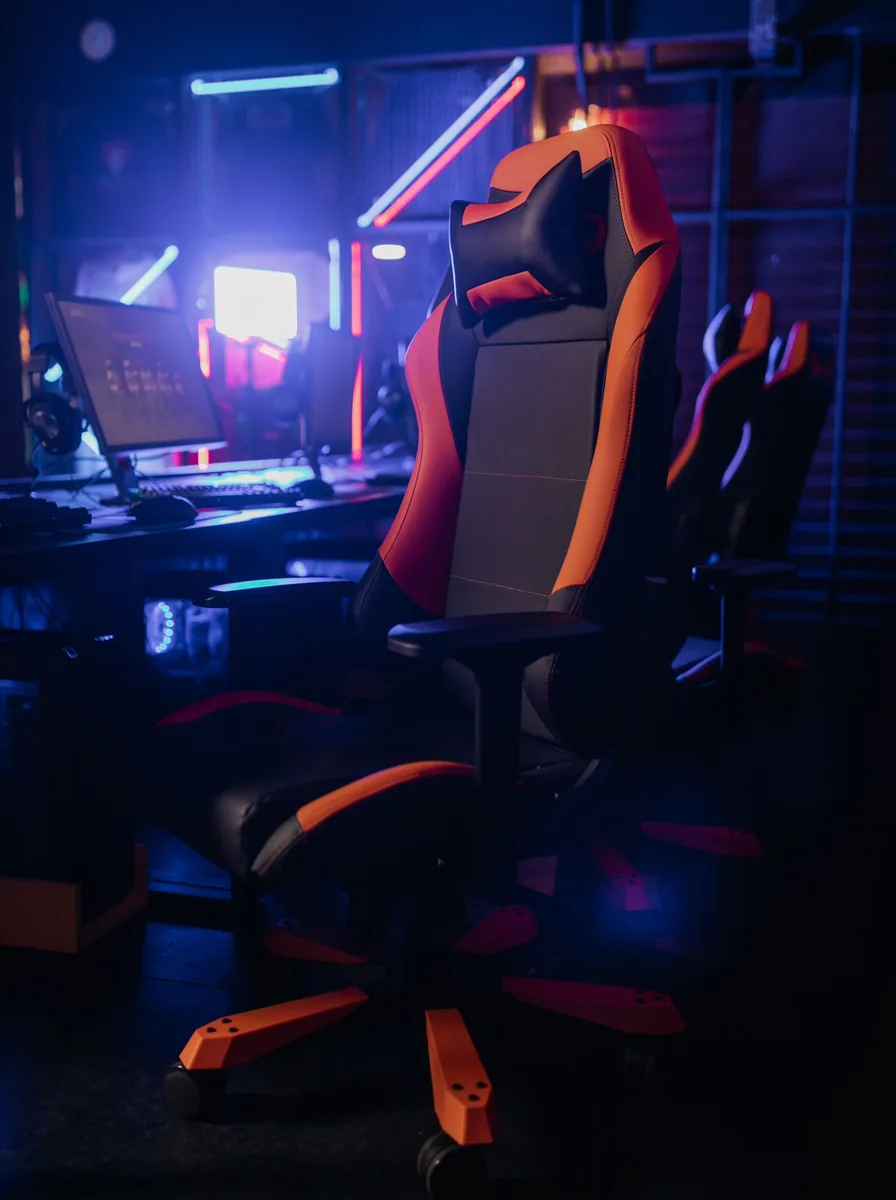
Hours of sitting generate heat, and standard foam traps it. Cooling gel-infused foam pulls warmth away from your body and keeps the seat feeling fresh through marathon sessions. It doesn’t feel cold to the touch — it simply stops the slow build-up of that sticky, overheated feeling.
Pair gel foam with a breathable cover for the best effect; gel under vinyl still sweats. If your room runs warm, this feature matters more than almost any other on this list. Test by sitting for twenty minutes in the store if you can — the difference shows up over time, not in the first minute.
10. Fabric Upholstery Option for Hot Rooms

PU leather looks slick, but in warm rooms or summer months it gets sticky fast. A fabric-upholstered gaming chair breathes, wicks moisture, and stays comfortable when the heating is off and the windows are shut. Many brands now offer the exact same chair in both materials.
Fabric needs a little more care — vacuum it occasionally and treat spills quickly — but it ages gracefully without peeling. If you game in a room that runs warm, or you simply run hot, choose fabric over leather-look every time. Comfort beats shine when you’re six hours into a session.
11. Full Steel Inner Frame
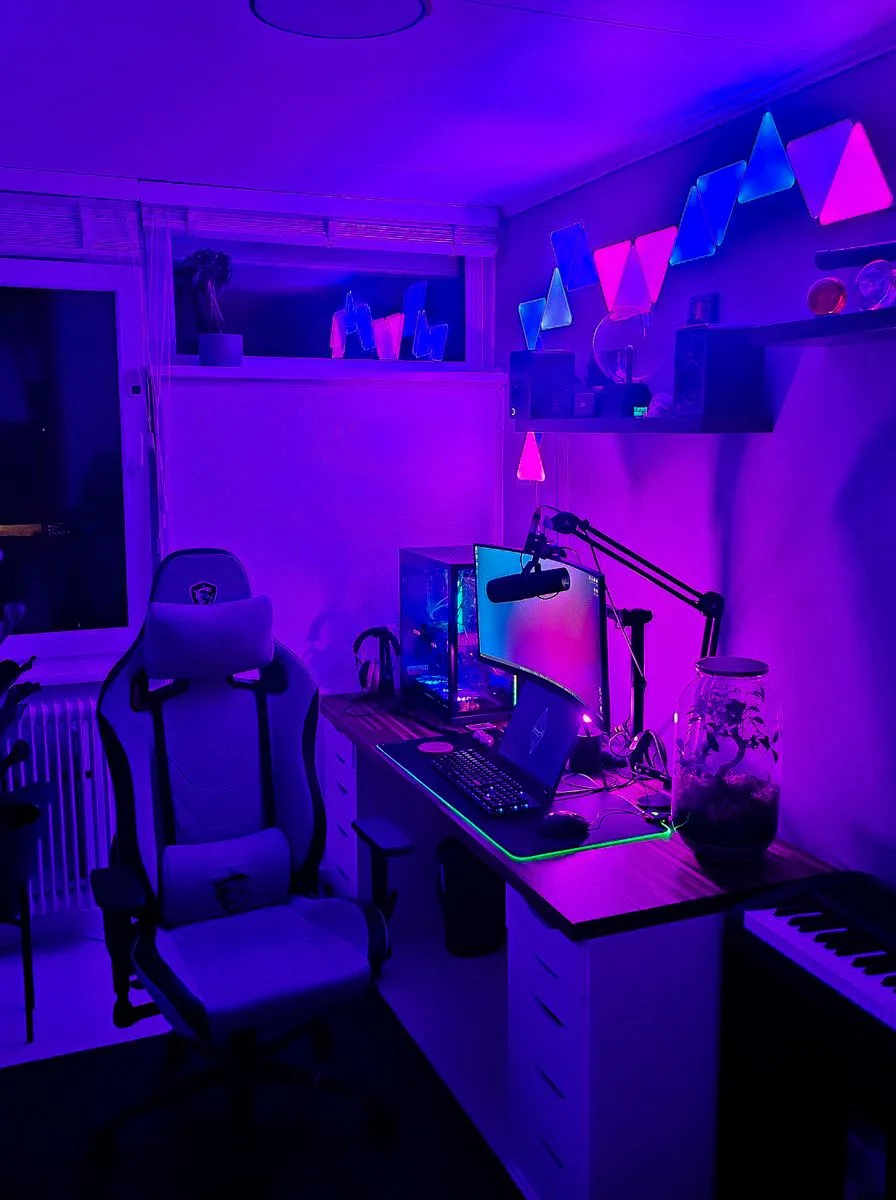
Under the foam and upholstery, the frame is what actually holds you. A full steel inner frame — running through both the seat and backrest — handles daily reclining, rocking, and the odd victory lean-back without creaking or flexing. Cheaper chairs use partial metal or wood-composite frames that loosen over time.
You can’t see the frame in the store, so check the specs and reviews: look for “steel frame” stated explicitly and a warranty covering the frame for several years. Give the backrest a firm shake when testing — any rattle or flex at the joints is a red flag.
12. High Weight Capacity (300 lbs and Beyond)
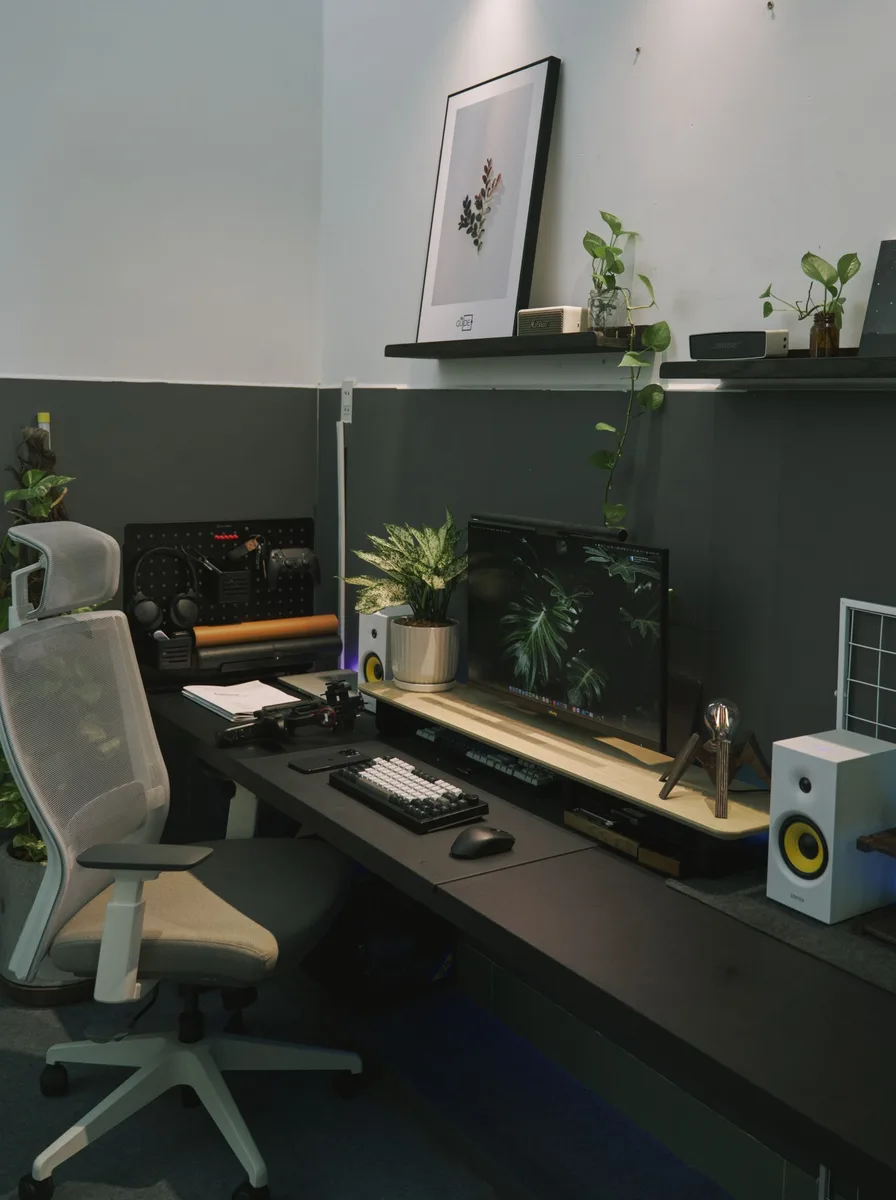
Weight capacity is the honest measure of a chair’s build. Chairs rated for 300 lbs (136 kg) or more use thicker steel, stronger gas lifts, and wider bases — and they feel sturdier for everyone, not just heavier users. A higher rating is simply a proxy for better engineering.
Ignore vague claims and look for a specific tested number in the specifications. If you’re near the top of a chair’s rating, size up rather than maxing it out — components last far longer when they’re not working at their limit. Big-and-tall models with 350–400 lb ratings are worth the premium.
13. Class-4 Gas Lift Cylinder
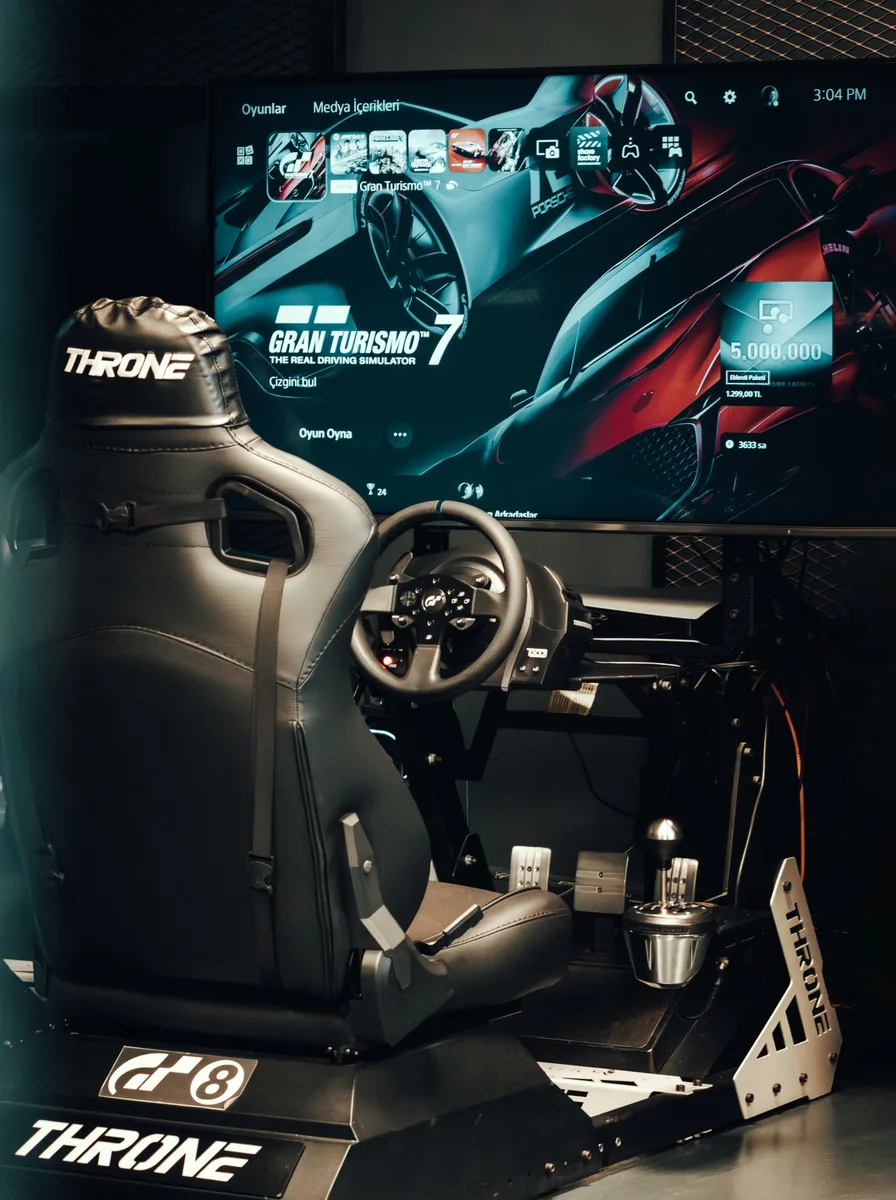
The gas lift is the piston that raises and lowers your seat, and its class rating tells you how much it can take. Class-4 is the highest standard grade — thicker walls, better seals, and a higher load rating than the Class-3 lifts in budget chairs. It’s the difference between smooth adjustment for years and a slow sink.
If your chair slowly drops during a session, the gas lift is failing — a classic budget-chair complaint. Class-4 lifts also carry certifications from testing bodies like BIFMA or TUV, so look for those marks. It’s an invisible component you’ll notice every single day you sit down.
14. Smooth, Quiet Caster Wheels
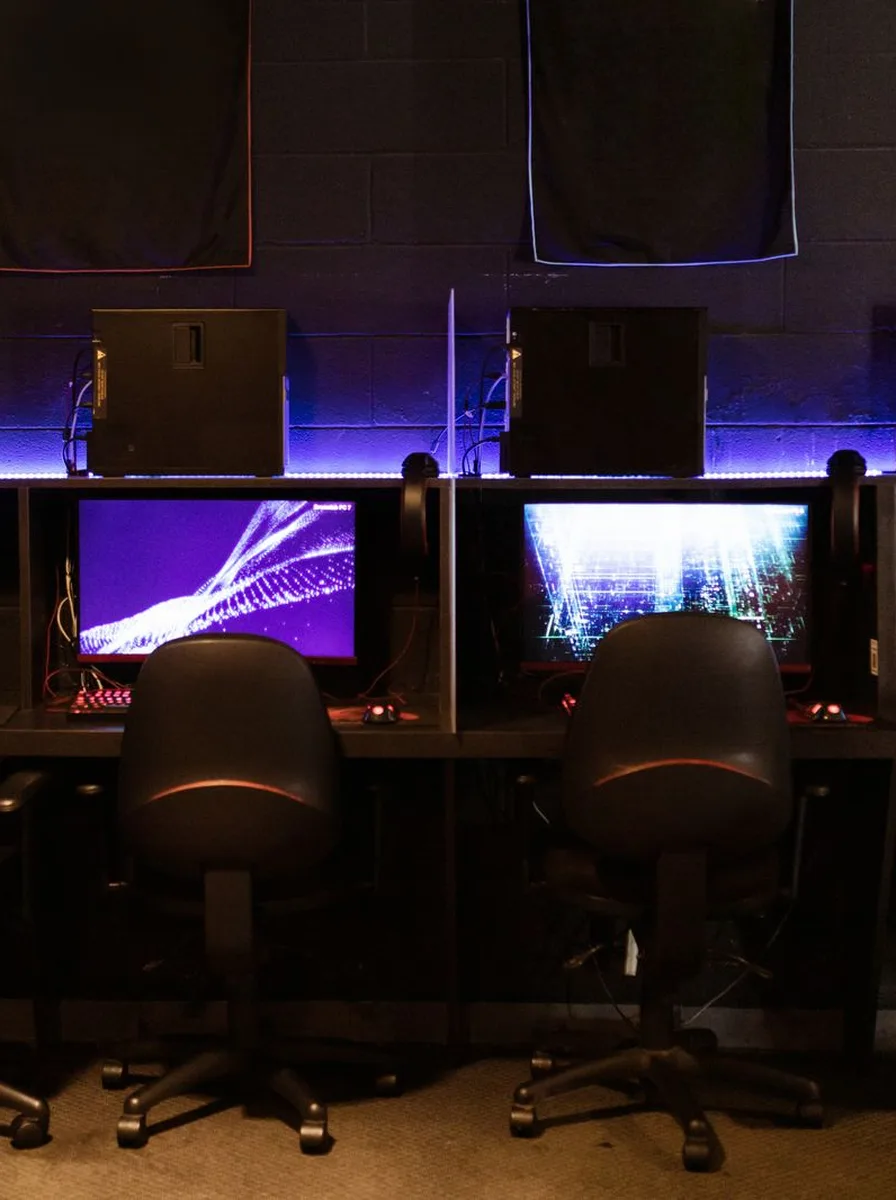
Good casters glide silently across your floor and hold position when you plant your feet — cheap ones rattle, stick, and scratch. Look for smooth-rolling wheels with a soft polyurethane coating, which grip hard floors without marking them and roll quietly enough for late-night sessions.
Test the roll on a hard surface if possible: the chair should move with a gentle push, not a shove. On carpet, larger-diameter wheels roll far better than small ones. And if your chair came with hard plastic racers, a set of aftermarket rollerblade-style wheels is one of the cheapest meaningful upgrades you can make.
15. Chair Mat Pairing to Protect Your Floor

Even the best casters concentrate a lot of weight on small contact points, and hours of rolling will wear through wood floors and flatten carpet. A chair mat spreads that load, protects your flooring investment, and — as a bonus — makes rolling noticeably smoother and quieter.
Choose a mat sized generously beyond your chair’s footprint so you can push back without rolling off the edge. For hard floors, a thin PVC or polycarbonate mat works; for carpet, get one with gripper spikes underneath. Clear mats disappear visually, while a black mat can anchor your setup’s colour scheme.
16. Adjustable Tilt Tension
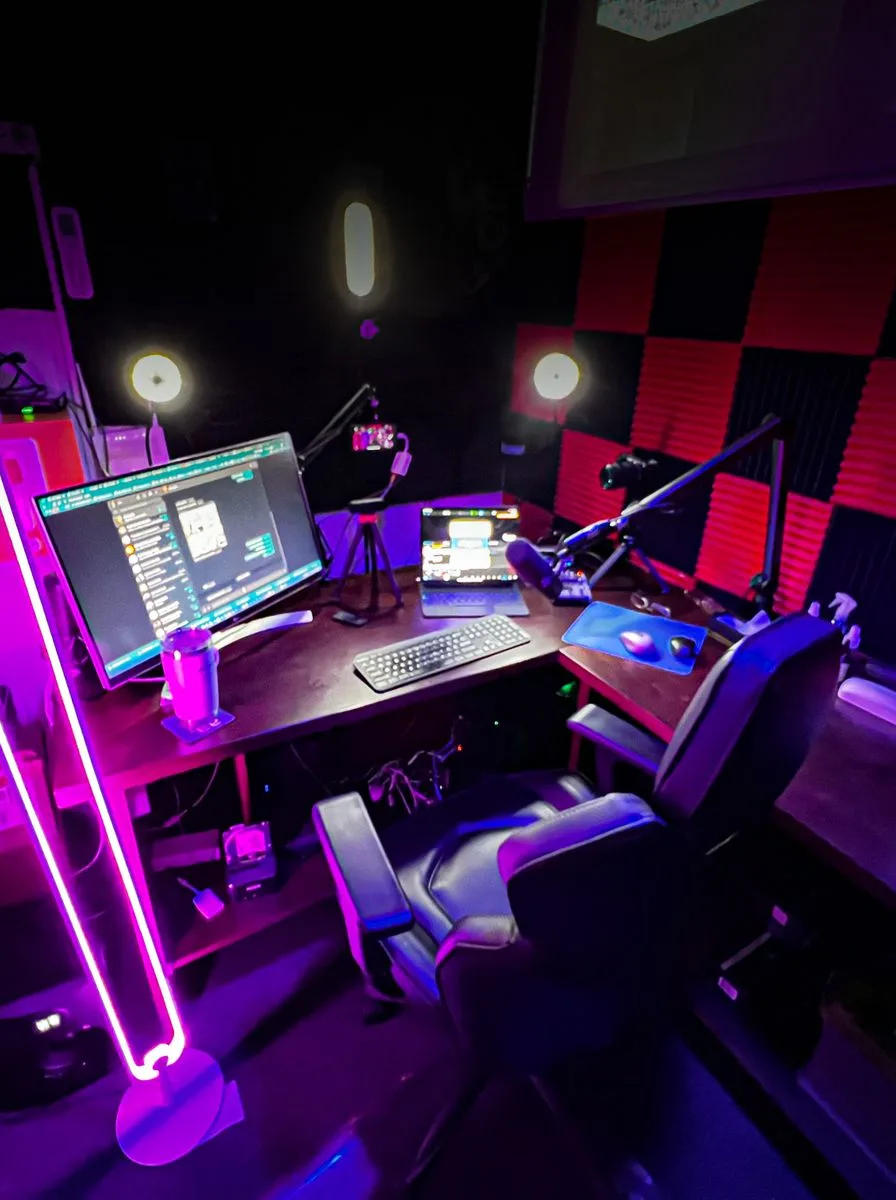
The tilt-tension knob under the seat controls how much force it takes to lean the chair back. Set correctly, the backrest follows your lean with gentle resistance; set wrong, it either fights you or flops backwards. It’s a small dial with an outsized effect on how premium the chair feels.
Heavier users should tighten it, lighter users loosen it, then fine-tune until leaning back feels effortless but controlled. Revisit the setting if you change how you sit — upright desk work wants firmer tension than relaxed console play. Five minutes of adjustment pays off for years.
17. Posture Support for Marathon Sessions
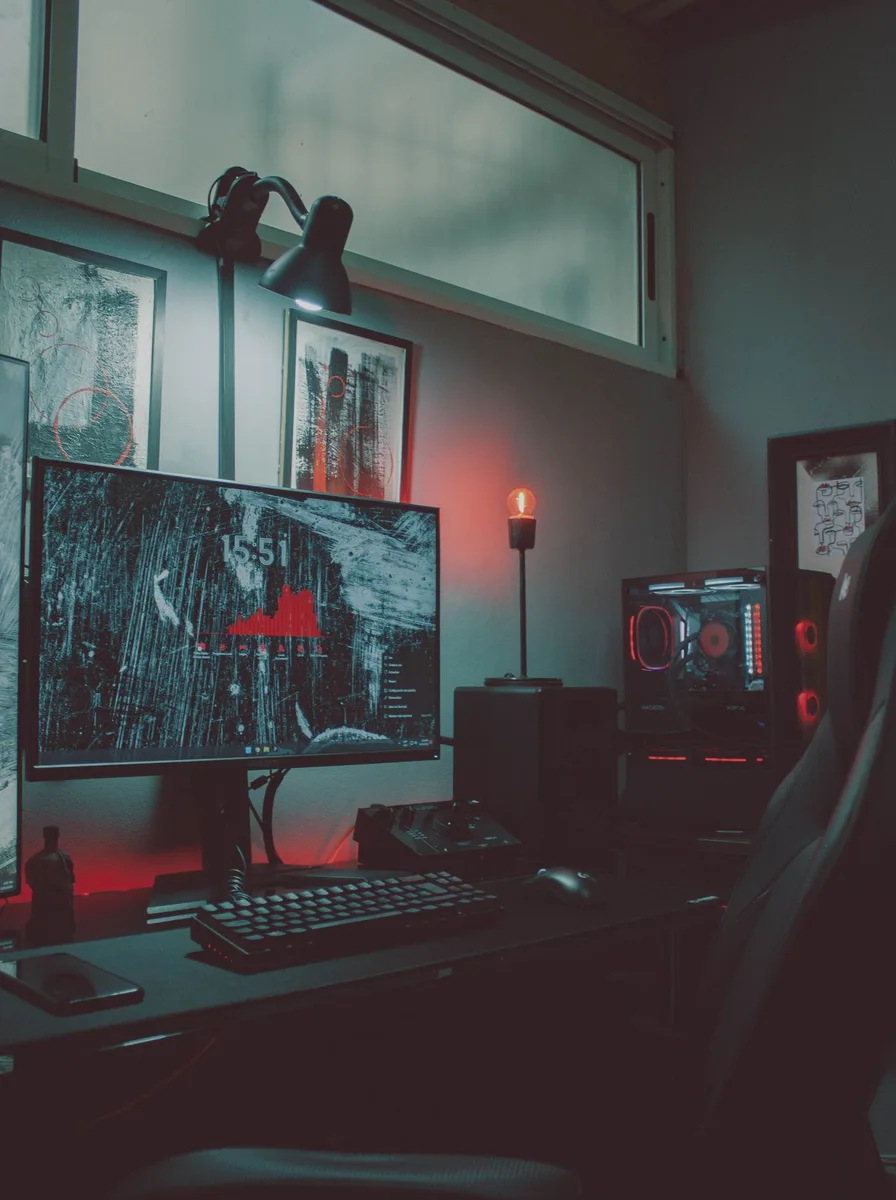
Long gaming sessions punish slouching: rounded shoulders, a craned neck, and an aching lower back by hour four. A good gaming chair’s tall backrest, lumbar support, and seat shape work together to make good posture the path of least resistance, so sitting tall feels natural rather than forced.
Build the habit deliberately: sit with your back against the backrest, feet flat, and monitor at eye level for the first week. The chair can only support the posture you give it. Take a two-minute stand-and-stretch break every hour — even the best chair isn’t a substitute for moving.
18. Side Bolsters That Hug Your Torso

Those raised wings on the backrest aren’t just racing cosplay — they provide lateral support that keeps your torso centred and stable through long sessions. When you lean into a turn or tense up in a clutch moment, the bolsters stop you sliding sideways and keep your shoulders square to the screen.
The sweet spot is supportive without restrictive: you should feel guided, not wedged. Very broad-shouldered gamers should check bolster spacing, as aggressive wings can press on the ribs. Softer, well-padded bolsters beat hard, sharply angled ones for all-day comfort.
19. Big-and-Tall Wide Seat Options
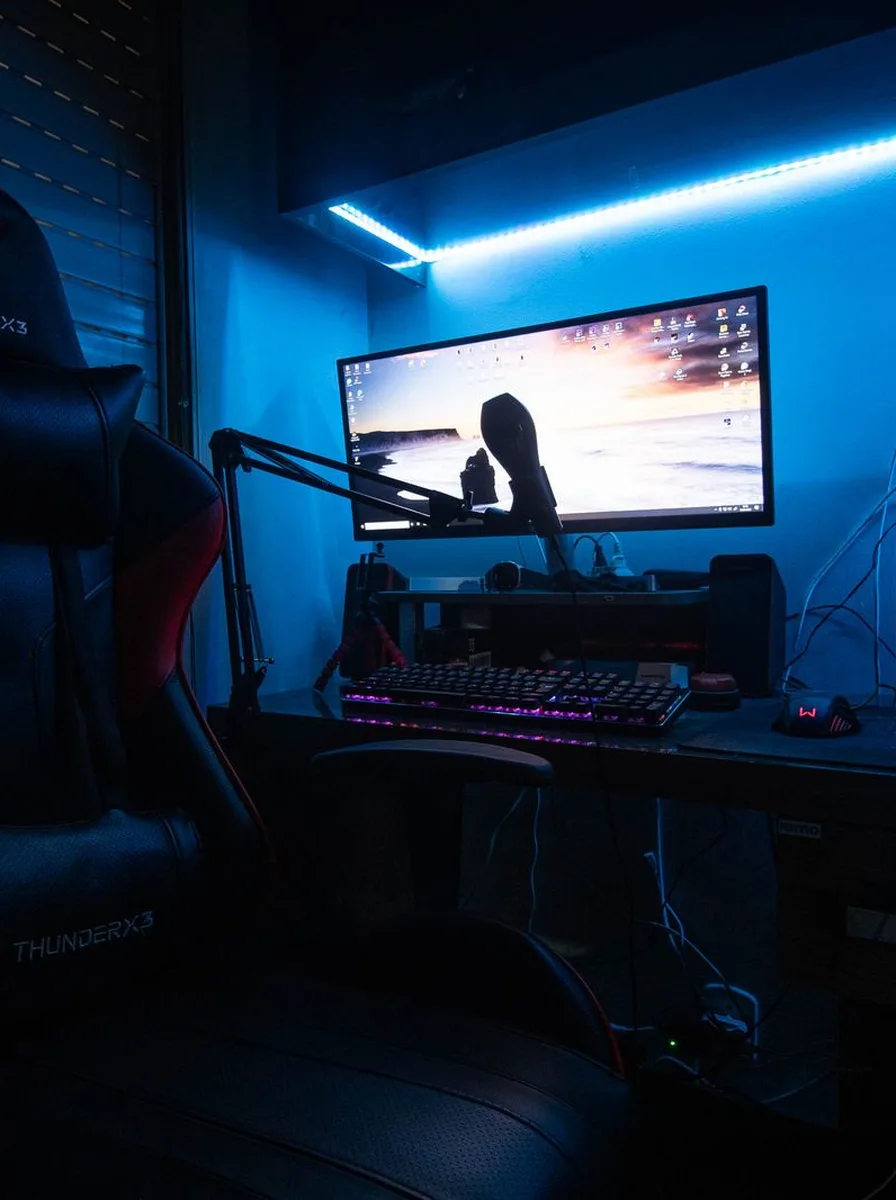
Standard gaming chairs run narrow, which leaves broader gamers perched on bolsters instead of sitting between them. Big-and-tall models widen the seat, flatten the bolsters slightly, raise the weight rating, and extend the backrest — the same racing look, engineered for larger frames.
Measure your hips and compare against the seat’s interior width, not the overall width — bolsters eat several centimetres each side. If you’re between sizes, size up; a slightly roomy chair stays comfortable for years, while a tight one becomes a daily annoyance. Tall users should also check backrest height.
20. Cable Management That Pairs with Your Setup

A gaming chair with USB-powered RGB, parked at a full battle station, sits in a web of cables. Chairs with built-in cable clips, a rear pouch, or routing channels keep charging cords and headset wires tidy and stop them tangling in the casters — a small detail that keeps your space looking sharp.
Even without built-in management, route a short USB extension from your desk to the chair’s usual spot so RGB or headset charging is plug-and-play. Velcro ties beat zip ties because you’ll re-route things. Tidy cables aren’t just aesthetic — they’re one fewer thing to trip over at 2 a.m.
21. Multi-Function Tilt Lock Mechanism

Beyond simple recline, a multi-function tilt lock lets you fix the backrest at several angles and sometimes lock the seat tilt independently. That granularity means you can dial in one perfect angle for competitive play, another for relaxed RPGs, and a third for movie night — and return to each instantly.
When testing, lock the chair at your main gaming angle and lean firmly — there should be zero slip or creep. Cheaper mechanisms hold upright and fully reclined but drift at in-between angles. Precise locking is one of the clearest divides between budget and mid-range chairs.
22. Reinforced Five-Star Base

The five-star base is the unsung hero carrying everything above it. Reinforced nylon or aluminium bases handle high weight ratings and aggressive reclining without flexing, while thin plastic bases can crack under stress — sometimes dramatically. It’s the component you never think about until it fails.
Aluminium bases are the premium pick: light, strong, and good-looking. High-quality reinforced nylon is perfectly fine too and keeps the price down. Press down hard on the seat edge when testing — any creak or give in the base is a warning. This is not the place to accept flimsy.
23. Stain-Resistant Upholstery for Snack Sessions

Let’s be honest: gaming and snacking go together, and chairs take the hit. Stain-resistant upholstery — whether treated fabric or wipeable PU leather — means spilled drinks and greasy fingerprints clean up with a damp cloth instead of becoming permanent battle scars.
For fabric chairs, a fabric protector spray adds a useful barrier; reapply every few months. For PU leather, wipe spills promptly before they seep into the seams. Darker colours and subtle patterns hide wear far better than light solids. Your future self, mid-ranked-climb with a slice of pizza, says thanks.
24. Quick 15-Minute Assembly
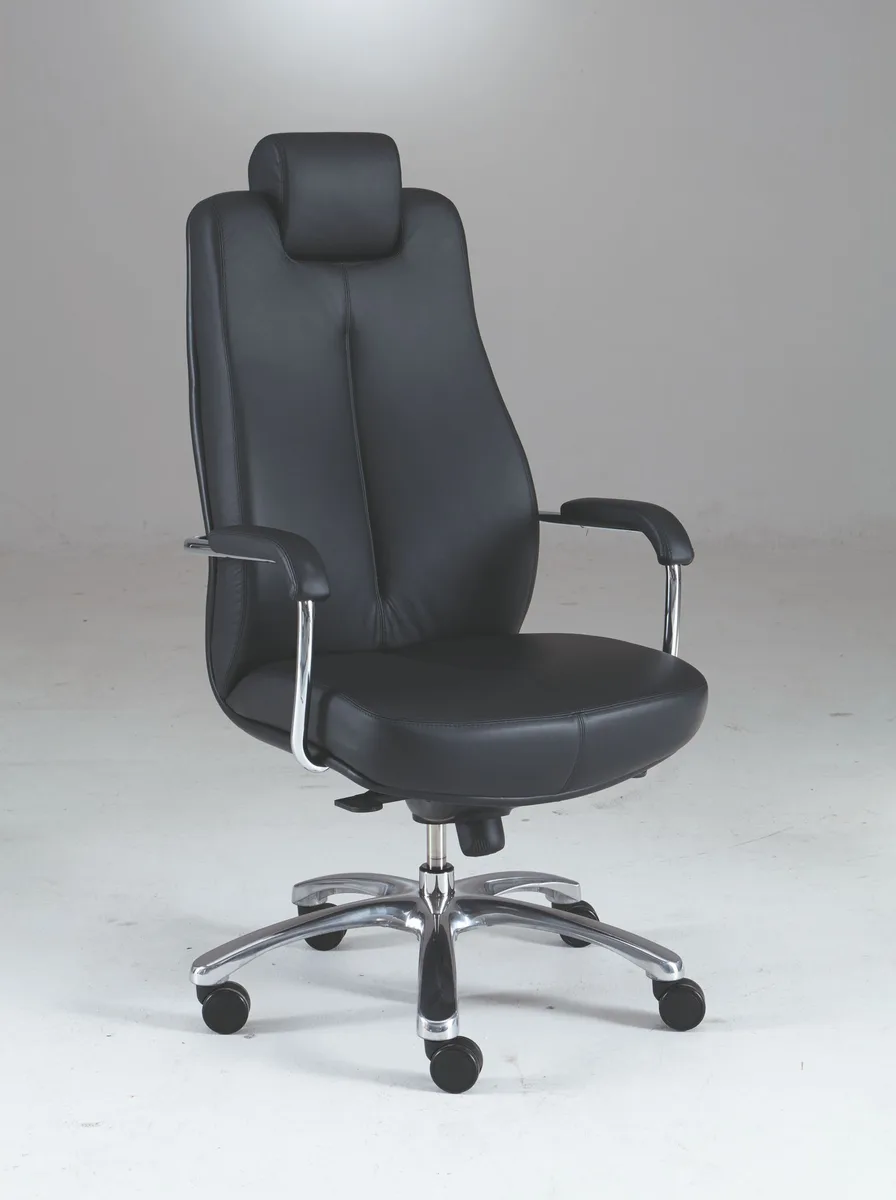
Nobody wants to spend Saturday decoding an instruction manual. Well-designed gaming chairs assemble in about fifteen minutes with clear steps, labelled parts, and all tools included in the box. It’s a small thing, but it sets the tone for the whole ownership experience.
Lay out every part and bolt before starting, and don’t fully tighten anything until the frame is loosely assembled — that alignment trick prevents most wobbles. If the manual is a single cryptic diagram, check the manufacturer’s YouTube channel; most good brands post full assembly videos. Keep the Allen key taped under the seat for future tightening.
25. Colourways That Match Your Battle Station
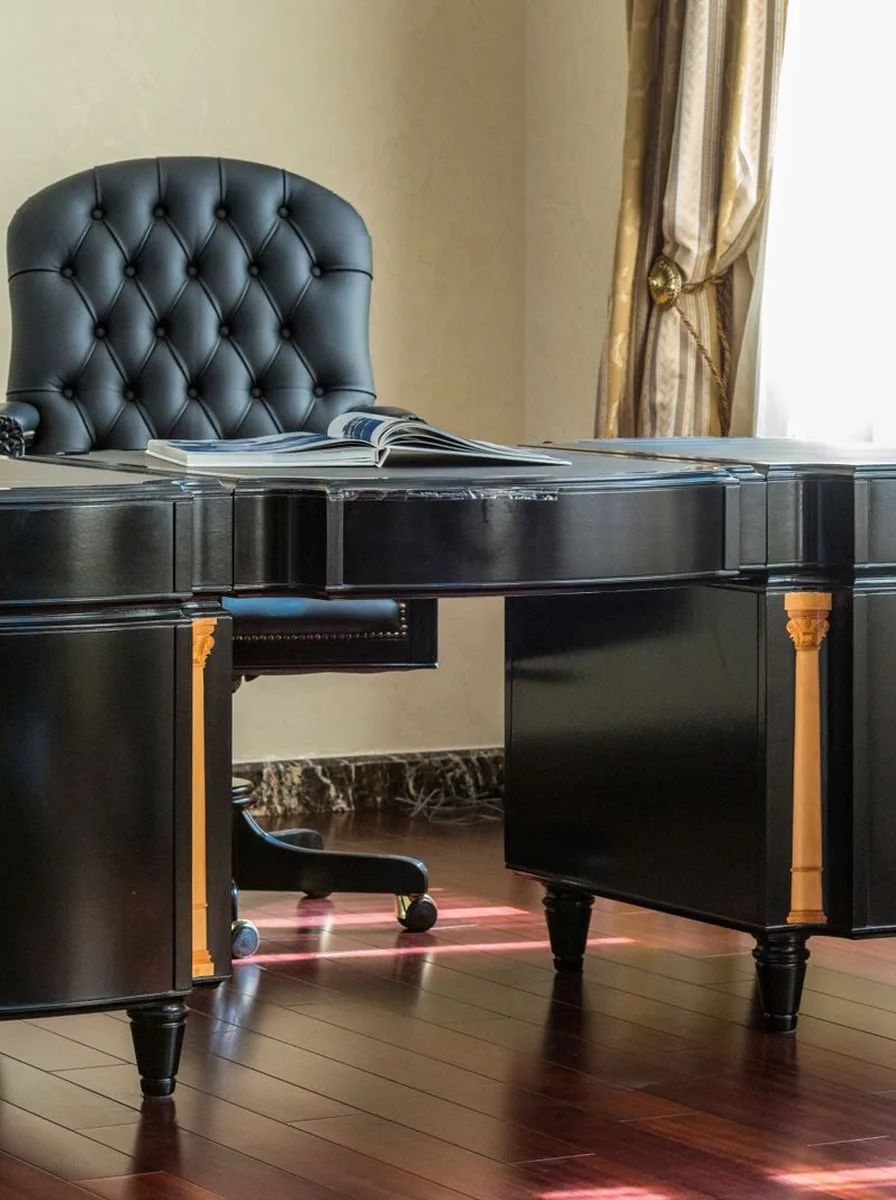
Gaming chairs now come in far more than black-and-red: white and pink, stealth all-black, blue and grey, even pastel colourways. Choosing a colourway that matches your desk, PC lighting, and room decor turns the chair from an eyesore into the centrepiece of a cohesive setup.
Think about your room’s palette before you buy — a chair is a big visual object. Neutral colourways (black, grey, white) adapt if you redecorate; bold ones make a statement but lock you in. If you stream, remember the chair is in frame constantly: pick something that looks good on camera.
26. A Warranty That Actually Means Something

A long warranty is the manufacturer’s bet on their own product. Look for at least two years of comprehensive coverage, with longer terms on the frame and mechanism — five years or lifetime on the frame signals genuine confidence. Short, vague warranties on expensive chairs are a red flag.
Read the fine print: check whether upholstery, casters, and gas lifts are covered, and whether the warranty requires registration within 30 days. Keep your receipt and photograph the serial label under the seat. A good warranty won’t make a bad chair good, but it protects a good chair’s value for years.

David is the home decor enthusiast behind HomeLushly. He shares practical, budget-friendly ideas for bedrooms, living rooms and seasonal decorating — from colour combinations that actually work to small-space styling tricks that make a room feel bigger. Every guide on HomeLushly is built around real photos and hands-on research, to help you make your home feel warm, personal and beautifully put together.