

The right chair does not just prevent pain — it actively helps you work better. When your body is supported, your attention stays on the task instead of drifting to your aching back; when your chair moves with you, transitions between tasks feel effortless. Productivity, it turns out, starts from the seat up.
But “the best chair” does not exist — only the best chair for you, your space, and your workday. A freelancer on video calls needs something different from a student in a box room, and a six-hour sitter needs something different from a two-hour one. The smart move is matching the chair to the job it has to do.
These 24 picks cover every common home-office scenario, each shown with a photo and practical buying advice. Find the profile that sounds like your workday, note what to look for, and choose a chair that pays you back in focus, comfort, and energy — every single day.
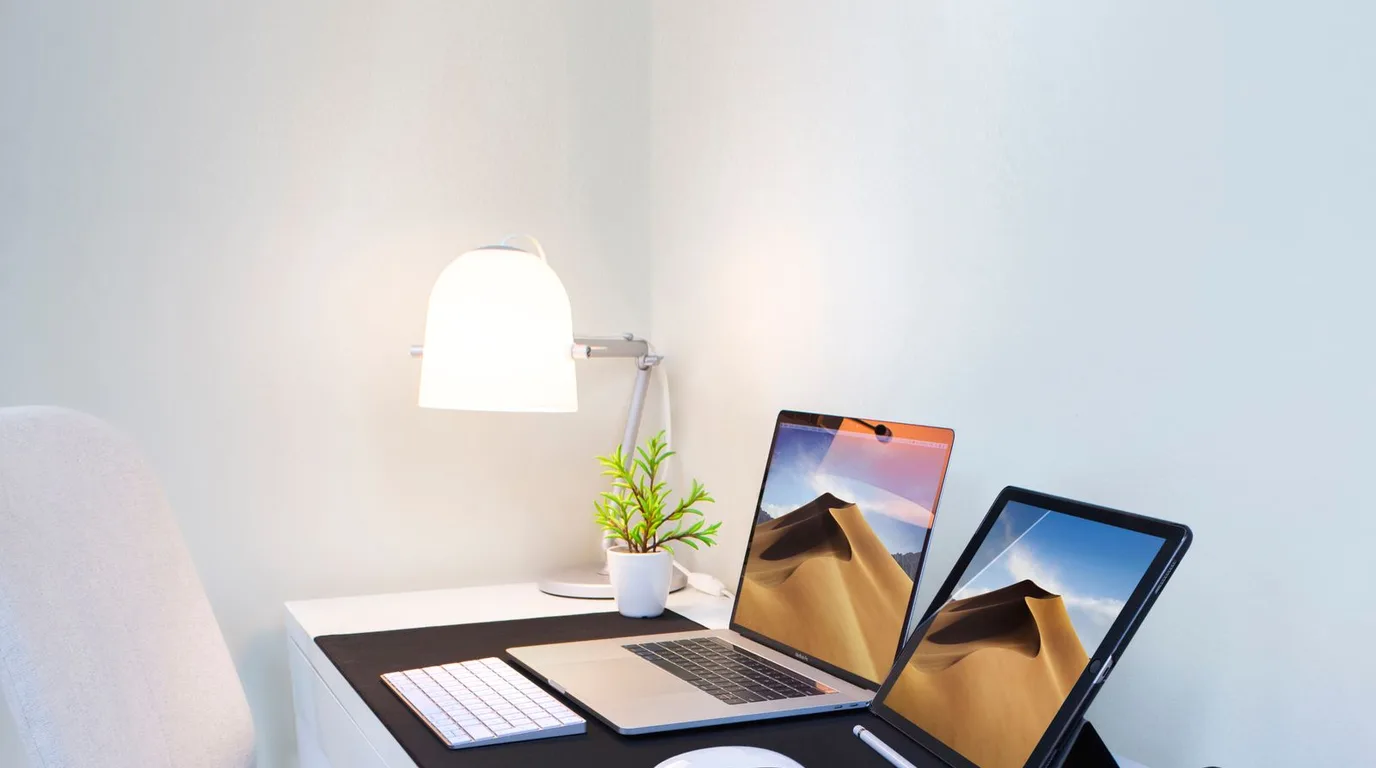
1. The All-Round Ergonomic Task Chair
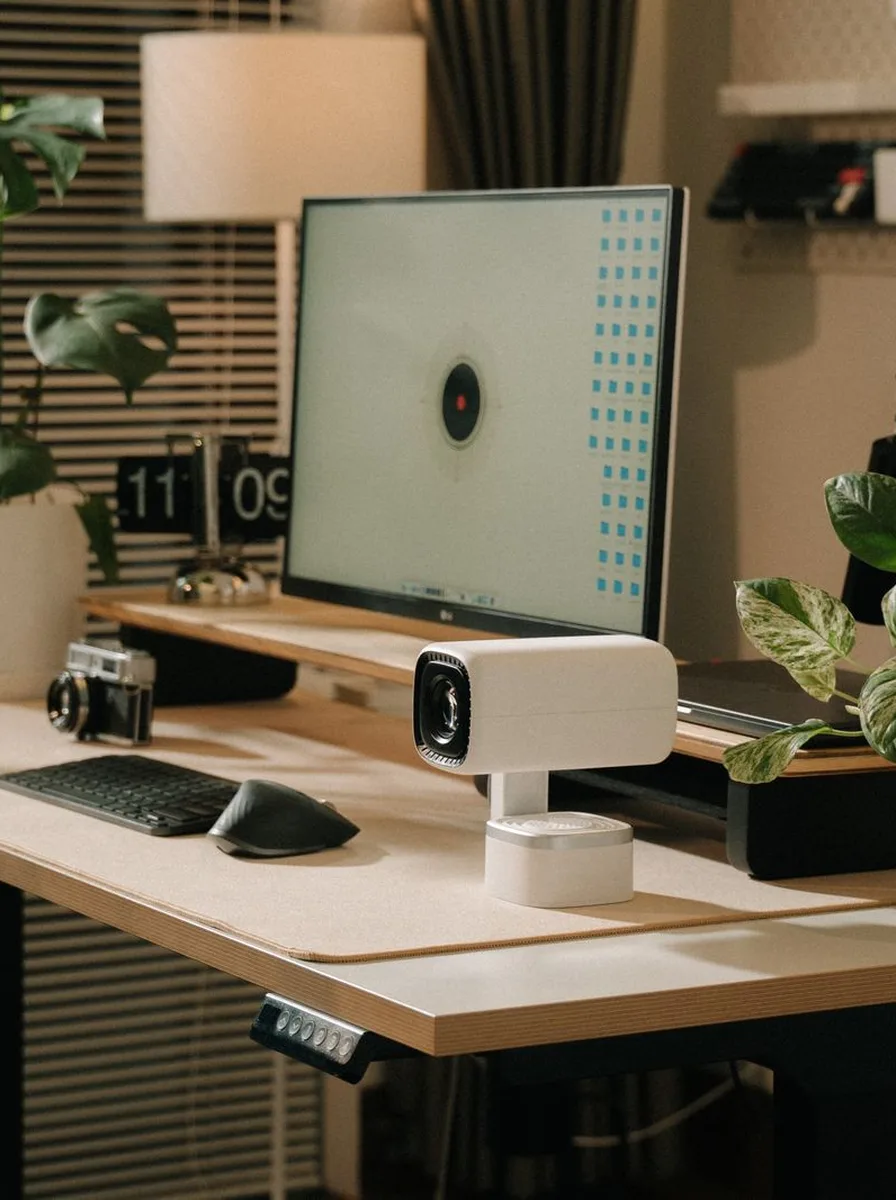
If you only buy one chair, make it a proper ergonomic task chair: adjustable seat height, lumbar support, seat-depth adjustment, and recline with tension control. This is the workhorse pick — the chair that handles eight-hour days without complaint and adapts to whoever sits in it. For general home-office use, nothing beats the versatility of a well-specified task chair.
Prioritise adjustability over padding; a chair with every dial beats a plush chair with none. Test the lumbar range and make sure the armrests adjust in at least height. Tip: this is the pick to stretch your budget on — cost per hour over five years makes even a premium task chair cheaper than a daily coffee.
2. A Mesh-Back Chair for Marathon Sessions

Long sitters — writers, developers, designers — generate heat, and heat breeds fidgeting. A mesh-back chair keeps air moving across your spine through ten-hour days, while the flexible weave supports without pressure points. For marathon sessions, breathability is not a luxury; it is what keeps you in the chair instead of pacing the hallway by hour six.
Look for high-tension mesh that springs back when pressed, plus adjustable lumbar — mesh alone does not guarantee back support. Pair it with a padded seat, since all-mesh seats can feel hammock-like. Tip: if your workspace runs cold, keep a thin throw on the chair back for winter; mesh airflow works against you in January.
3. A Leather Executive Pick for Video Calls
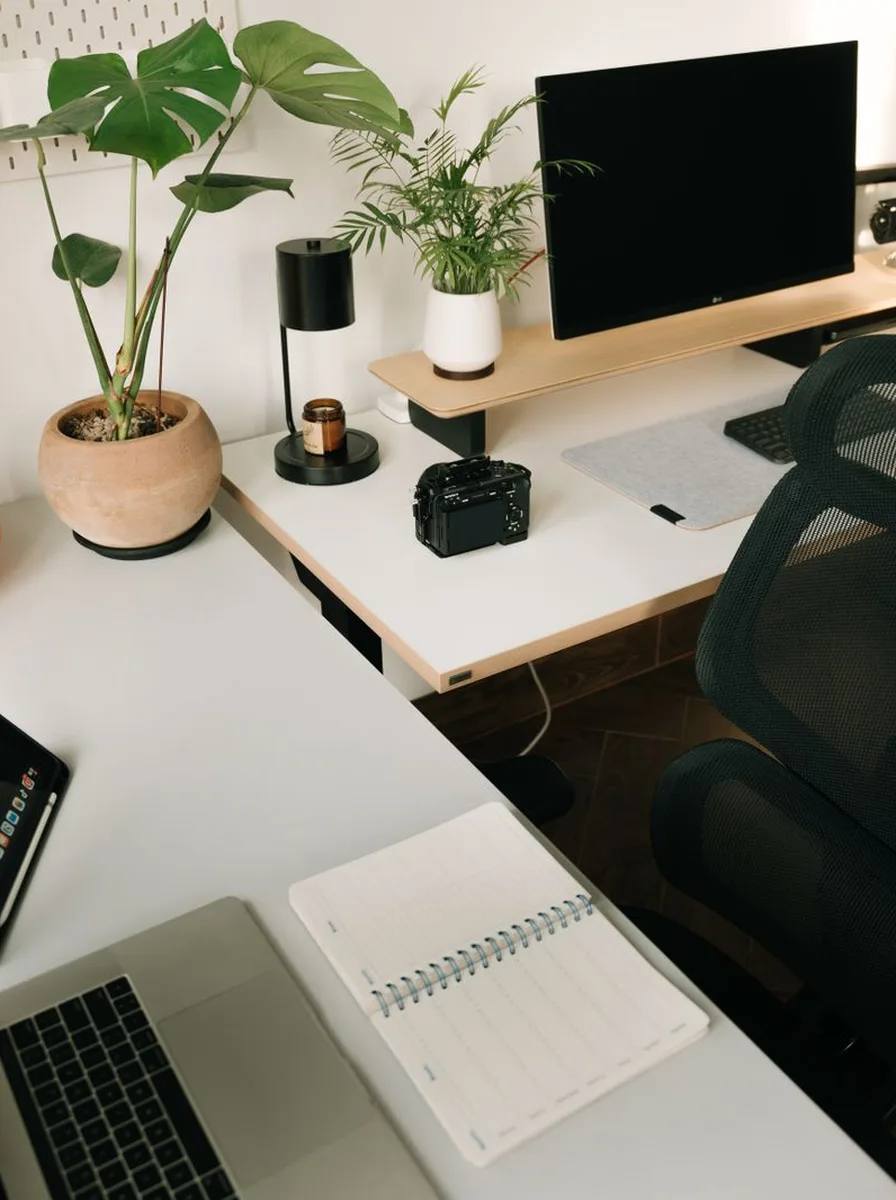
Perception matters on camera, and a leather executive chair frames you with quiet authority. The high back fills the frame behind you, the rich material reads as established and serious, and clients unconsciously register the difference. If your workday is wall-to-wall video, your chair is part of your professional image — dress it accordingly.
Choose top-grain or good bonded leather in black, cognac, or oxblood; avoid shiny vinyl that reads cheap on camera. Make sure the ergonomics are real, not just looks — you will still sit in it all day. Tip: position a soft light in front of you; leather looks its best with warm, diffused lighting rather than harsh overheads.
4. A Compact Chair for Small-Space Desks
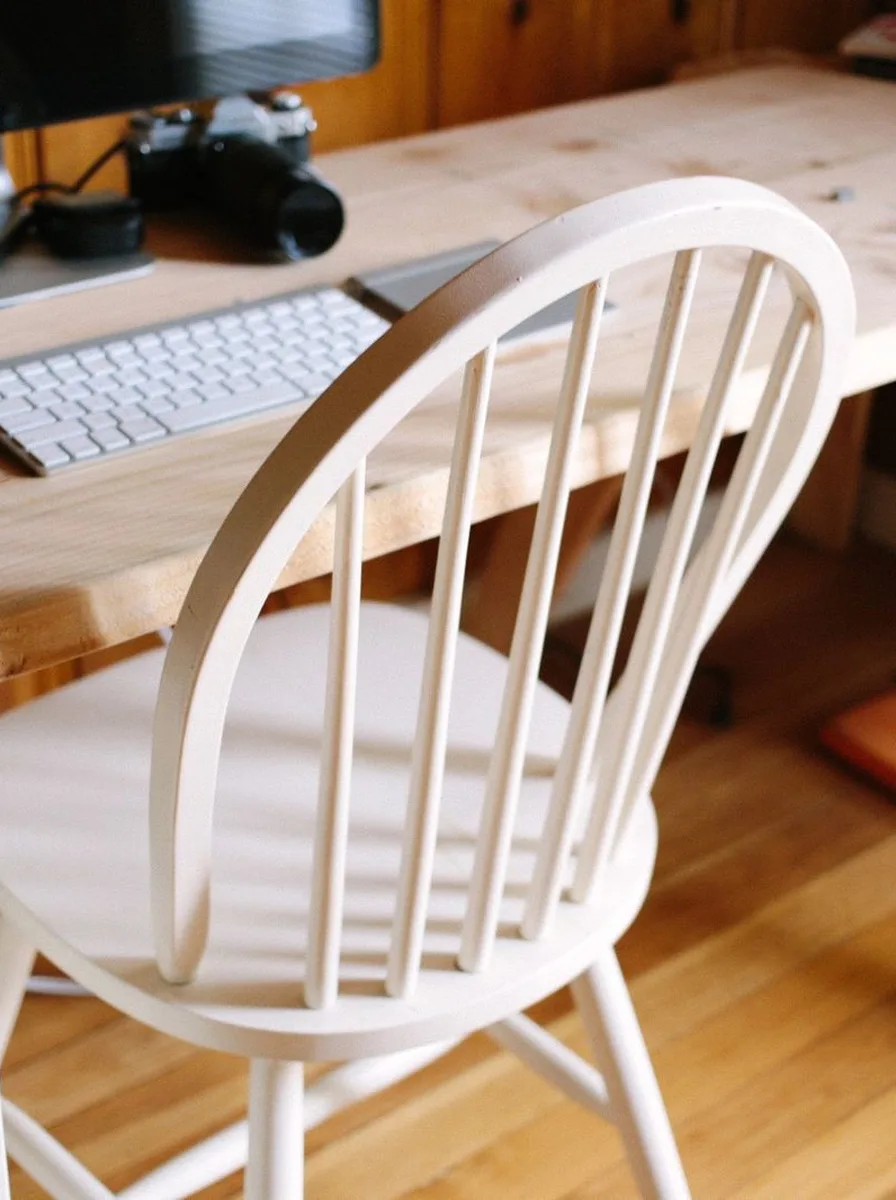
Box-room offices and bedroom corners punish bulky chairs — every extra centimetre is floor space you cannot afford. A compact chair with a slim back, modest footprint, and no protruding armrests slides into tight spots and tucks fully under the desk. Small does not have to mean unsupportive; many compact chairs pack genuine lumbar support into a petite frame.
Measure your available space — including the tuck-under clearance — before shopping, and bring a tape measure to the showroom. Armless or flip-up-arm designs maximise flexibility. Tip: light colours visually shrink a chair’s presence, so a compact white or grey chair all but disappears into a small room.
5. A Drafting Stool for Sit-Stand Desks
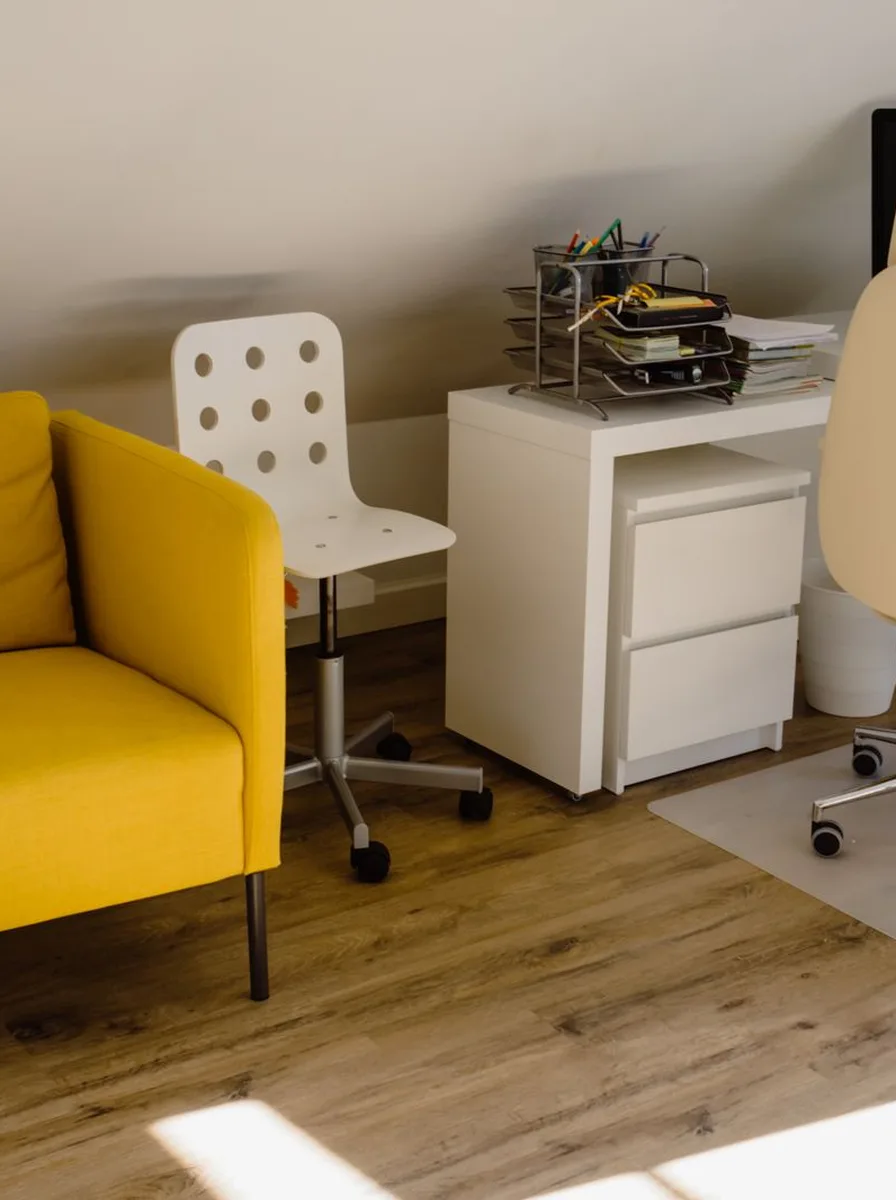
Sit-stand desks only deliver their promise if the sitting half is comfortable, and that is where a drafting stool earns its place. Taller than standard chairs with a footring for leg support, it lets you perch at raised-desk height — taking weight off your feet while keeping your work surface exactly where you set it. Standing all day is overrated; alternating is the real goal.
Look for a good height range, an adjustable footring, and a comfortable seat — you will perch for hours. A backrest, even a small one, makes a big difference over a backless stool. Tip: set phone reminders to switch between sitting, perching, and standing; the desk’s memory presets make transitions one-touch.
6. A Kneeling Chair for Core Engagement
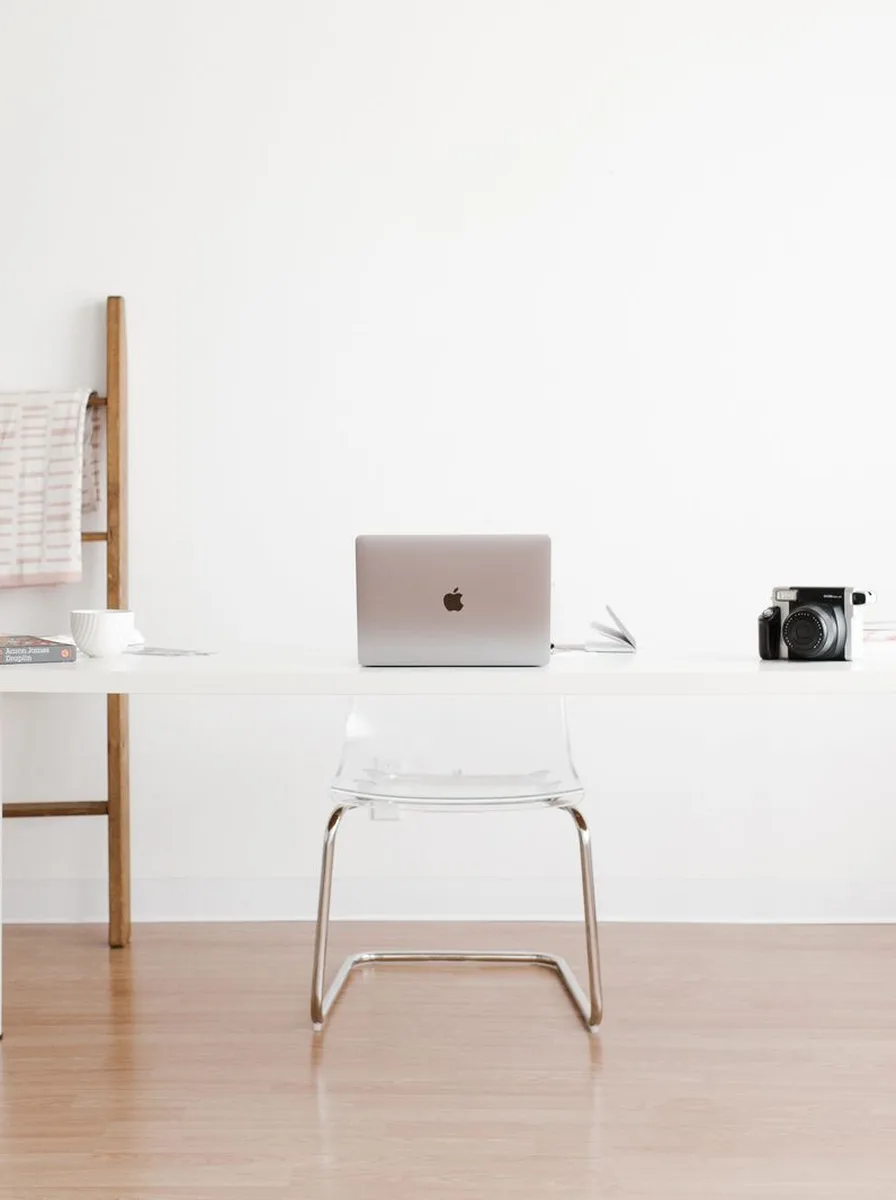
If your workday leaves your core feeling like it is on permanent holiday, a kneeling chair wakes it up. By tilting you forward onto shin pads, it opens the hip angle and asks your trunk muscles to participate in holding you upright. Used for part of the day, it is like a gentle, ongoing posture workout disguised as sitting.
Build up gradually — start with an hour a day and increase as your shins and core adapt. Keep your standard chair for long stretches and switch when you feel yourself slumping. Tip: kneeling chairs shine during focused solo work like writing or coding; they are less ideal for long meetings where you want to lean back and listen.
7. A Balance Ball Chair for Energy Breaks
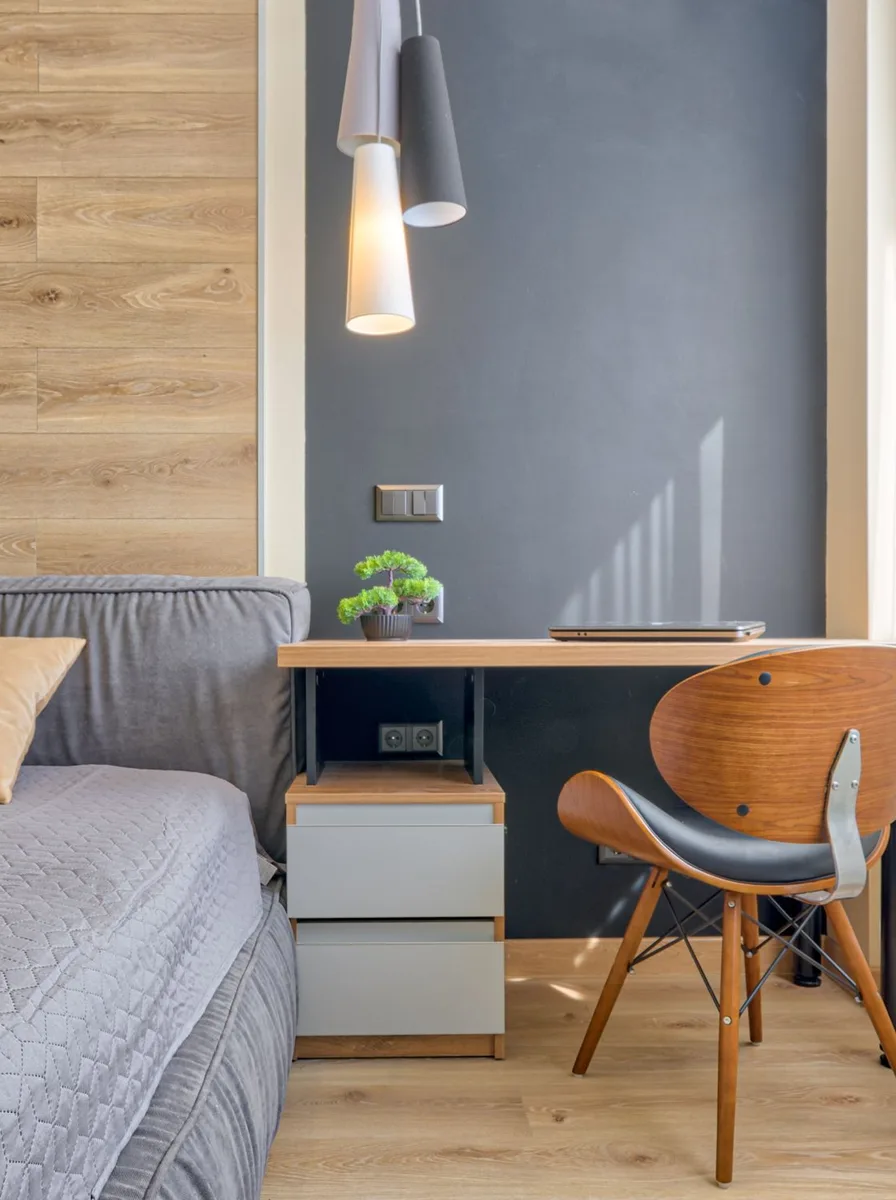
Afternoon energy slumps are real, and a balance ball chair fights them with movement. The unstable seat keeps your body subtly active — micro-adjustments all day that prevent the stiffness of static sitting. Many people find the gentle motion genuinely energising, like the difference between standing still and swaying to music.
Use it for a few hours as a complement to your main chair, not a full replacement — fatigue is the signal to switch back. Choose a model with a stable wheeled base and height adjustment. Tip: schedule ball-chair time for your known slump hours; the movement is most valuable exactly when your energy dips.
8. An Armless Chair That Tucks Away Cleanly
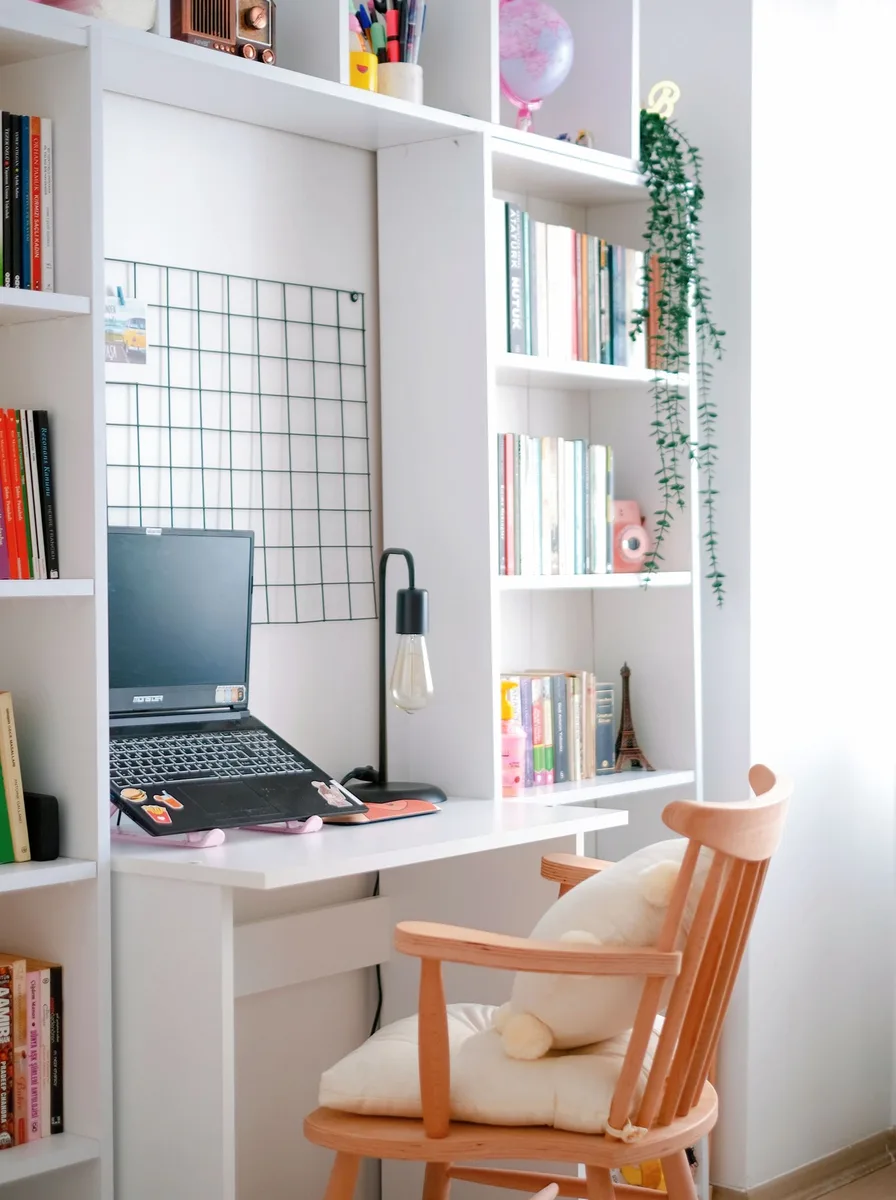
A tidy workspace is a focused workspace, and nothing tidies like a chair that disappears under the desk. Armless chairs slide fully beneath the worktop, leaving a clean floor and a clear visual field — no armrests jutting out to catch your eye or your hip. For minimalists and small rooms, this clean tuck-away is a daily small joy.
Without armrests, desk height becomes critical — your shoulders must stay relaxed while typing. Look for a comfortable waterfall seat edge since you will sit slightly more forward. Tip: this pick doubles brilliantly as spare dining seating; a good-looking armless chair earns its keep in two rooms.
9. A High-Back Chair for Full-Spine Support
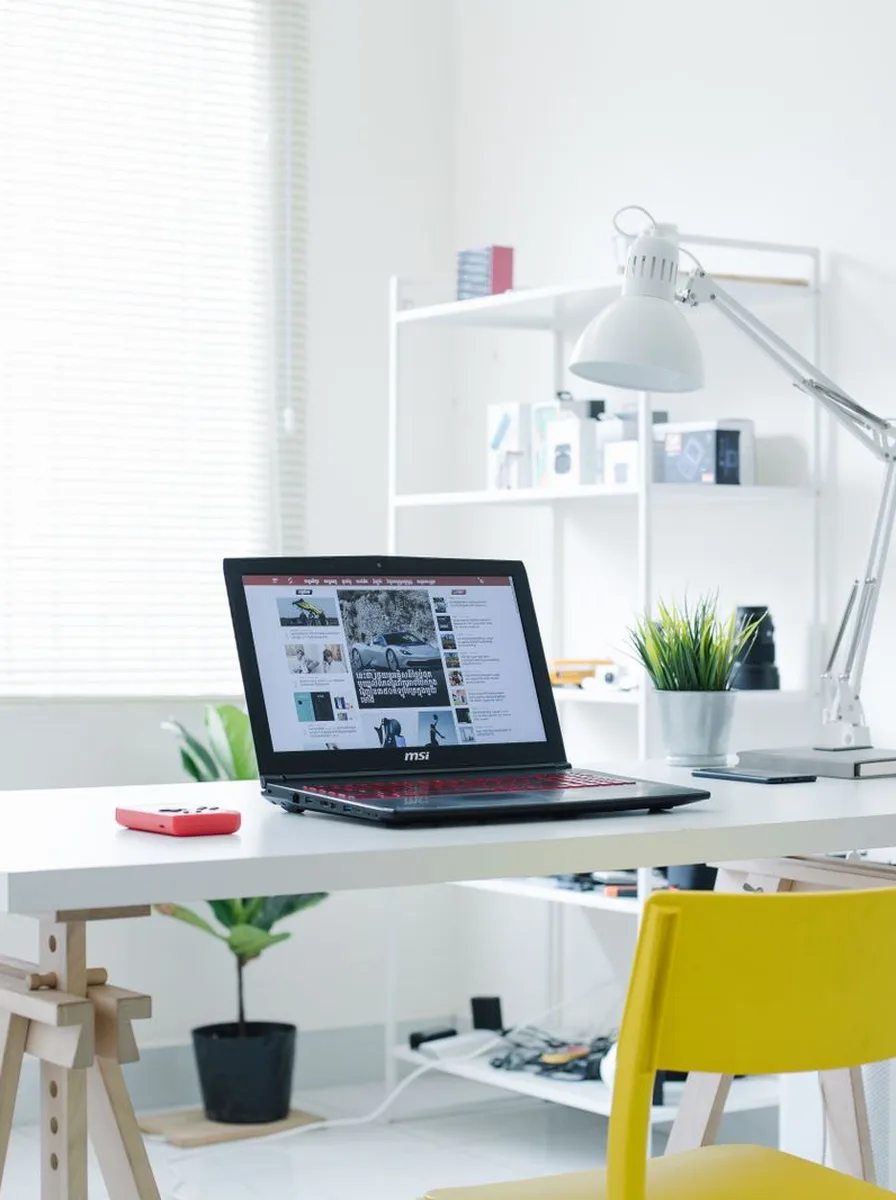
If back pain is your main productivity thief, a high-back chair that supports the full spine — lumbar through shoulders to head — is the pick. The extended backrest carries your upper body’s weight during recline, letting neck and shoulder muscles genuinely switch off. For anyone who leans back to think, read, or take calls, that full-length support is transformative.
Make sure the headrest adjusts to your height — a fixed high back that misses your head is just decoration. Check that the recline locks at multiple angles. Tip: high-backs visually dominate small rooms, so choose this pick when comfort outranks compactness in your priorities.
10. A Mid-Back Chair for Freedom to Move
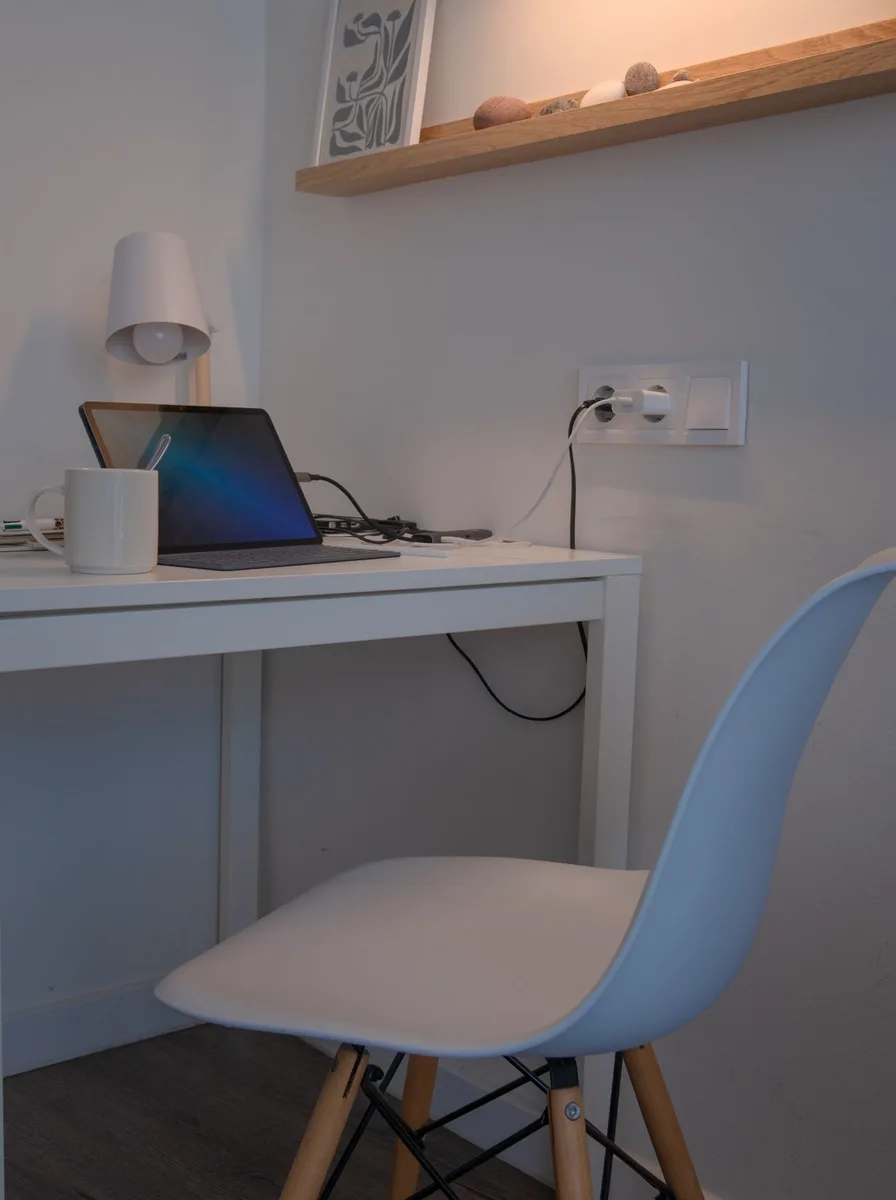
Not everyone wants a throne. A mid-back chair — supporting lumbar and mid-spine while leaving shoulders free — suits active workers who twist, reach, and swivel all day. The lower backrest never fights your movement, making it ideal for multitaskers who swivel between screens, papers, and the rest of the room.
Since the upper back is unsupported, prioritise excellent lumbar adjustment — it is doing all the work. Mid-backs also keep small rooms feeling open and trap less heat against your body. Tip: this is the sweet spot for restless sitters who change position constantly; the chair gets out of your way instead of dictating posture.
11. A Chair with a Headrest for Recline Breaks
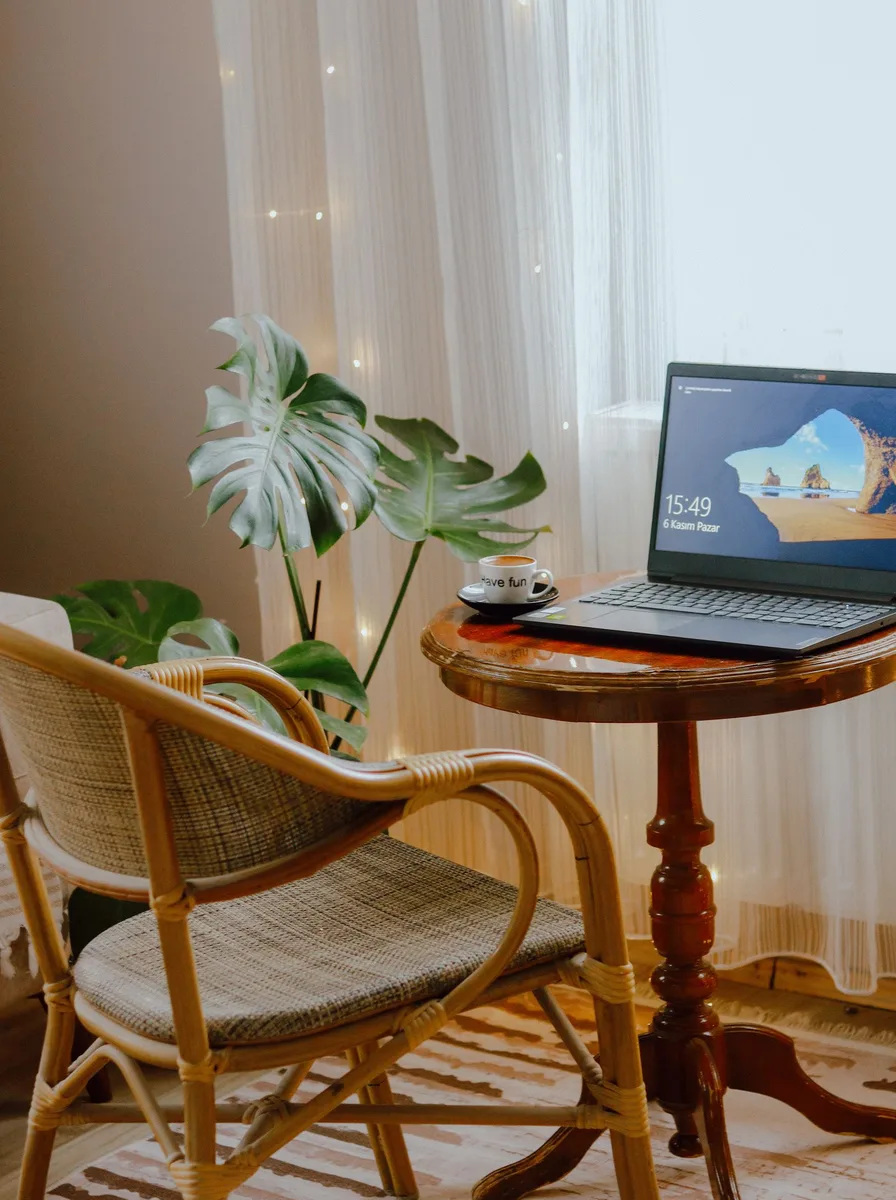
Strategic rest is a productivity tool, and a chair with a proper headrest makes microbreaks genuinely restorative. Lean back, let the headrest cradle your skull, close your eyes for two minutes — your neck muscles release, your breathing slows, and you return to the task sharper. Without a headrest, reclining just trades back strain for neck strain.
Adjust the headrest to meet the base of your skull, not push your chin down. A headrest that flips up or removes entirely gives you both modes. Tip: pair headrest reclines with the 20-20-20 eye rule — every twenty minutes, look twenty feet away for twenty seconds — and your breaks multitask.
12. The Best Budget Ergonomic Pick

Good ergonomics should not require a four-figure budget. The smart budget pick nails the fundamentals — height adjustment, decent lumbar support, and a comfortable seat — while skipping luxury extras like 4D armrests and designer looks. Plenty of affordable chairs cover the basics brilliantly; the trick is knowing which basics matter.
Test in person if possible: sit for ten minutes, check the lumbar actually meets your back, and wiggle everything for wobbles. Read long-term reviews, not launch hype — cheap chairs reveal their flaws at month six. Tip: ex-display and refurbished office chairs are the budget buyer’s secret weapon — premium ergonomics at half price.
13. A Petite Chair for Smaller Frames
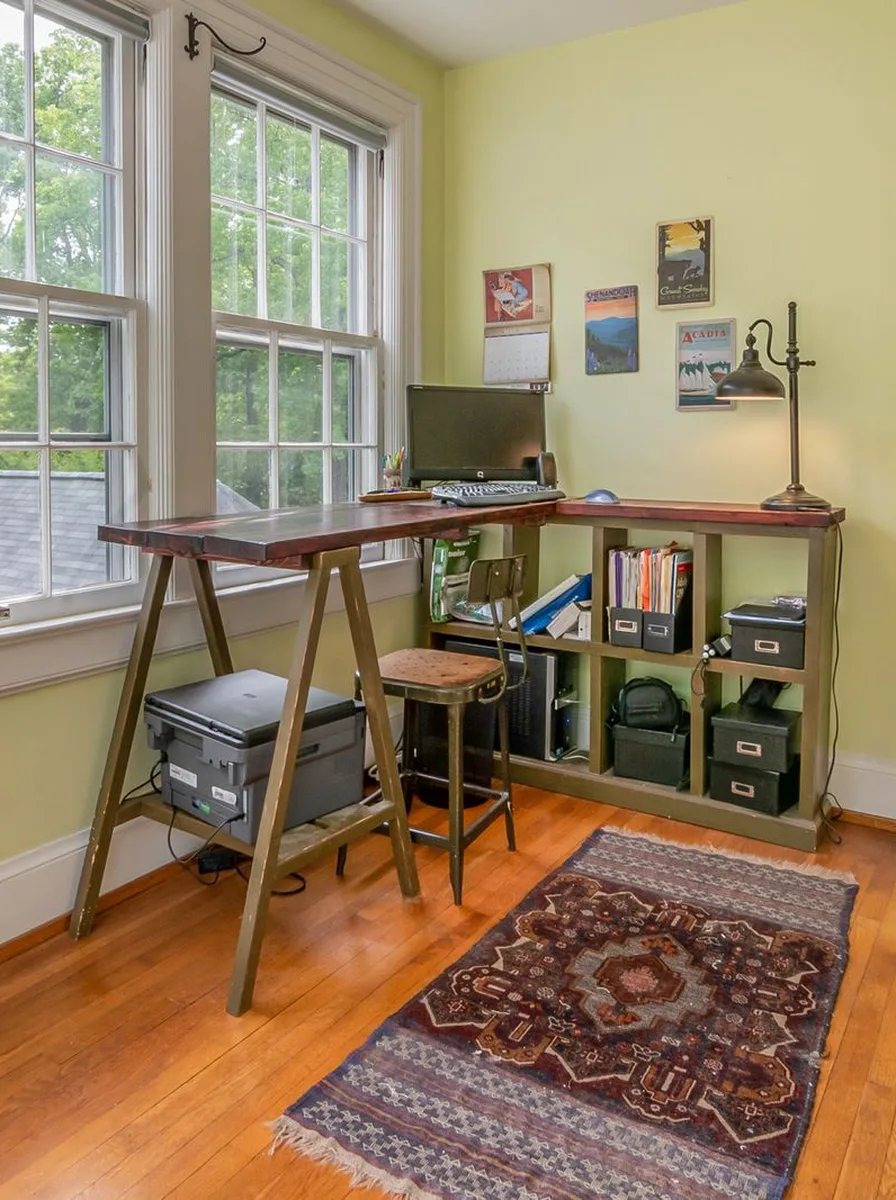
Standard chairs are designed around average proportions, which leaves smaller sitters perching on seats too deep and armrests too wide. A petite chair — with a shallower seat pan, narrower frame, and lower minimum height — lets smaller bodies sit back fully with feet flat, which is the foundation of pain-free posture. Fit matters more than features.
Check the seat depth spec (around 15–16 inches suits most petite sitters) and make sure the lowest height setting truly reaches your feet. A seat slider helps fine-tune. Tip: if a dedicated petite model is not available, a standard chair with full seat-depth adjustment is the next best thing.
14. A Big-and-Tall Chair That Actually Fits
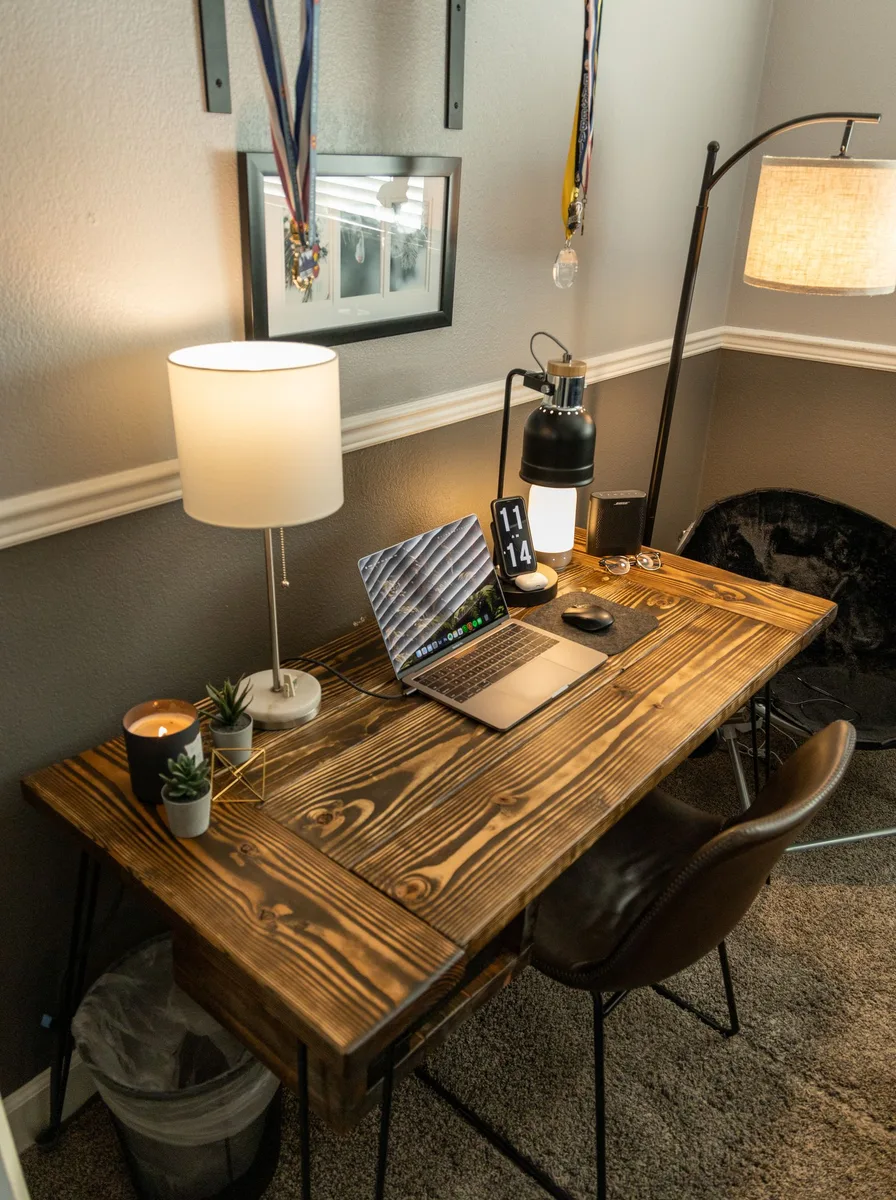
Larger bodies need chairs engineered for them — wider seats, higher weight ratings, reinforced mechanisms — not standard chairs pushed past their limits. A proper big-and-tall chair distributes weight comfortably, keeps its adjustments working under load, and lasts years instead of months. Sitting in a chair that is rated for you changes everything about the workday.
Look for a weight rating with real headroom above your weight, a seat at least 22 inches wide, and a heavy-duty gas cylinder. Test the recline under your full weight in the showroom. Tip: check the warranty terms — generous warranties on big-and-tall models signal a manufacturer that actually engineered for the rating.
15. A Chair with Flip-Up Armrests
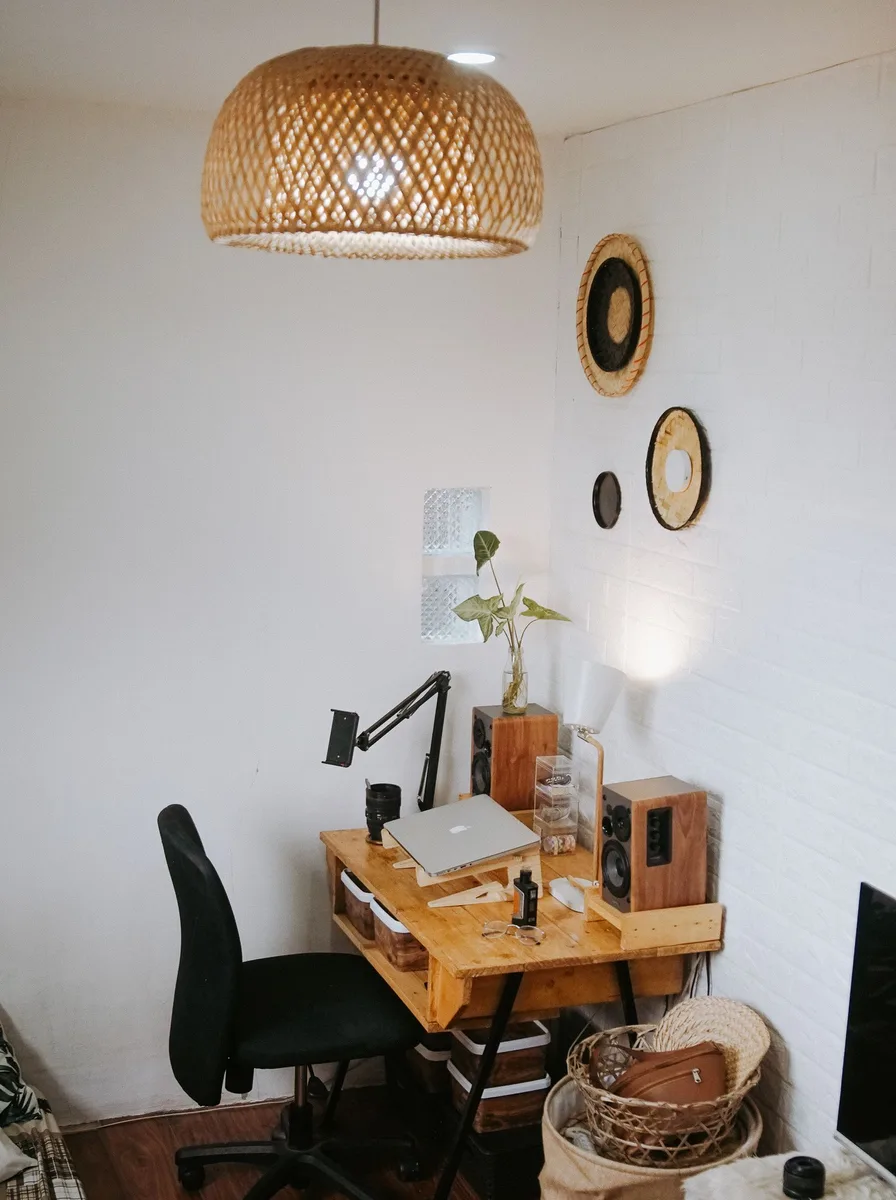
Armrests are wonderful until they are not — blocking you from pulling close to the desk, or stopping the chair from tucking away. Flip-up armrests solve the dilemma: support when you want it, gone in one motion when you do not. It is the most practical armrest design for dynamic workdays and tight spaces alike.
Test the flip mechanism for smooth, one-handed operation and a solid lock in both positions — wobbly armrests are worse than none. Make sure they are height-adjustable too. Tip: flip them up when you need to sit cross-legged for a creative thinking session, then drop them back down for typing.
16. A Breathable Fabric Chair for Warm Rooms
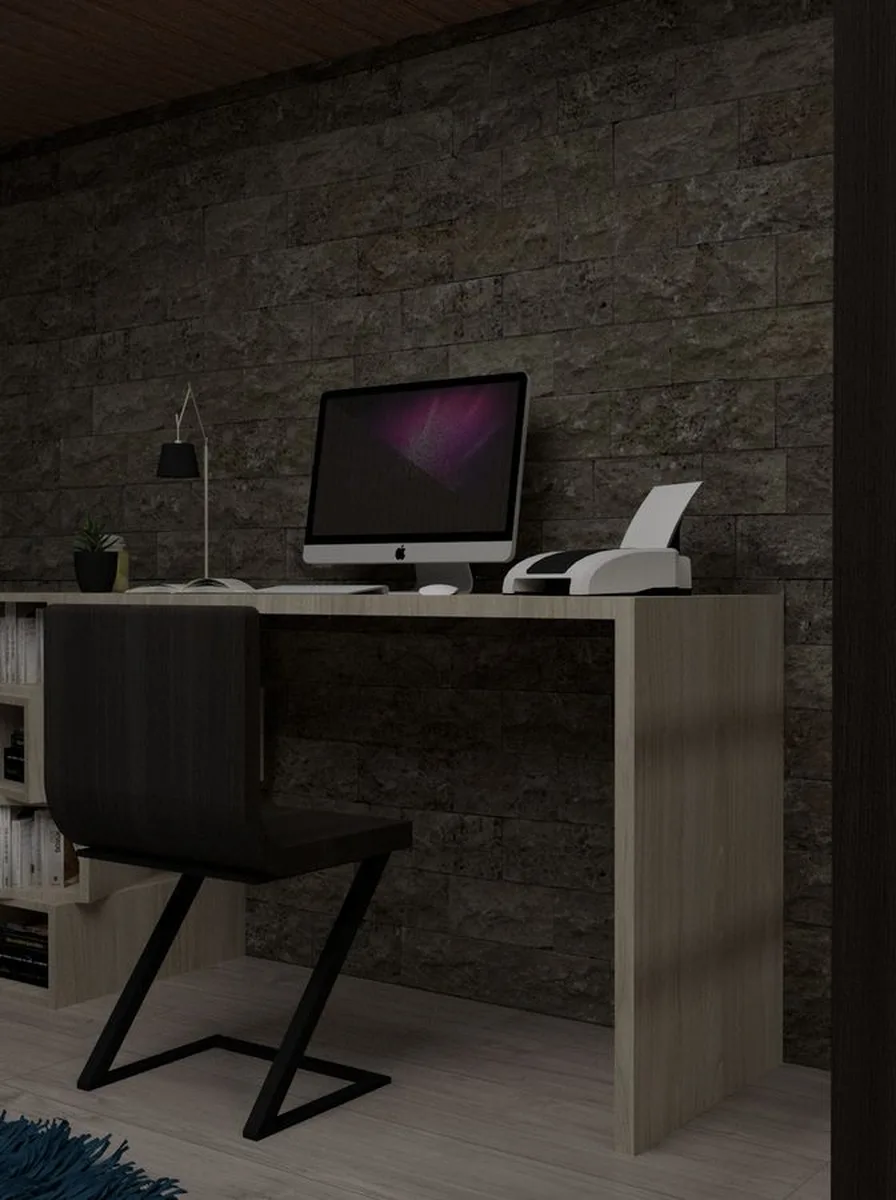
If your home office doubles as a sun-trap or you simply run warm, upholstery choice directly affects your focus. Breathable woven fabrics dissipate heat where vinyl and leather trap it, keeping you cool and dry through long sessions. Discomfort is distracting — a chair that breathes is a chair that lets you forget you are sitting.
Look for open-weave performance fabrics marketed as breathable or cooling; avoid coated easy-clean fabrics that seal heat in. Lighter colours absorb less warmth. Tip: a small desk fan aimed at your back multiplies the effect — moving air across breathable fabric feels remarkably like air conditioning.
17. A Chair with Truly Adjustable Lumbar

Fixed lumbar supports are a lottery — if the bump lands in your curve, wonderful; if not, it is just an annoying lump. A chair with genuinely adjustable lumbar — height and depth, ideally — lets you place support exactly where your spine needs it. For chronic lower-back sufferers, this single feature outweighs almost everything else on the spec sheet.
Test the full range in the showroom: the support should travel enough to serve both short and tall torsos, and adjust firmly enough to stay put. Dynamic lumbar that follows you as you recline is the premium version. Tip: if your chair’s lumbar is fixed and wrong, a separate adjustable lumbar cushion is a cheap fix that transforms the chair.
18. A Quiet Roller for Hard Floors
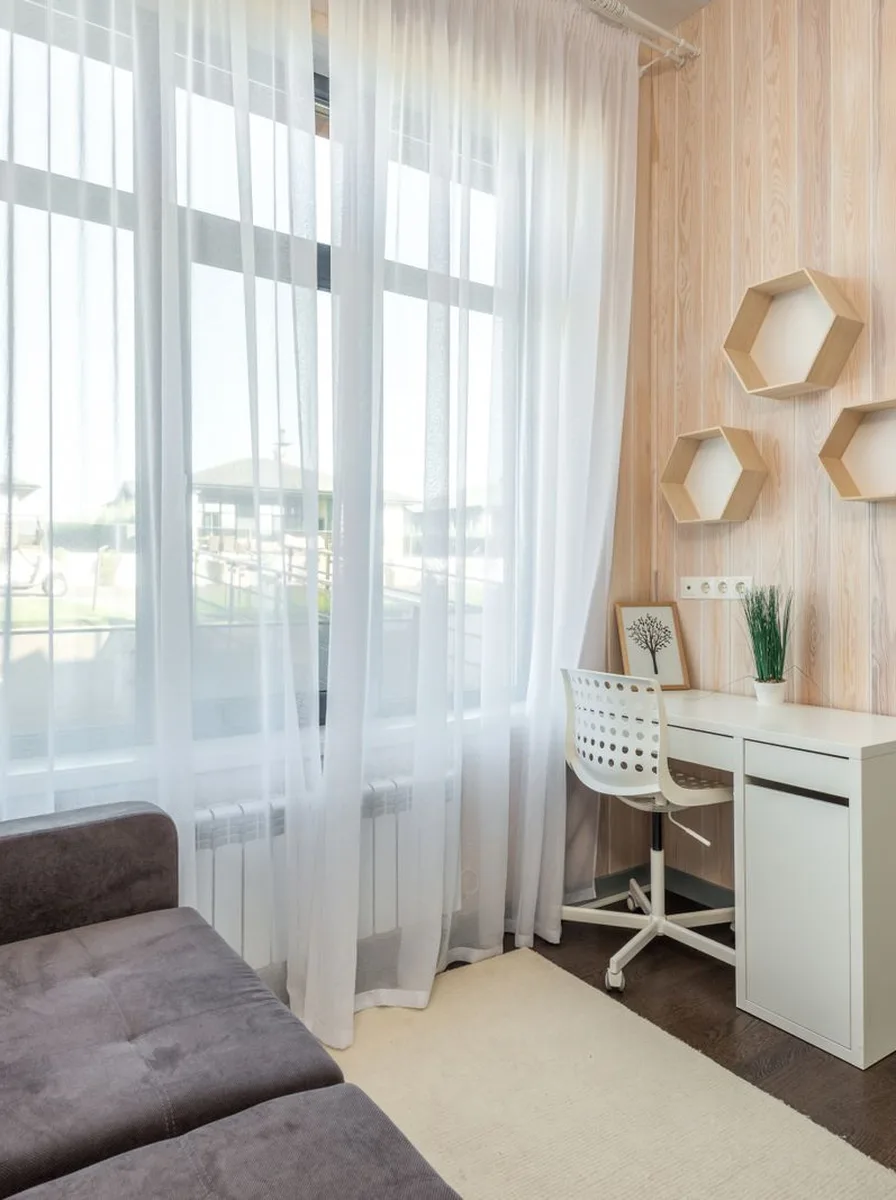
On wood, tile, or laminate, standard hard casters clatter, scratch, and slowly destroy your floor — and the noise breaks concentration every time you shift. A chair with soft rollerblade-style wheels glides silently, grips the floor instead of skating across it, and protects your flooring. In a home office, quiet movement is a genuine productivity feature.
Look for polyurethane rollerblade casters, sold as upgrades for most chairs — they pop into standard sockets. Pair with a chair mat for ultimate floor protection. Tip: if you work while others sleep nearby, quiet casters are a small kindness to everyone sharing your walls.
19. A Rocking Office Chair for Thinking Time
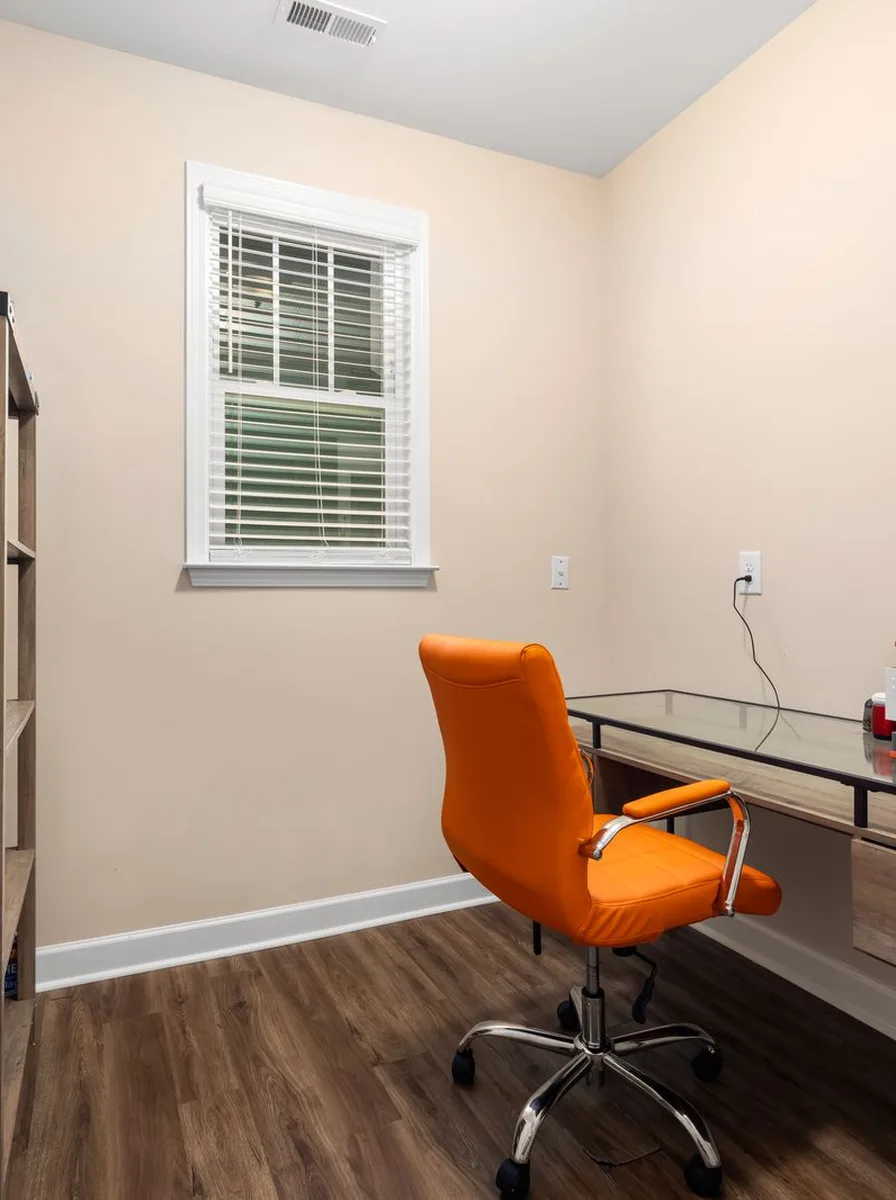
Some of the best work happens away from the keyboard — thinking, planning, reading — and a gentle rocking motion supports exactly that mode. Rocking soothes the nervous system, encourages the relaxed alertness where ideas surface, and gives restless legs something to do. A rocking office chair legitimises thinking as real work.
Choose a model with a lockable rock so it stays still for typing, and make sure the base is stable on your flooring. A glider mechanism suits offices better than traditional rockers. Tip: schedule your rocking time deliberately — fifteen minutes of rocked reflection after lunch beats an hour of bleary-eyed scrolling.
20. A Minimalist Chair for a Clear-Headed Setup
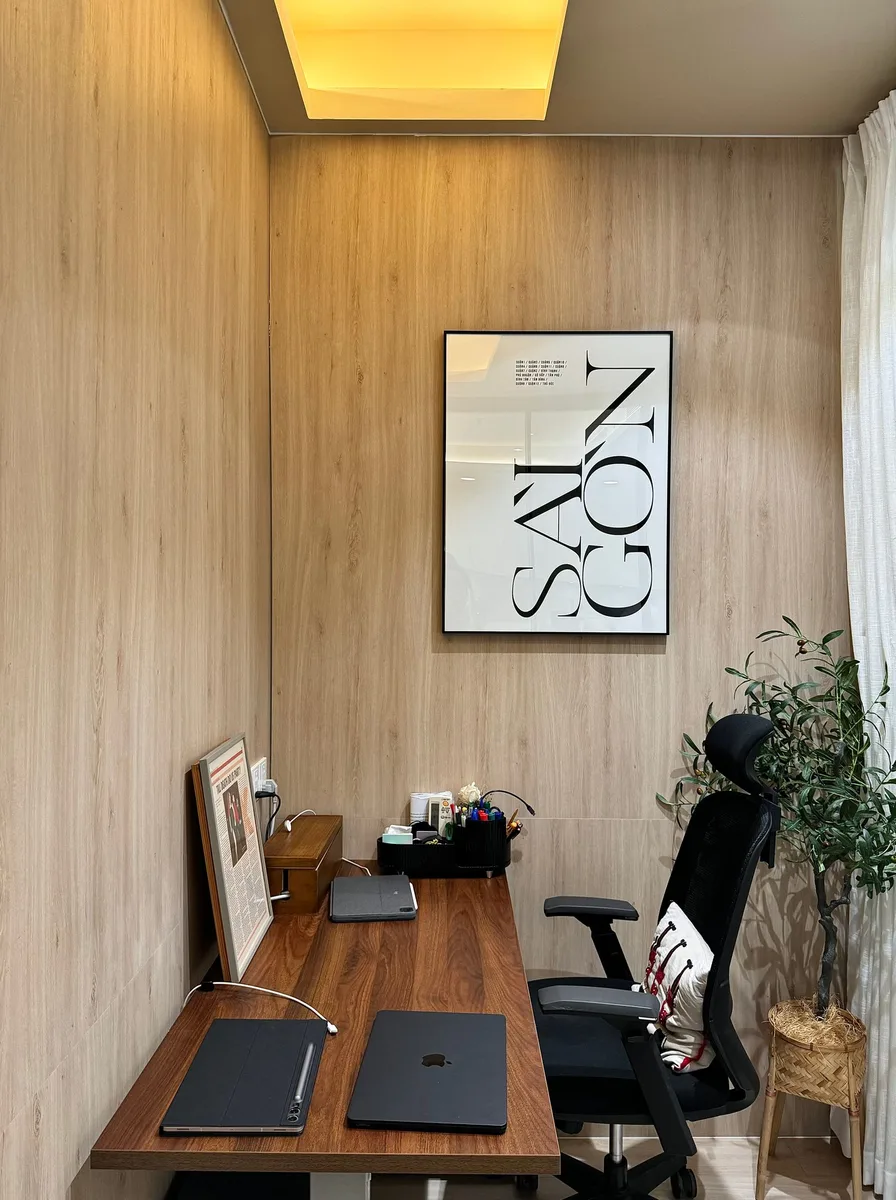
Visual clutter competes for attention, and a bulky, fussy chair is visual clutter you sit in. A minimalist chair — clean lines, neutral colour, nothing extraneous — keeps your sightlines calm and your mind uncluttered. For deep-focus work, the environment should recede; a quiet chair helps the room do exactly that.
Minimalist does not mean featureless — insist on the ergonomic fundamentals hidden inside the clean design. White, grey, or black keeps the palette calm. Tip: pair with hidden cable management and a clear desk; the chair is one element of a deliberately calm visual field.
21. A Chair with a Seat Slider for Long Legs

Long-legged sitters face a specific problem: standard seat pans end mid-thigh, leaving knees unsupported and encouraging the forward slide that wrecks posture. A seat slider extends the pan to meet longer thighs, distributing weight properly and keeping the back against the lumbar support. If your knees have always hung off the front, this is your feature.
When testing, slide the pan until you have that two-to-three-finger gap behind the knees with full thigh support — then lock it. Combine with adequate seat height. Tip: taller users should also check the backrest height; a short back on a tall torso leaves the shoulders entirely on their own.
22. A Gaming-Style Chair for Long Stretches
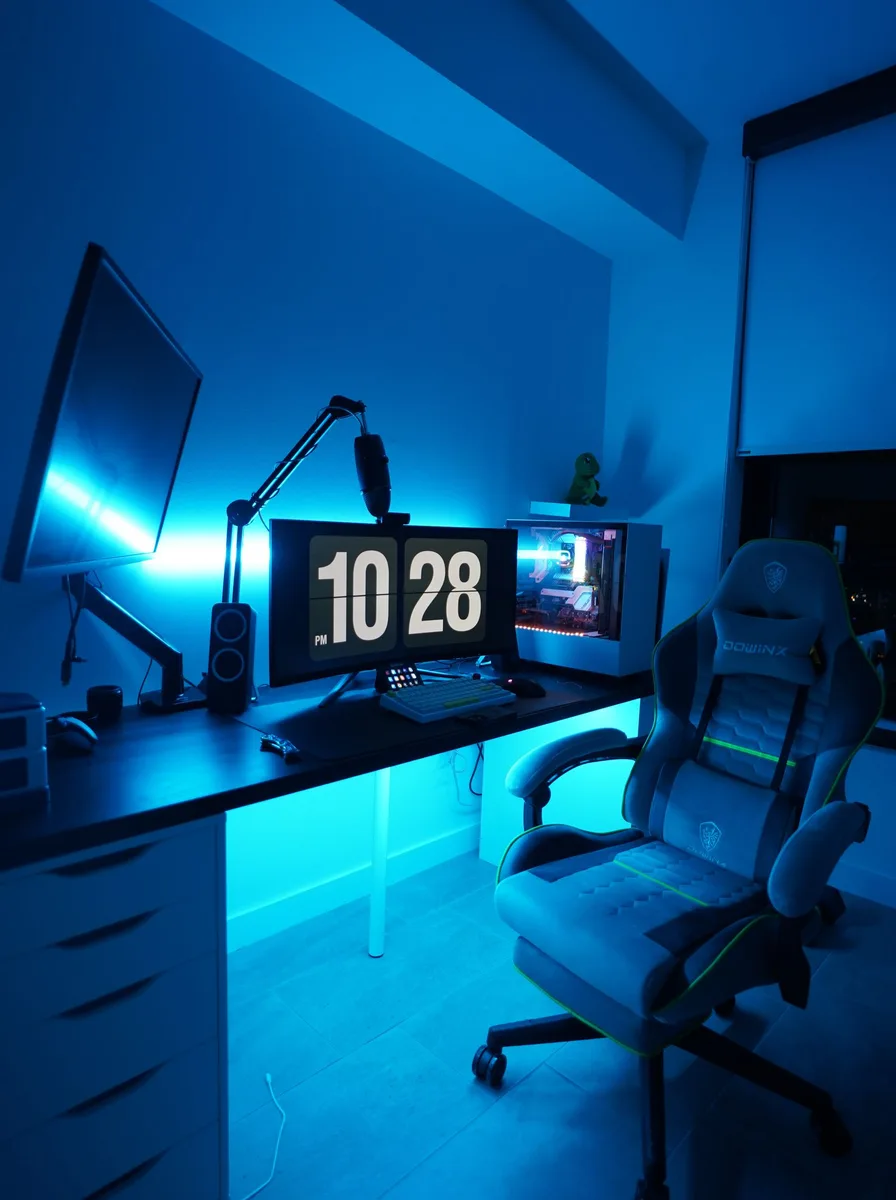
Love them or hate the look, gaming chairs are engineered for one thing: keeping a human comfortable through extremely long seated sessions. High backs, pronounced bolsters, deep recline, and 4D armrests as standard — the spec sheet reads like an ergonomic wishlist. For marathon workdays, the comfort engineering is genuinely hard to beat.
The bucket-seat bolsters suit slimmer builds; broader sitters should check they do not feel squeezed. Look past the racing aesthetics to the adjustment list — that is where the value lives. Tip: if the style clashes with your decor, many brands now make stealth versions in muted blacks and greys that keep the ergonomics without the racetrack.
23. A Vintage-Look Chair with Modern Ergonomics

Period style and spinal health rarely shared a sentence — until now. A new wave of chairs wraps modern ergonomic engineering in vintage aesthetics: tufted leather, brass casters, mid-century silhouettes, all hiding adjustable lumbar and synchro-tilt inside. You get the look of a gentleman’s study with the support of a task chair.
Verify the ergonomics are real, not decorative — sit, recline, and adjust everything before falling for the looks. These chairs suit studies, libraries, and traditional home offices beautifully. Tip: this pick photographs wonderfully and gives video calls a distinctive, memorable backdrop — personal branding, seated.
24. The Smartest Pick: Test Before You Buy

After twenty-three picks, here is the meta-pick: whatever chair you choose, test it properly before committing. Specs lie, reviews generalise, and only your body knows what your body needs. A thirty-minute showroom sit — or better, a home trial — reveals more than a hundred reviews. The smartest chair purchase is an informed one.
When testing, replicate your real workday: type, recline, take a pretend call, adjust everything twice. Buy from retailers with generous return windows and actually use them. Tip: keep notes on what you liked in each chair you try — by the third test, the comparisons blur, and your notes become the deciding vote.

David is the home decor enthusiast behind HomeLushly. He shares practical, budget-friendly ideas for bedrooms, living rooms and seasonal decorating — from colour combinations that actually work to small-space styling tricks that make a room feel bigger. Every guide on HomeLushly is built around real photos and hands-on research, to help you make your home feel warm, personal and beautifully put together.