

If your back aches by three o’clock every afternoon, your chair is trying to tell you something. Most of us blame long hours, but the real culprit is usually a perfectly good chair that was never set up properly. An ergonomic desk chair is a tool, and like any tool it only works when it is adjusted to fit the person using it.
The good news is that pain-free workdays rarely require an expensive upgrade. Small, precise changes — raising the seat a touch, nudging the lumbar support upward, softening the tilt tension — add up to a completely different sitting experience. Your body gives you feedback all day long; these secrets teach you how to listen to it and exactly what to tweak.
This guide walks through 23 practical ergonomic desk chair secrets, each shown with a photo and a tip you can apply in minutes. From seat depth and armrest angles to casters, cushions, and daily habits, every idea targets a specific source of discomfort — so you can build a workday your back will thank you for.
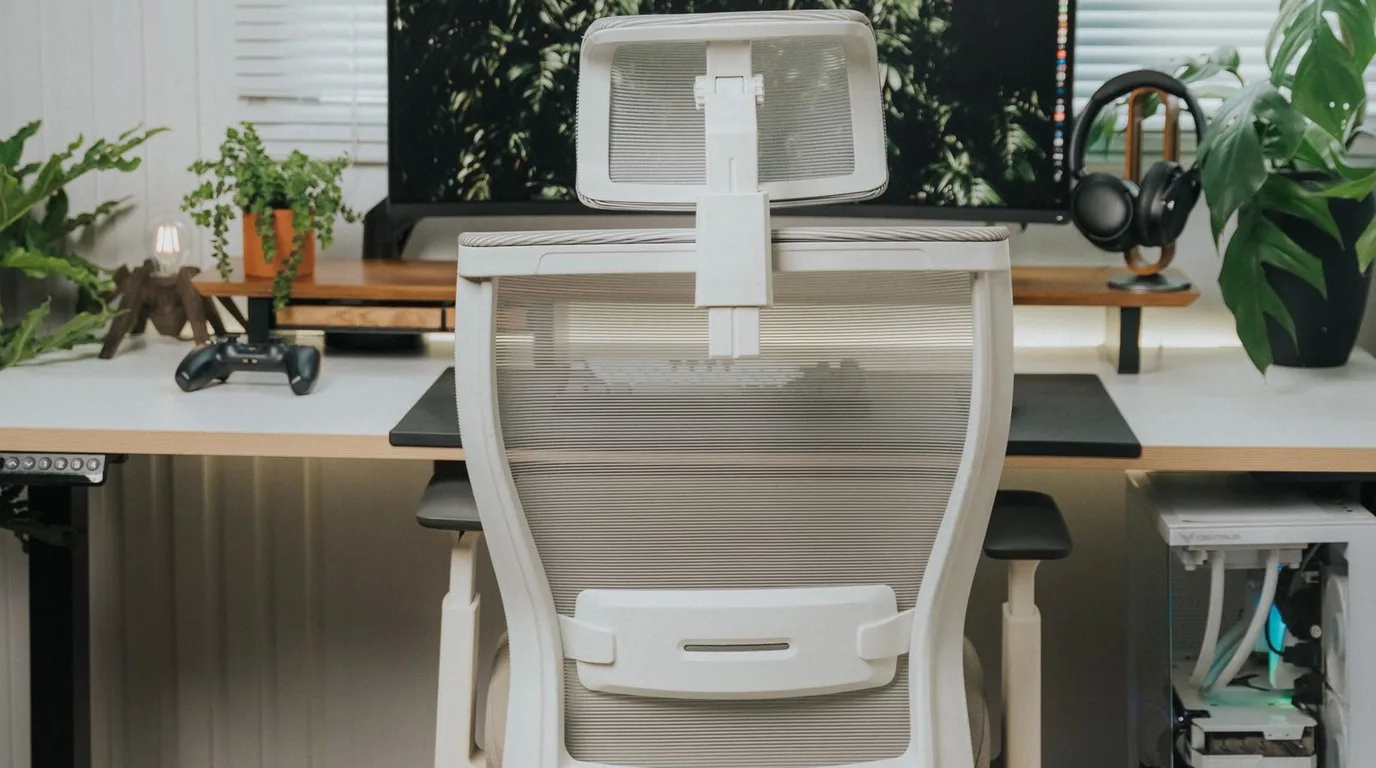
1. Set Seat Height So Your Feet Rest Flat
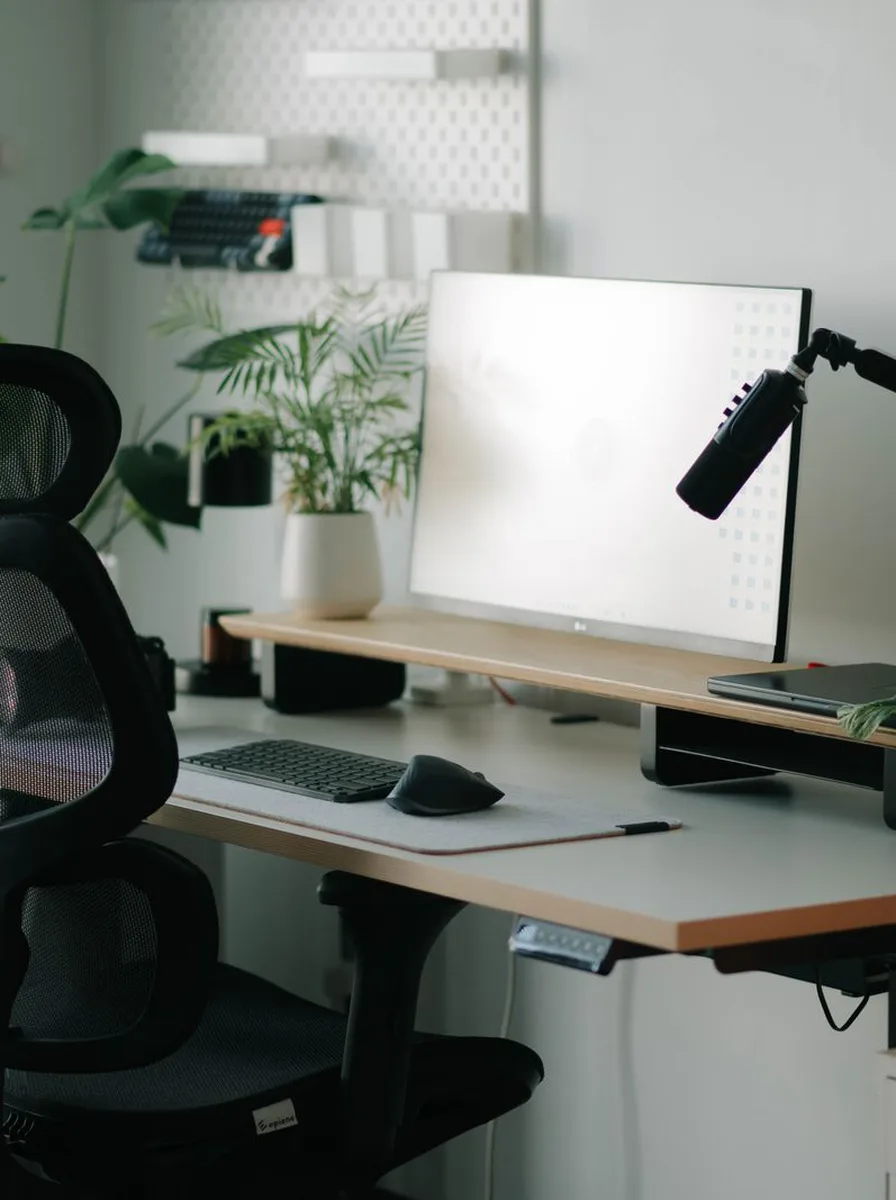
Seat height is the foundation every other adjustment builds on, and it is the one most people get wrong. Sit down and check: your feet should rest flat on the floor with your thighs roughly parallel to the ground. Too high, and pressure builds under your thighs and cuts off circulation; too low, and your hips drop below your knees, rounding your lower back into a painful C-shape.
Change the height in small steps, standing and walking for a minute between tweaks so your body can register each one. If your desk is fixed and the correct height leaves your feet dangling, add a footrest rather than lowering the seat. Tip: mark your ideal setting with a small strip of tape on the gas lift column so you can restore it instantly after someone else borrows your chair.
2. Tune the Lumbar Support to Your Spine’s Natural Curve
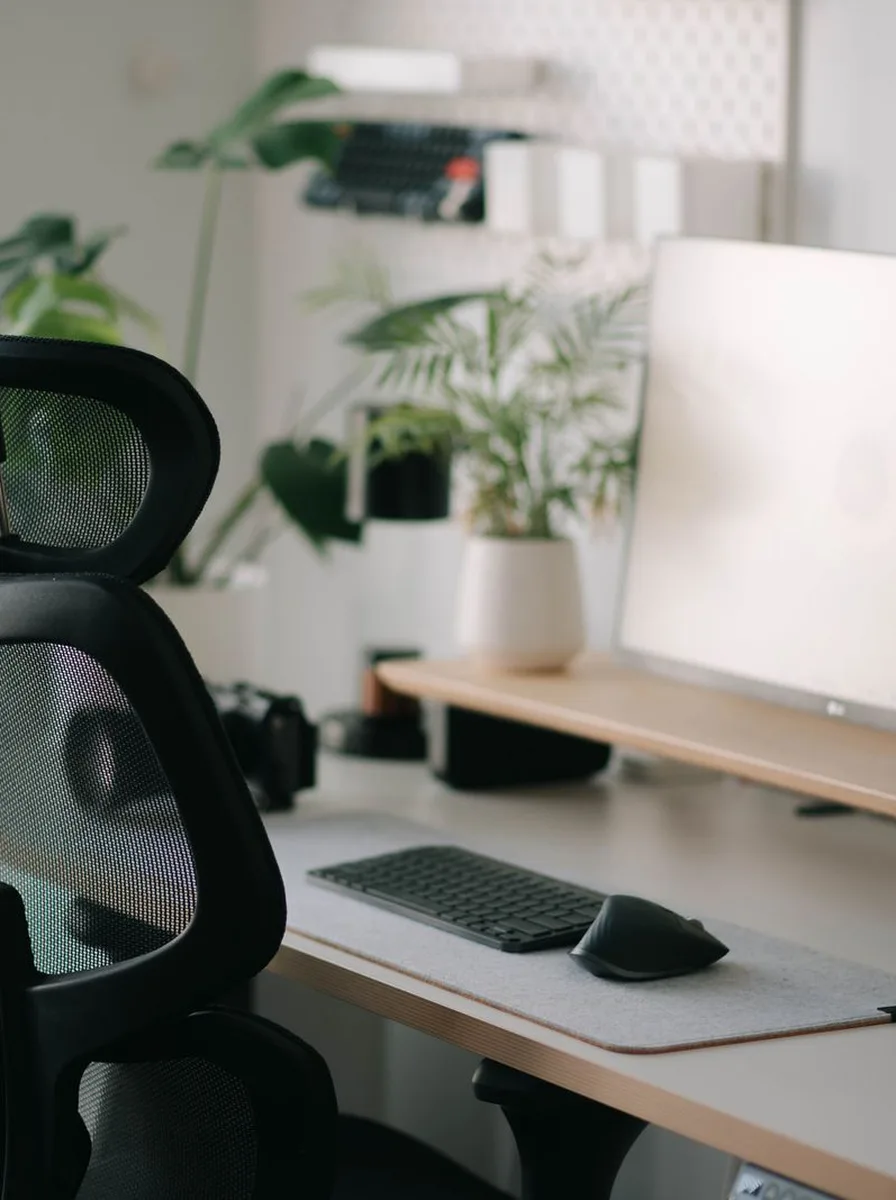
Your lower spine curves gently inward, and an ergonomic chair’s job is to fill that curve — not flatten it. Slide the lumbar support up or down until its firmest point sits right in the small of your back, roughly at belt level. Too high and it pushes your ribs forward; too low and it does nothing at all, leaving your muscles to hold your posture alone all day.
Start with the support at its softest setting and increase firmness gradually over a few days. If your chair has only a fixed lumbar pad, a small rolled towel tucked behind your lower back works surprisingly well. Tip: recheck the position after lunch — slouching through the morning lets the support drift out of place, and one quick nudge restores it.
3. Lock In the Perfect Seat Depth

Seat depth decides whether your thighs are supported or slowly going numb. Sit all the way back and check the gap between the seat’s front edge and the back of your knees — you want roughly two to three fingers’ width. A seat that is too deep presses into the soft tissue behind your knees; one that is too shallow leaves your thighs hanging and your lower back doing all the work.
If your chair has a seat slider, use it: slide the pan forward or back until the gap feels right, then lock it firmly. Taller people almost always need the seat extended; shorter people usually need it pulled in. Tip: if your chair has no slider, a firm cushion placed behind your back shortens the effective depth — an easy fix for a chair that feels too deep.
4. Recline a Little to Take Pressure Off Your Spine

Sitting bolt upright at ninety degrees feels virtuous, but research on spinal disc pressure suggests a slight recline — around 100 to 110 degrees — is kinder to your back. Leaning back a touch opens the angle between torso and thighs, lets the backrest carry some of your upper-body weight, and gives your spinal muscles a break they simply cannot get from rigidly perfect posture.
Unlock your chair’s tilt, lean back until it feels natural, then set the tension so the chair supports you without flinging you backward. Use the recline for reading, calls, and thinking time; sit a little more upright for precise mouse work. Tip: if your chair locks in multiple positions, save one for focused work and one for relaxed work, and switch between them through the day.
5. Set Your Armrests to Elbow Height

Armrests are meant to carry the weight of your arms so your shoulders do not have to. Adjust them until your elbows rest at roughly ninety degrees with your shoulders completely relaxed — if your shoulders creep up toward your ears, the armrests are too high; if you lean sideways to reach them, they are too low. Either error loads the neck and traps with tension by mid-afternoon.
When typing, your forearms should glide just above the armrests rather than pressing hard into them — the rests are for pauses, not for bearing down on. If your armrests are fixed and wrong for you, removing them entirely is often better than keeping bad ones. Tip: padded armrest covers are a cheap upgrade that takes the edge off hard plastic on long days.
6. Choose a Waterfall Seat Edge for Better Circulation

The front edge of the seat pan is where chairs quietly sabotage circulation. A waterfall edge — one that curves gently downward instead of ending in a hard lip — reduces pressure on the underside of your thighs, where major blood vessels and nerves run close to the surface. That small curve is the difference between legs that feel fresh at five and legs that tingle by three.
When shopping, run your hand along the seat’s front edge; it should feel like a smooth slope, not a cliff. If your current chair has a harsh edge, a contoured seat cushion with a waterfall front fixes the problem for very little money. Tip: avoid perching on the front half of the seat — it defeats the edge design and loads your lower back instead.
7. Keep Your Knees Level with or Slightly Below Your Hips
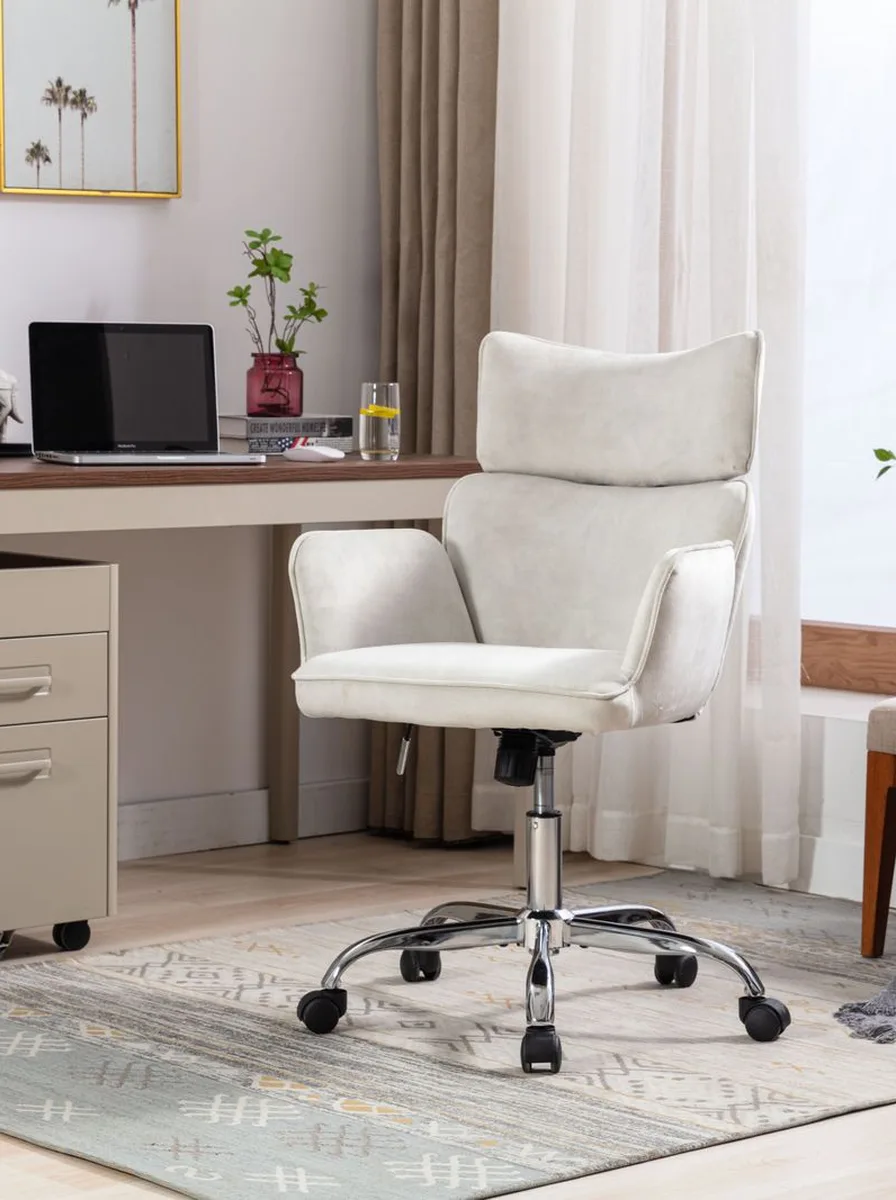
The angle of your hips sets the tone for your entire spine. When your knees sit level with or just below your hips, your pelvis settles into a neutral position and your lower back keeps its natural curve with minimal effort. Knees pushed up high force the pelvis to tuck under, flattening the lumbar curve and inviting the slow ache that creeps in after lunch.
This is really a seat-height check in disguise: if your knees ride high, raise the chair a notch and recheck your feet. People with long torsos and short legs often need the seat higher than expected. Tip: a footrest earns its keep here — it lets shorter sitters raise the seat for a healthy hip angle while still grounding their feet firmly.
8. Position the Headrest at the Base of Your Skull
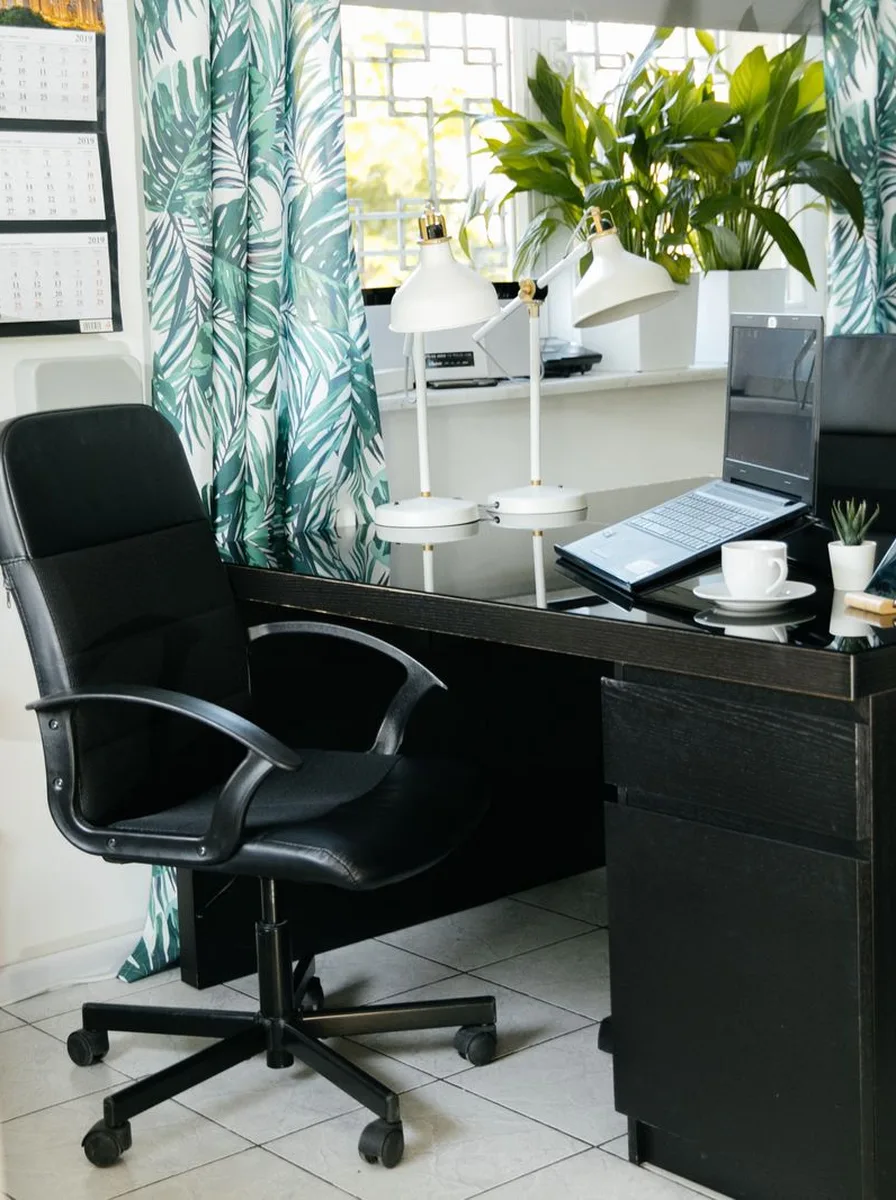
A headrest only helps if it meets your head in the right place. Adjust it so the pad supports the base of your skull — the bony ridge just above your neck — rather than pushing your chin toward your chest or propping up the middle of your head. Done right, it cradles the natural curve of your neck and takes real weight off the muscles that hold your head up all day.
Set the height first, then the angle: tilt it so it follows the back of your head without forcing it forward. If your chair has no headrest, that is fine for upright work — headrests matter most when you recline. Tip: taller users should check that the headrest extends high enough; a pad that hits mid-neck does more harm than good.
9. Sit All the Way Back — Every Single Time
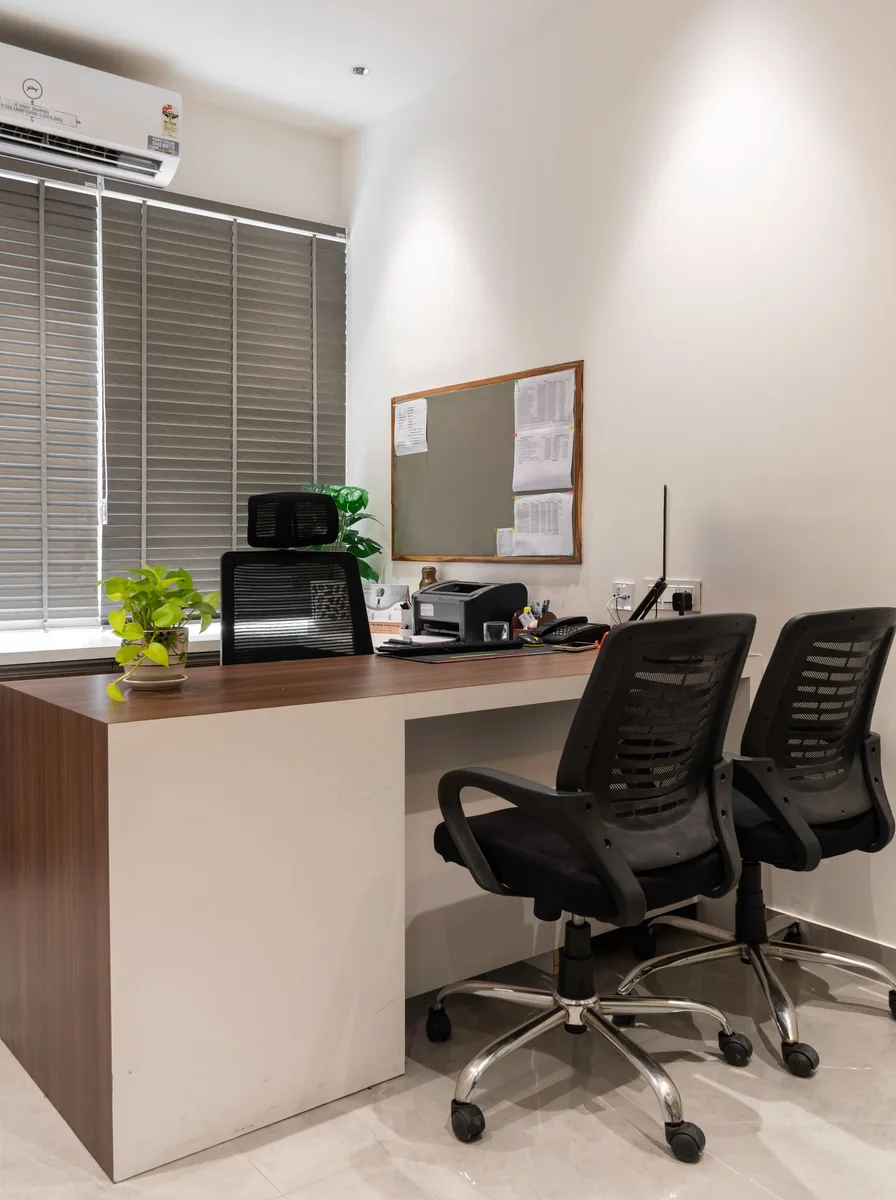
The simplest ergonomic secret is also the most ignored: scoot your hips all the way back until they touch the junction of seat and backrest. That single habit puts your spine in contact with the lumbar support, stacks your head over your shoulders, and stops the slow forward slide that turns into a full slouch by afternoon. Every adjustment on the chair assumes you are sitting back — without it, they are all miscalibrated.
If you keep drifting forward, your seat may be too deep or your feet may not reach the floor — fix the root cause rather than fighting the symptom. Set a quiet hourly reminder for the first week until sitting back becomes automatic. Tip: a small lumbar roll makes perching forward uncomfortable, gently training you back into the seat.
10. Match Your Chair Height to Your Monitor Height
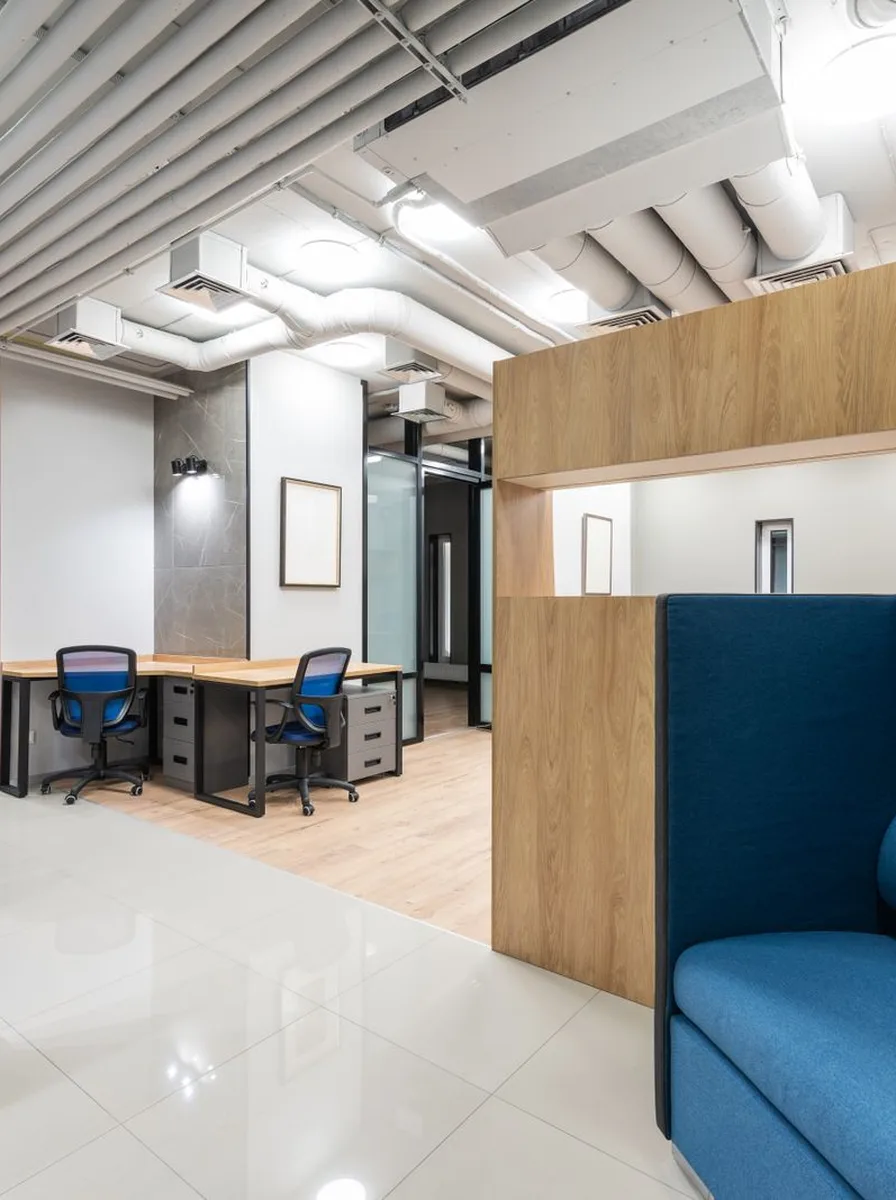
Your chair and monitor are a team, and they must be tuned together. Once your seat height is set so your feet are flat, check your gaze: the top of your screen should sit at or just below eye level, with the screen about an arm’s length away. If the monitor is too low, your neck cranes down no matter how perfect the chair is; too high, and you tilt your chin up all day.
Raise a low monitor with a stand, a stack of books, or a monitor arm — never hunch the chair down to meet the screen. Laptop users: a separate keyboard and a laptop stand are non-negotiable for full days. Tip: after any chair adjustment, recheck the monitor — changing seat height by an inch changes your eye line by an inch.
11. Stand and Move Every 30 Minutes
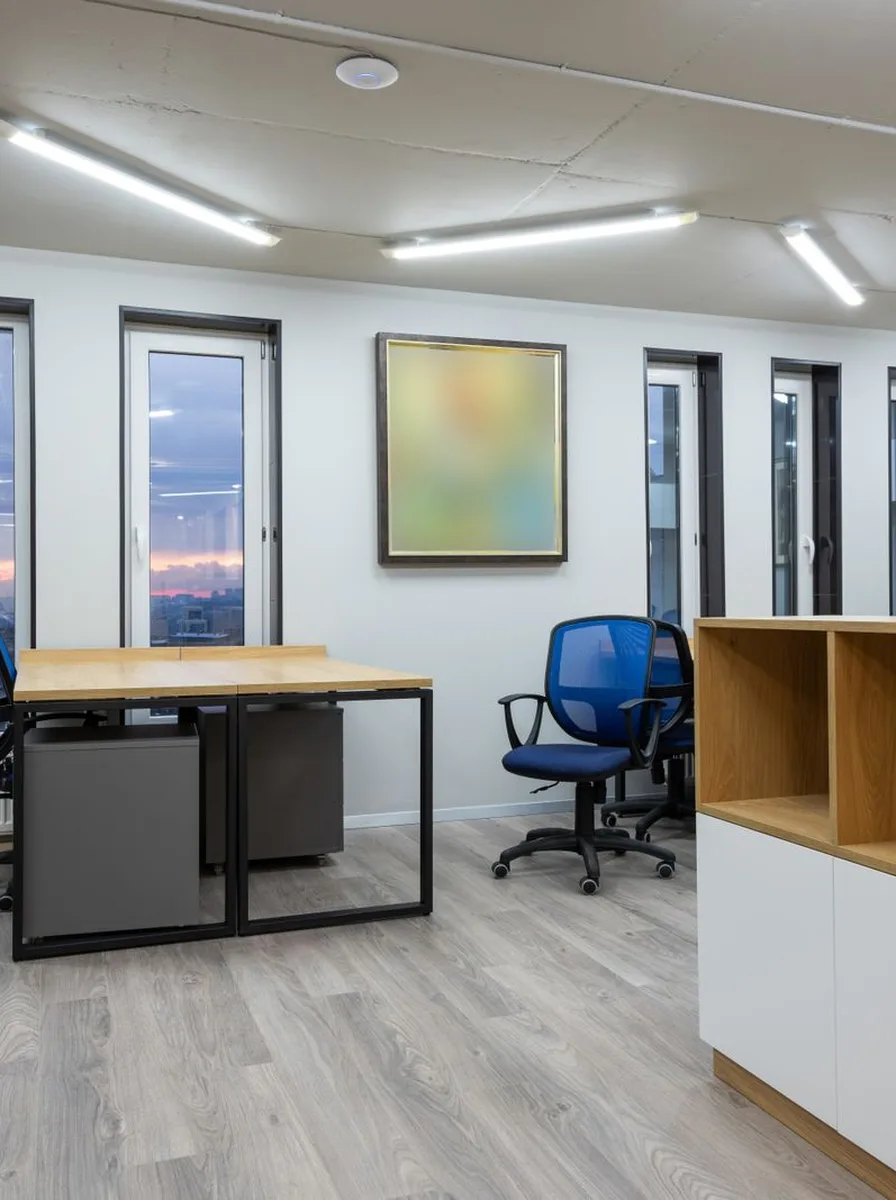
Here is the uncomfortable truth: no chair, however ergonomic, makes eight motionless hours healthy. Your spinal discs hydrate and nourish themselves through movement, and your hip flexors shorten every hour you stay folded. The best chair in the world is one you regularly get out of — brief standing and walking breaks do more for pain-free days than any single feature.
Set a gentle timer for every 25 to 30 minutes: stand, roll your shoulders, walk to the window, sit back down. These microbreaks need not interrupt flow — take calls standing, refill water, stretch while a file loads. Tip: pair the habit with an existing routine, like standing every time you finish a task or send an email, so it runs on autopilot.
12. Pick a Breathable Mesh Back
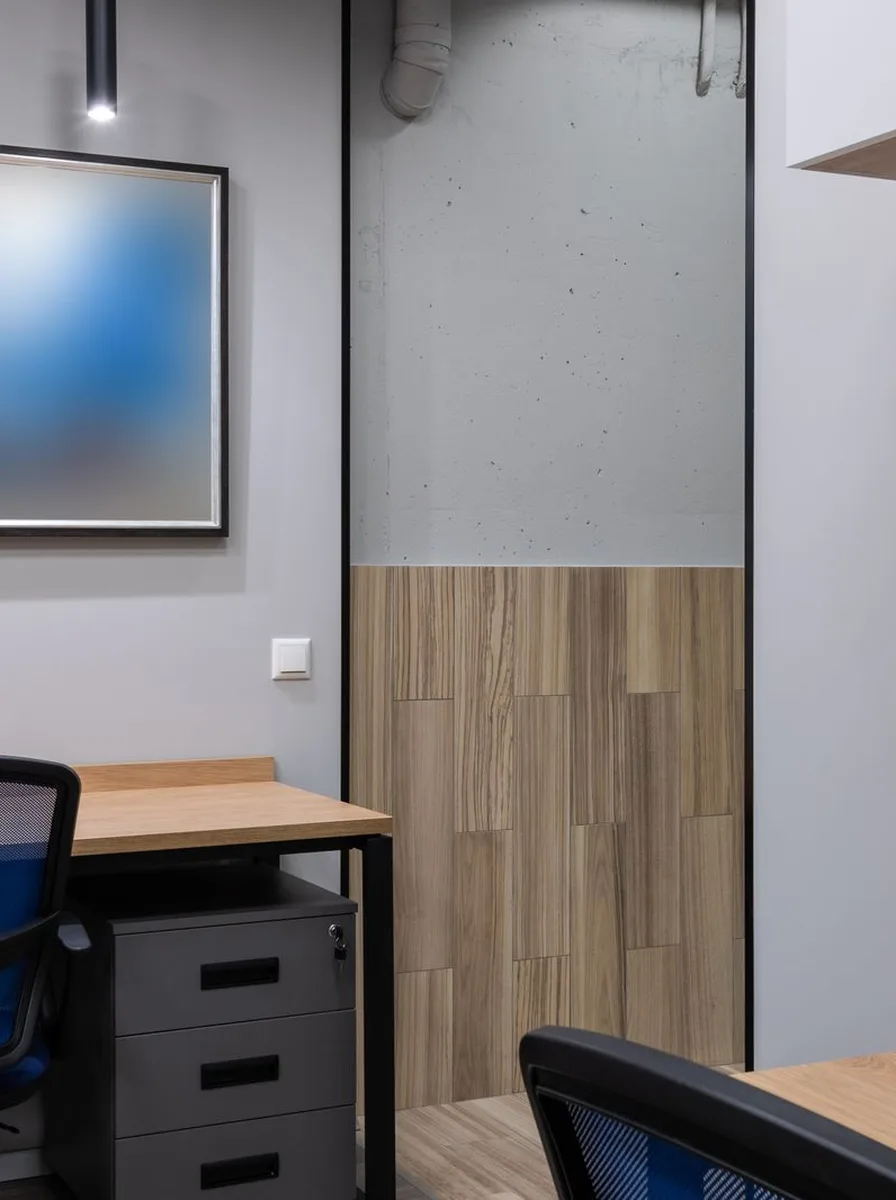
Discomfort is not only about joints — heat and sweat make you fidget, shift, and slouch. A mesh backrest lets air circulate against your spine, keeping you cool through long sessions and warm afternoons. Because mesh flexes, it also conforms to your back’s shape and moves with you as you shift, unlike a rigid back that only fits one posture.
Not all mesh is equal: look for a tight, supportive weave rather than a loose hammock that sags by month three. Mesh suits warm climates and long sitters; if your office runs cold, layer a thin cushion in winter. Tip: test mesh by pressing your palm firmly into it — good mesh resists and springs back; cheap mesh stays dented.
13. Look for a Synchro-Tilt Mechanism
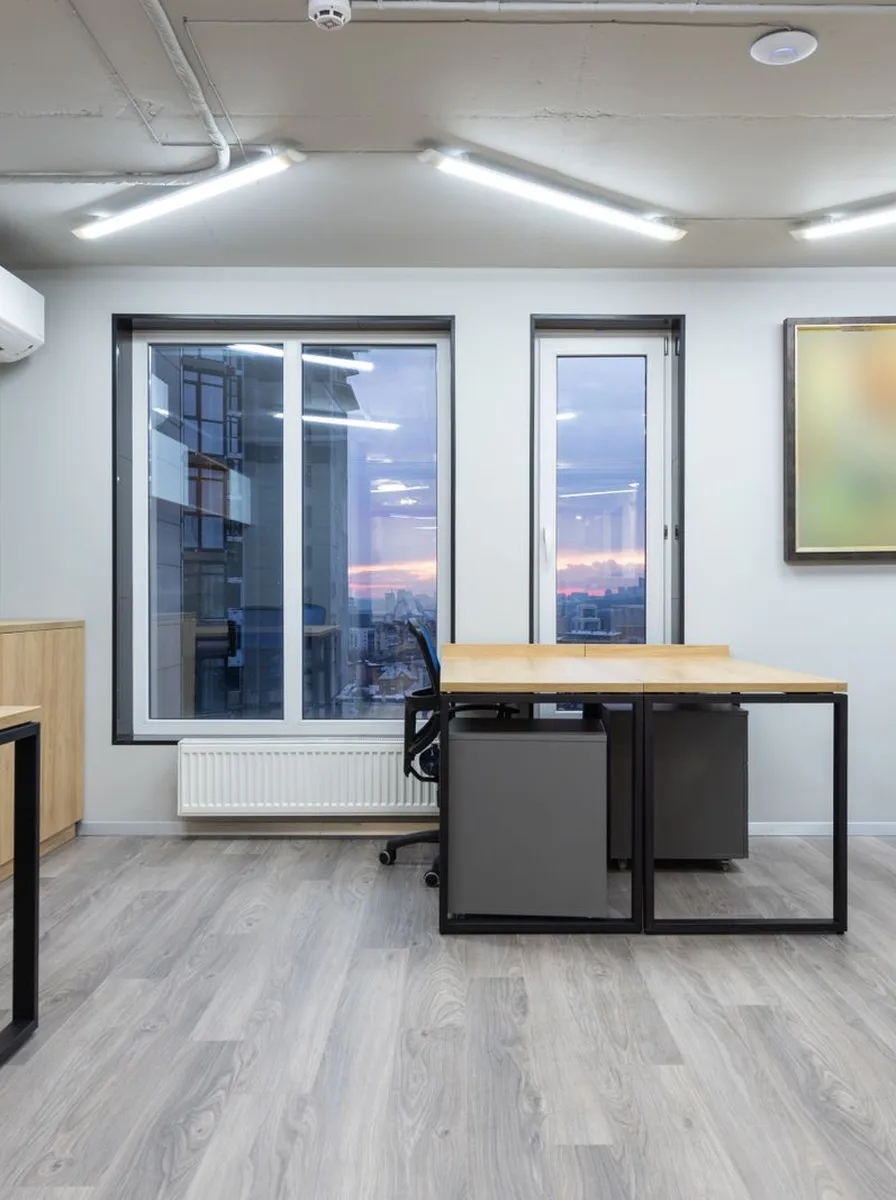
When you recline, your body does not fold at a single hinge — your backrest and seat should move in a coordinated ratio, and that is exactly what a synchro-tilt mechanism does. Typically the backrest reclines about twice as far as the seat tilts, keeping your feet grounded and your hip angle open as you lean back. The result is a recline that feels natural instead of like tipping over.
This is a feature to shop for, not adjust: check the spec sheet or simply lean back in the showroom and feel whether the seat follows. Chairs with a single fixed pivot tend to lift your knees awkwardly. Tip: if buying secondhand, sit and recline fully — a smooth, quiet synchro-tilt is a sign of a quality chair worth the price.
14. Fine-Tune the Tilt Tension
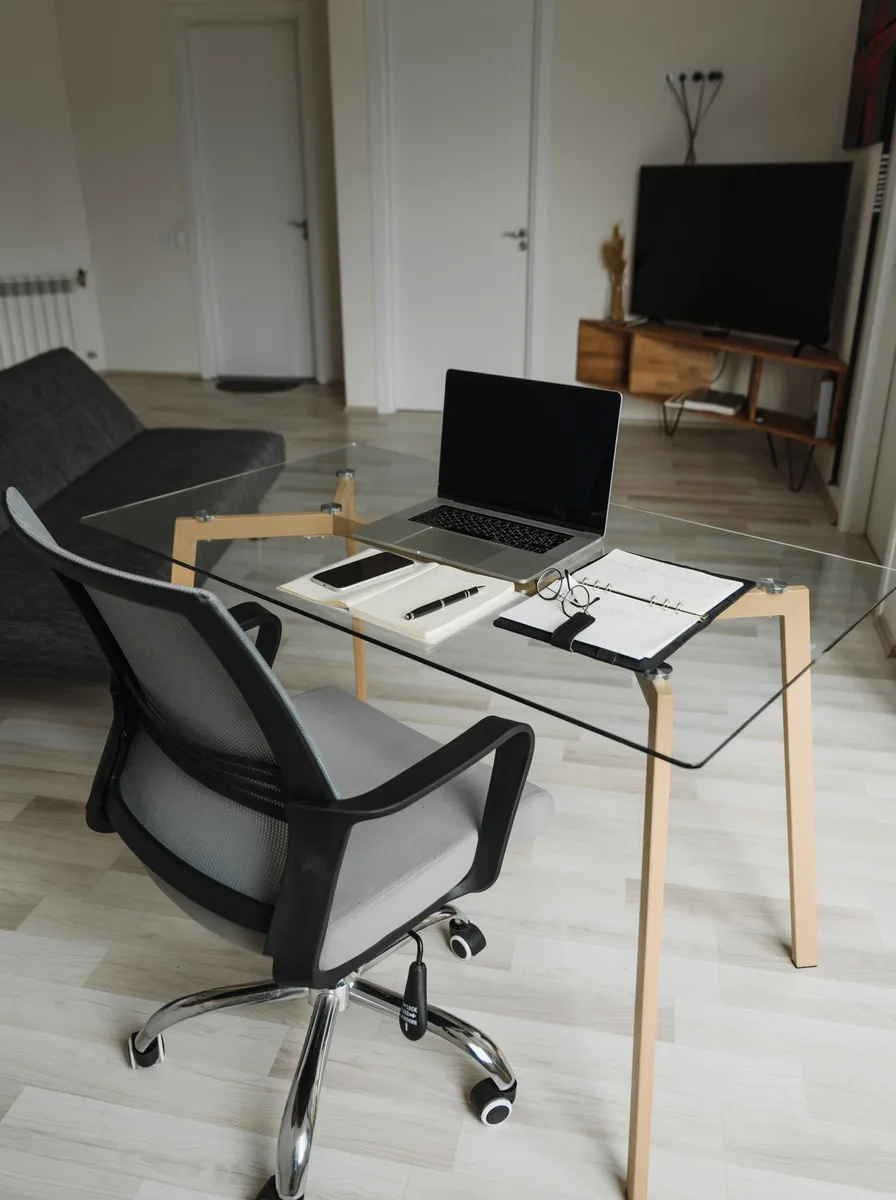
Tilt tension is the hidden dial that decides whether reclining feels like floating or wrestling. Too stiff and you will never lean back, losing all the spinal relief recline offers; too loose and the chair throws you backward every time you shift. The sweet spot: the backrest should follow you with gentle resistance, holding any position without a fight.
Find the tension knob — usually under the front of the seat — and turn it while leaning back to feel the change in real time. Heavier users need more tension; lighter users need less. Tip: recheck tension seasonally or after any big weight change, since the right setting depends entirely on your body, not the factory default.
15. Upgrade to 4D Armrests for Shoulder Relief
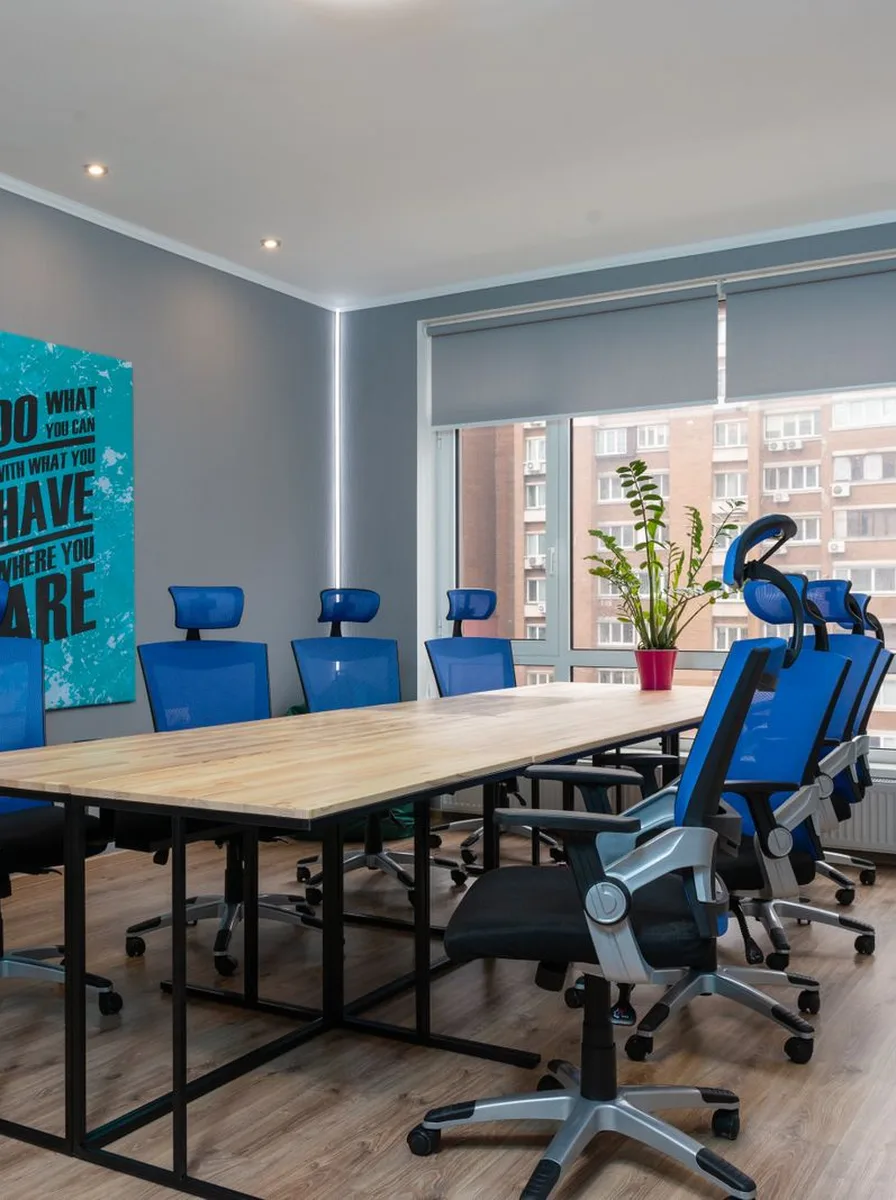
Basic armrests move up and down; 4D armrests also slide forward and back, shift side to side, and pivot — and that freedom matters more than it sounds. Everyone’s shoulders, keyboard position, and mouse habits differ, and 4D adjustment lets the armrests meet your arms exactly where they naturally fall instead of forcing your posture to fit the chair.
Set the height first, then slide them so your elbows rest naturally without pulling your shoulders forward. Mouse users especially benefit from angling the right armrest slightly inward. Tip: when shopping, wiggle the armrests firmly — quality 4D rests lock solidly; wobbly ones will drive you mad within a month.
16. Choose the Right Casters for Your Floor
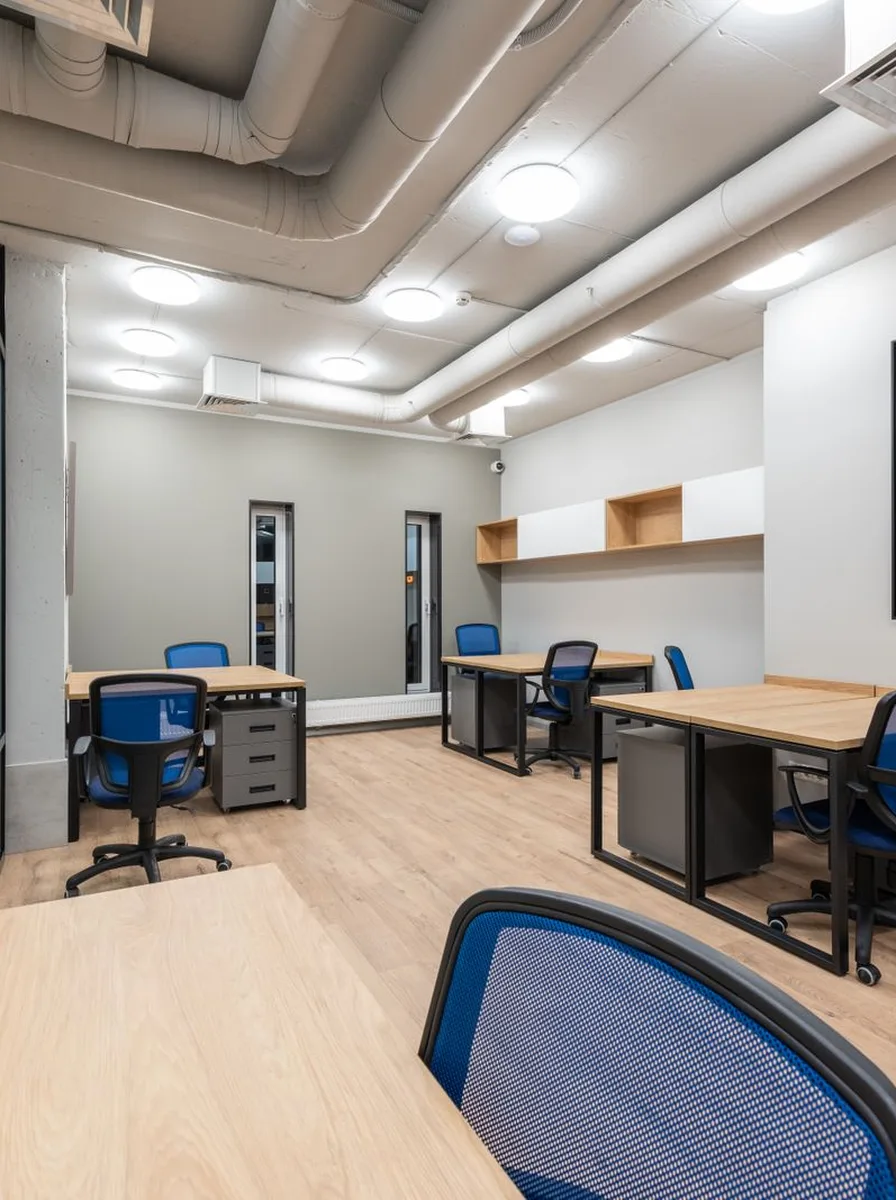
The wrong wheels turn every small movement into a jolt — and jolts travel straight up your spine. Hard floors want soft, rubberised casters that grip and roll quietly; carpets want harder, larger wheels that do not sink and drag. Mismatched casters make you brace your core just to scoot, adding invisible strain to every workday.
Check what your chair came with and swap if needed — replacement caster sets are inexpensive and pop in with a firm pull. A chair mat protects both floor and wheels and makes rolling effortless. Tip: lockable casters are worth considering if your chair drifts on smooth floors; a stable base means your posture adjustments actually stay put.
17. Add a Footrest If Your Feet Dangle
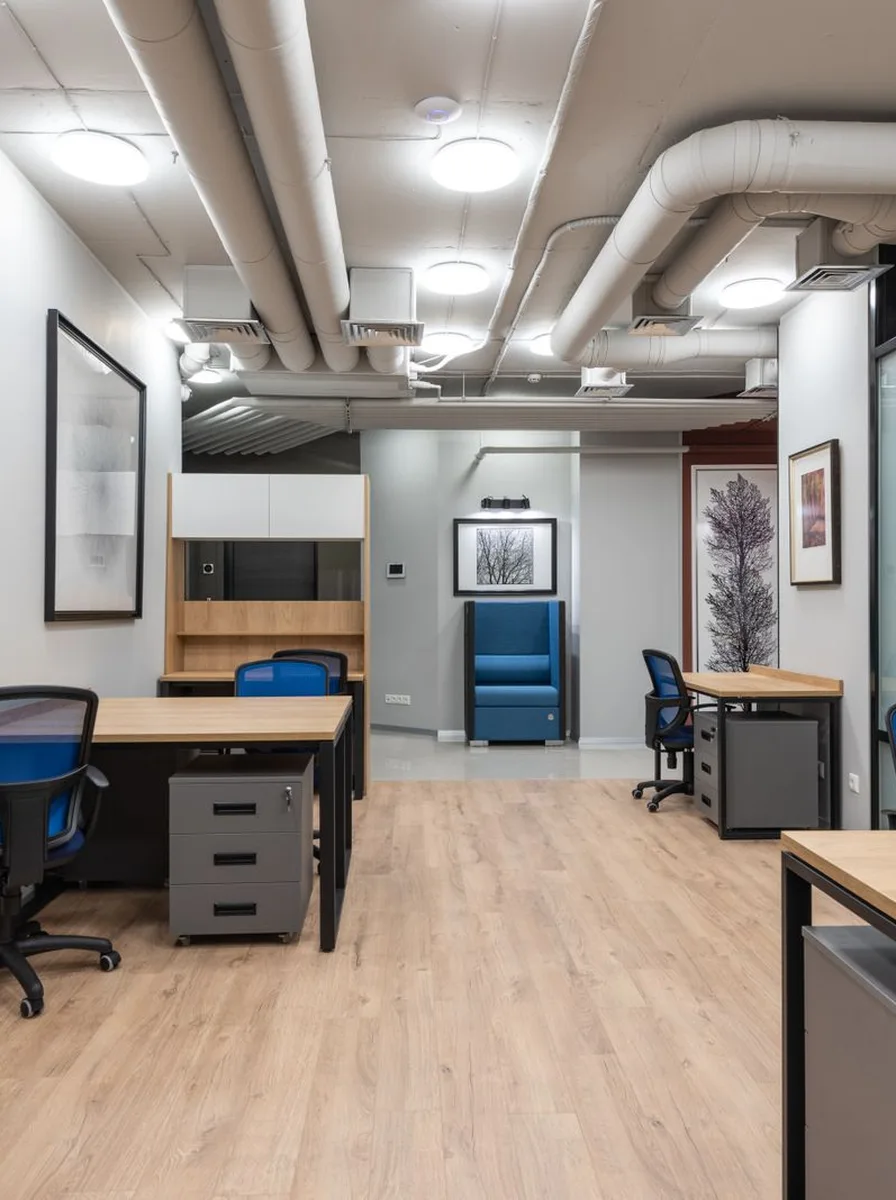
Dangling feet are a silent posture killer. Without ground contact, your legs pull your pelvis forward, your lower back loses its curve, and pressure concentrates under your thighs. A footrest solves it instantly: it grounds your feet, takes weight off the seat edge, and lets you keep the seat high enough for a healthy hip angle even if you are on the shorter side.
Choose an adjustable footrest and set it so your knees rest level with or just below your hips. Even tall users benefit on high drafting chairs. Tip: a rocking-style footrest adds gentle ankle movement through the day, keeping circulation going in a way a static block cannot.
18. Test the Seat Cushion Before You Commit

A seat cushion is a Goldilocks problem: too soft and you sink until your hips drop below your knees; too firm and pressure points bloom under your sit bones within the hour. The right cushion supports without fighting — firm enough to hold your posture, forgiving enough to disappear from your awareness. You should never be thinking about your seat at three in the afternoon.
In a showroom, sit for at least ten minutes — first impressions lie, since soft foam feels heavenly for ninety seconds and punishing by minute thirty. Look for high-density foam or a molded seat pan. Tip: if your current cushion has gone flat, a quality replacement seat pad costs far less than a new chair and buys you another year or two.
19. Leave a Fist’s Gap Behind Your Knees

Here is a quick body-measurement trick worth memorising: sit back fully and slide your fist between the seat’s front edge and the back of your knee. If it fits snugly — about two to three fingers to a loose fist of space — your seat depth is right. Less room means the edge is digging into tissue and nerves; much more means your thighs are unsupported and sliding forward.
Run this check whenever you adjust anything else, because seat height and recline both change the geometry. It is also the fastest way to evaluate a chair in a shop — no tools, no manual, just your own hand. Tip: teach the trick to family members who share the chair; it is the quickest shared-chair reset there is.
20. Adjust in Small Steps Over a Whole Week
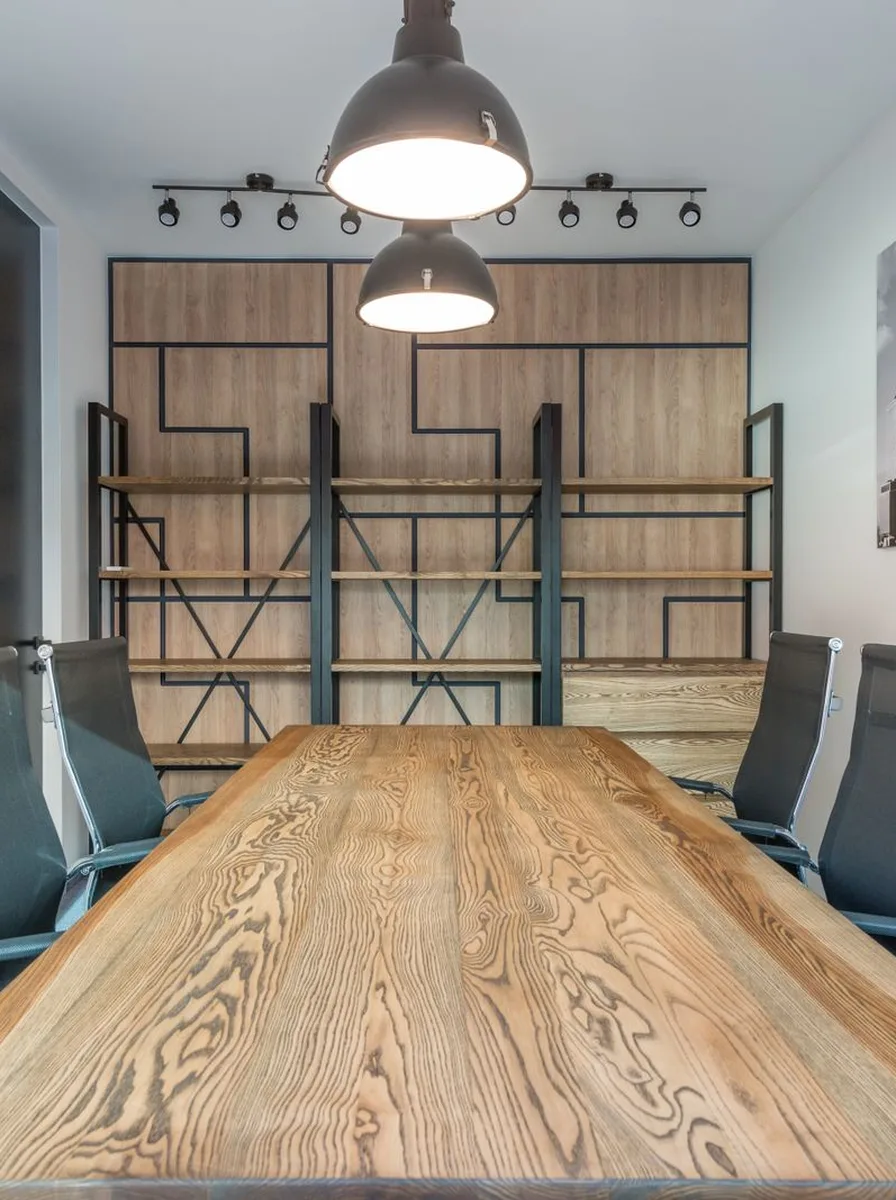
The biggest mistake people make with a new ergonomic chair is changing everything on day one. Your body has spent years adapting to bad posture, and its muscles need time to accept better alignment — overhaul it all at once and you will ache in new places and blame the chair. Treat setup as a week-long project, not a ten-minute job.
Change one thing per day: seat height Monday, lumbar Tuesday, armrests Wednesday, and so on. Note how each change feels by evening. By Friday you will have a dialed-in chair and a body that trusts it. Tip: keep a one-line log on your phone — “Tue: lumbar up one notch, back felt supported” — so you can retrace your steps if something feels off.
21. Slide the Seat Pan for Full Thigh Support
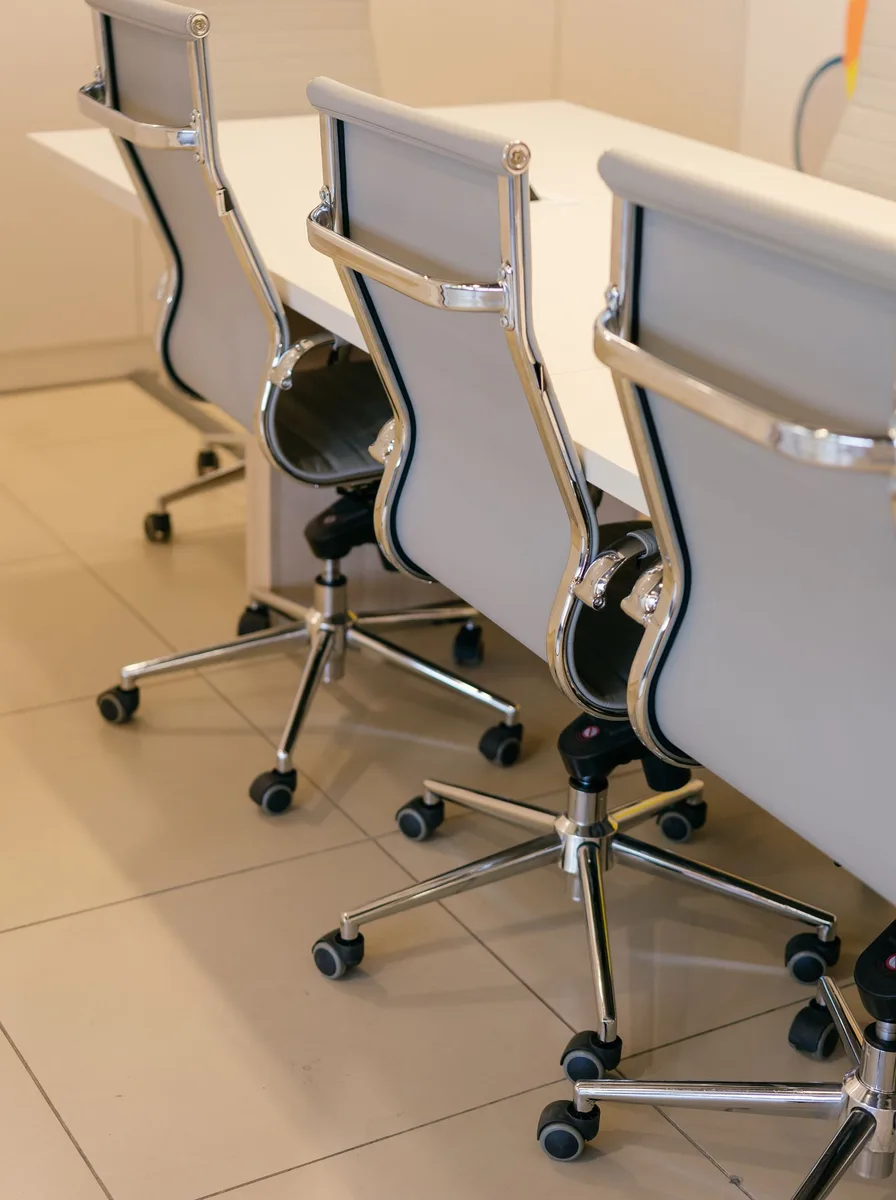
If your chair has a seat slider and you have never touched it, you are sitting on an unadjusted chair. Sliding the seat pan forward or back changes how much of your thigh is supported without moving your back away from the lumbar support. Longer thighs need more pan; shorter thighs need less — it is the adjustment that finally makes one chair fit very different bodies.
Sit back, slide until you feel support along most of your thigh with that fist’s gap behind the knees, then lock it firmly. Recheck after changing seat height, since the two interact. Tip: partners sharing one chair should each memorise their slider position — a strip of tape on the rail marks two settings in seconds.
22. Vary Your Posture Through the Day

Ergonomists have a saying: your best posture is your next posture. Even perfect alignment becomes a problem if you freeze in it for hours — muscles fatigue, discs compress, and joints stiffen. The healthiest sitters are fidgeters by design: they shift, recline, perch, stand, and stretch, giving tissues regular relief from any single position.
Build variety into your chair’s features: recline during calls, sit upright for typing, perch forward briefly for intense focus, stand for a stretch. A chair with easy, intuitive adjustments invites this movement; a stiff one discourages it. Tip: if you catch yourself locked in one position for over an hour, that is your cue — change something, anything, right now.
23. Reassess Your Chair Every Few Months
Chairs wear, bodies change, and setups drift. Foam compresses, tilt tension loosens, lumbar pads migrate, and the perfect settings from January quietly become the aches of June. A five-minute seasonal audit — sit back, run through height, depth, lumbar, armrests, and tension — catches small degradations before they become real pain.
Put a recurring reminder in your calendar for the first Monday of each quarter. Check for wobbles, squeaks, and sinking; tighten bolts and clean casters while you are at it. Tip: if the chair no longer holds its adjustments or the cushion has visibly flattened, that is honest wear — budget for a replacement rather than enduring another year of drift.

David is the home decor enthusiast behind HomeLushly. He shares practical, budget-friendly ideas for bedrooms, living rooms and seasonal decorating — from colour combinations that actually work to small-space styling tricks that make a room feel bigger. Every guide on HomeLushly is built around real photos and hands-on research, to help you make your home feel warm, personal and beautifully put together.